











Description
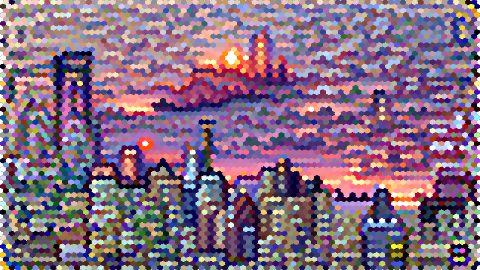
AI Line Art Generator turns a text prompt or an uploaded photo into line art illustrations. You upload a photo or describe what you want, optionally add a prompt to change the image, pick a style and generate. The site lists styles such as sketching, pencil, woodcut, watercolor and minimalist line art, and others including continuous line art, comics, architectural drawings, fashion sketches and pixel art. Custom prompts, aspect ratios, composition settings and lighting options are available for fine-tuning. The free plan includes a daily credit with watermarked exports for personal use. Paid plans add monthly credits, faster generation, no watermarks and private generation, and outputs can be PNG, JPG, WEBP or SVG. Pay-as-you-go credit packs are also offered, and the site says those never expire. The site says no drawing skills are needed, and that you upgrade to unlock and save high-quality images.…
Preview
Pricing
- Free$0/mo
Highlights
- Photo or text to line art
- Styles from pencil to woodcut
- Aspect ratio and lighting controls
- PNG, JPG, WEBP and SVG output on paid plans
- Daily free credit
Ratings & Reviews
No ratings yet
Be the first to rate AILineArt.
People also visit
AILineArt FAQ
What is AI Line Art Generator?
An online tool that turns text descriptions or photos into line art illustrations in several styles.
Is it free?
There is a free plan with a daily credit, single-image generation and watermarked exports. Paid plans add monthly credits, no watermarks and faster generation.
Do I need art skills?
No. The site says you only need to type what you want or upload a photo, and the generator creates the result.
What file formats can I download?
The plan list includes PNG, JPG, WEBP and SVG output on the paid plans.
What are the best AILineArt alternatives?
Popular alternatives to AILineArt include GenLineArt, ai draw and Line Art. See all AILineArt alternatives