



















Description
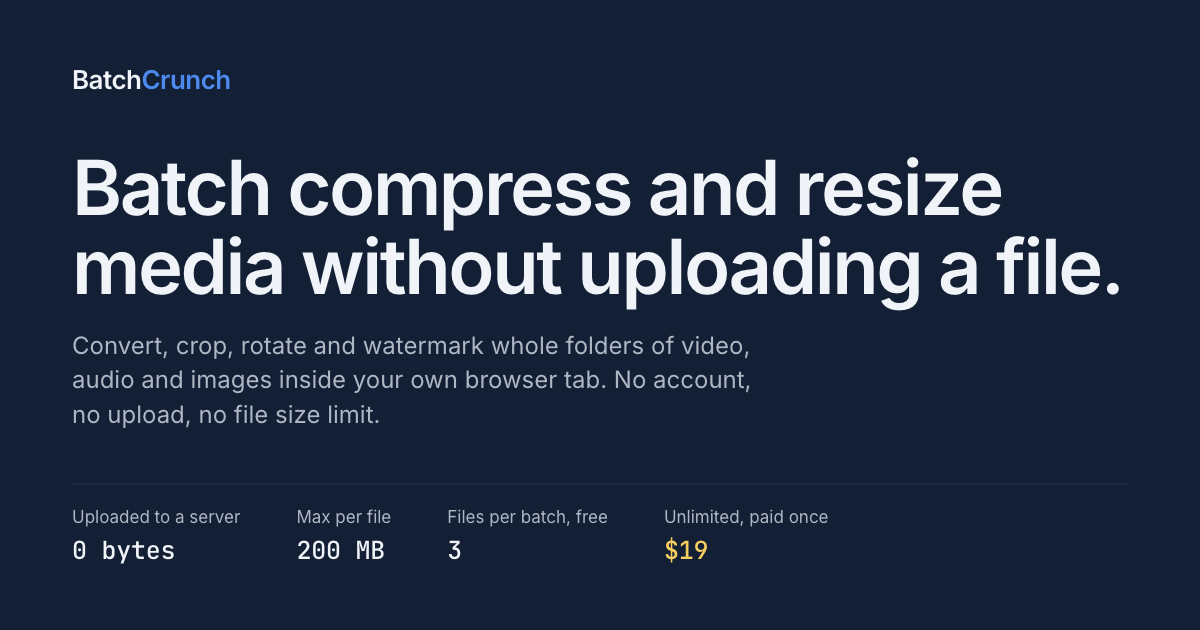
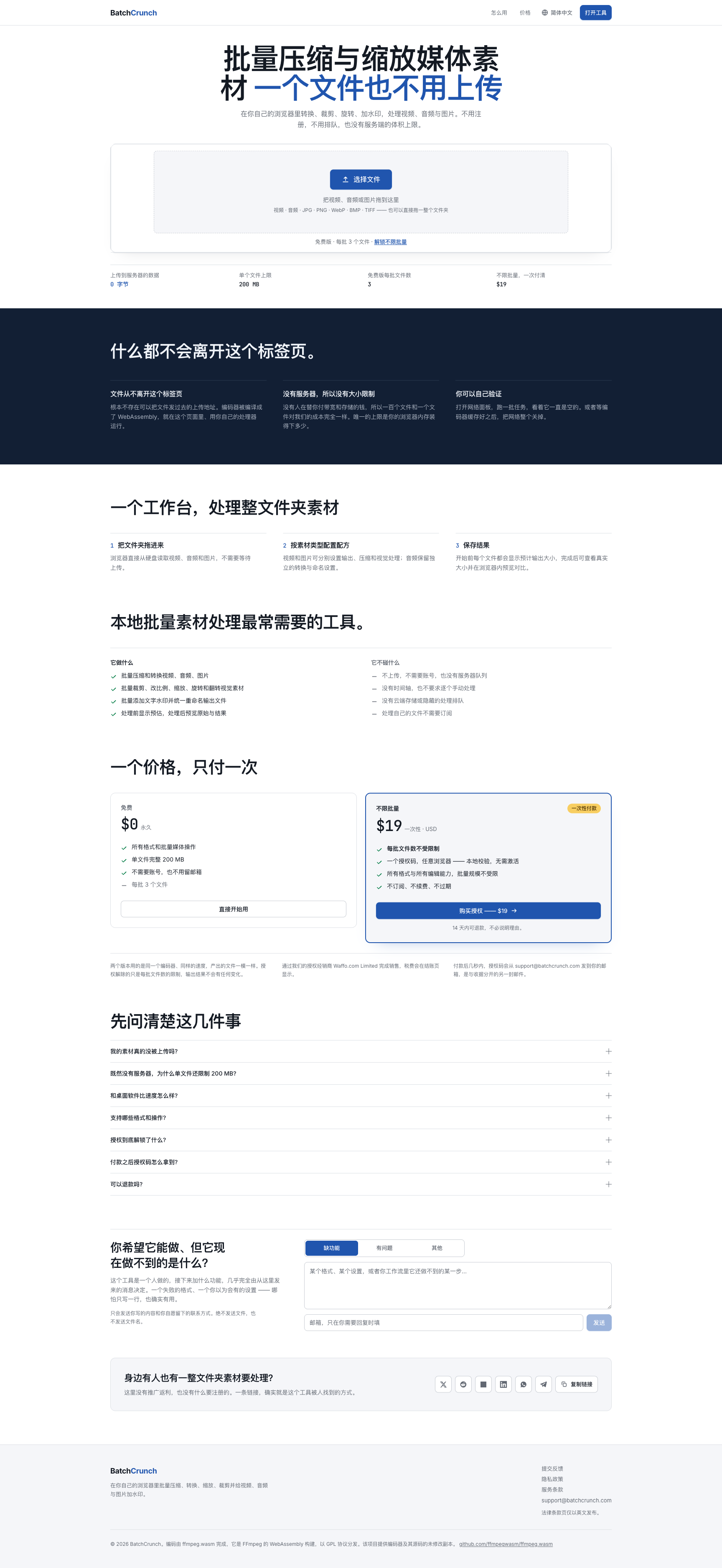
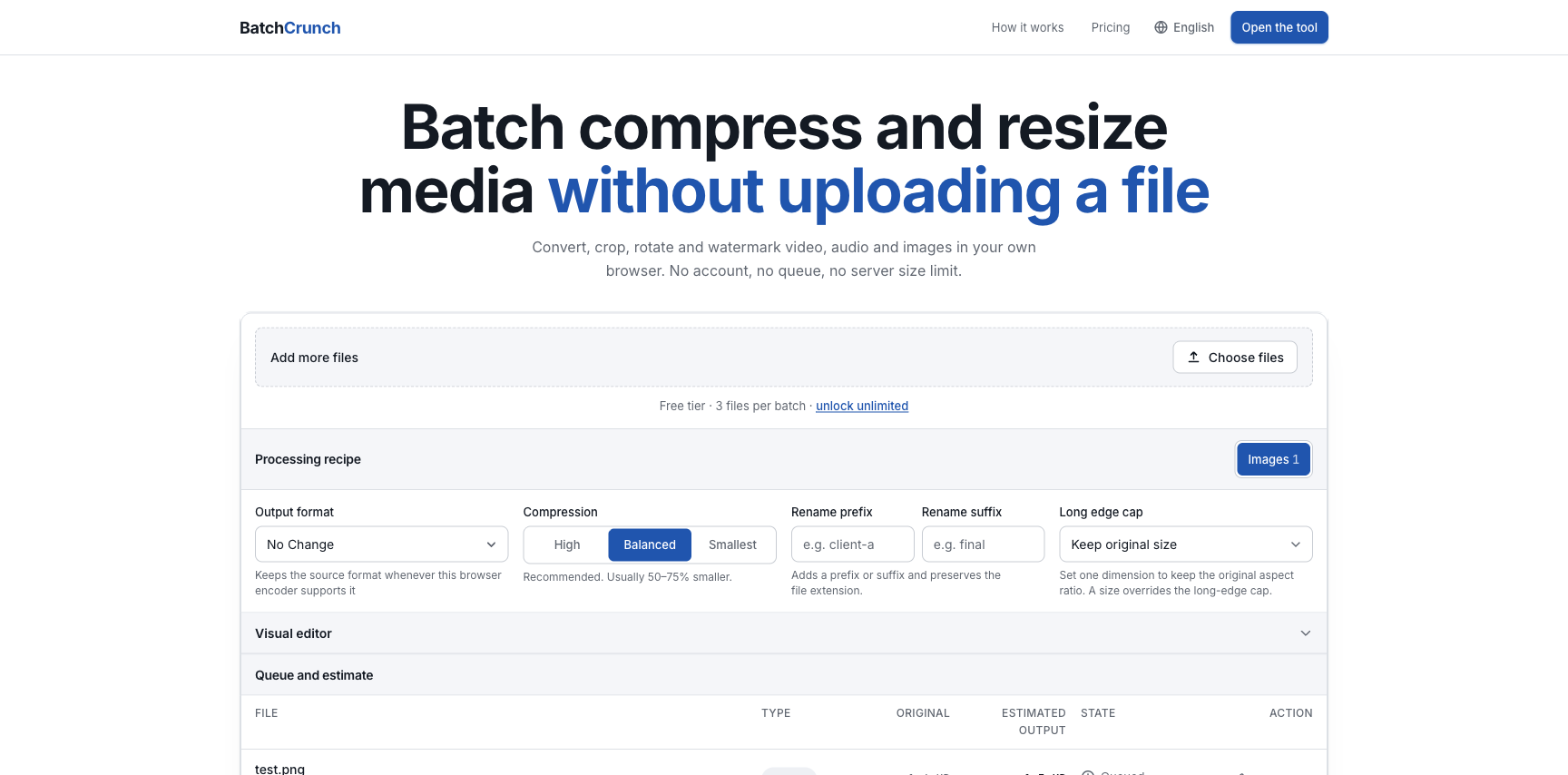
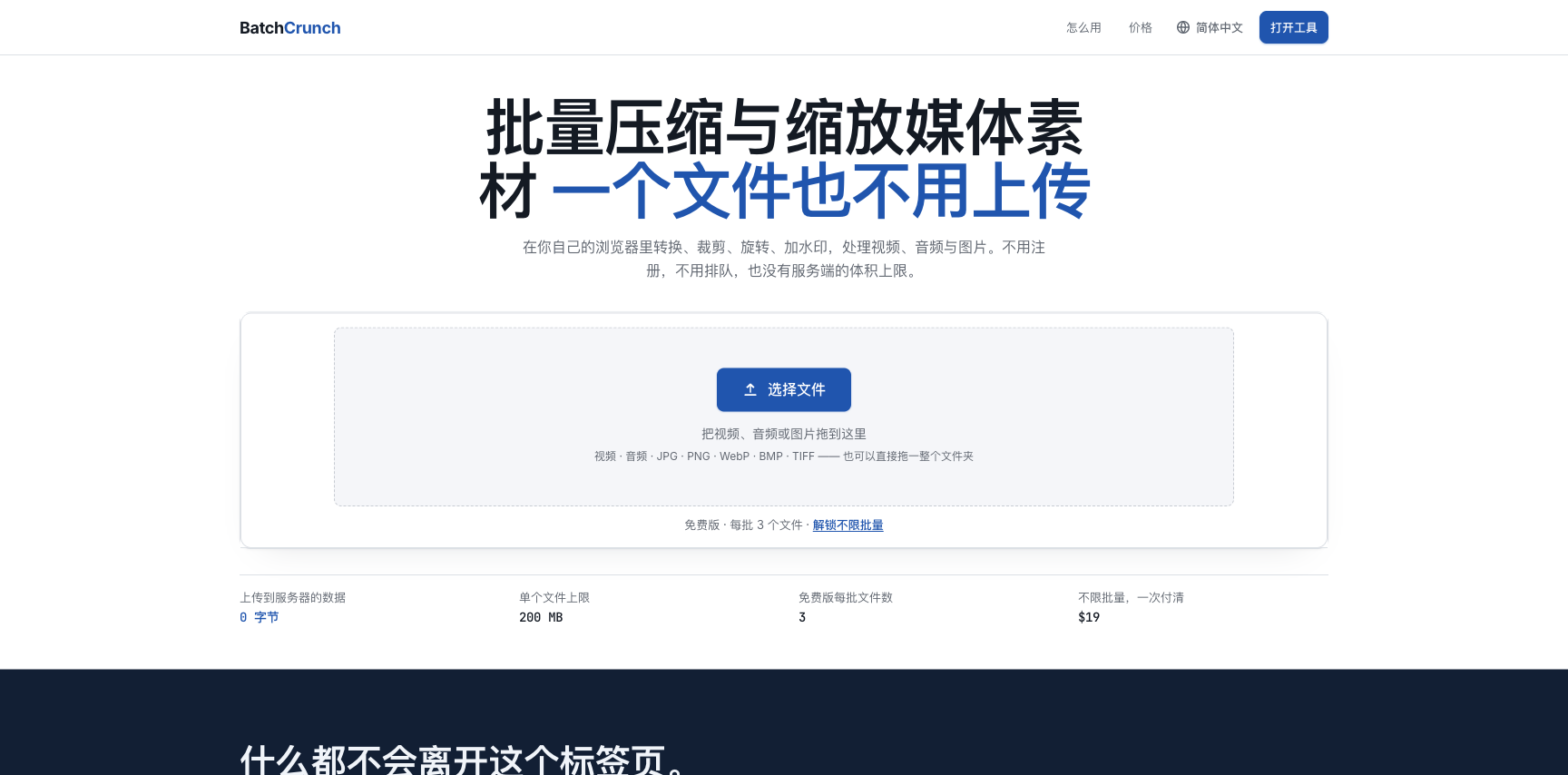
BatchCrunch processes folders of video, audio and image files entirely inside your browser tab. It is ffmpeg compiled to WebAssembly, running on your own CPU, so files are never uploaded to a server — no upload size cap and no queue. Drop a whole folder and set one recipe per media type: compress, convert, crop, resize, rotate, flip and watermark video, audio and images, then rename outputs.…
Preview
Information
People also visit
Apps people often open alongside BatchCrunch.

VoiceToTextOnline
Free voice to text converter. Convert speech to text. No login, no sign-up
BatchCrunch FAQ
What is BatchCrunch?
BatchCrunch processes folders of video, audio and image files entirely inside your browser tab. It is ffmpeg compiled to WebAssembly, running on your own CPU, so files are never uploaded to a server — no upload size cap and no queue. Drop a whole folder and set one recipe per media type: compress, convert, crop, resize, rotate, flip and watermark video, audio and images, then rename outputs.
Is BatchCrunch free?
BatchCrunch is freemium.
Do I need to download BatchCrunch?
No. BatchCrunch runs in your browser at batchcrunch.com, so there's nothing to install.
What are the best BatchCrunch alternatives?
Popular alternatives to BatchCrunch include Jellyfin, UniScribe and ASMRify. See all BatchCrunch alternatives