

















Description
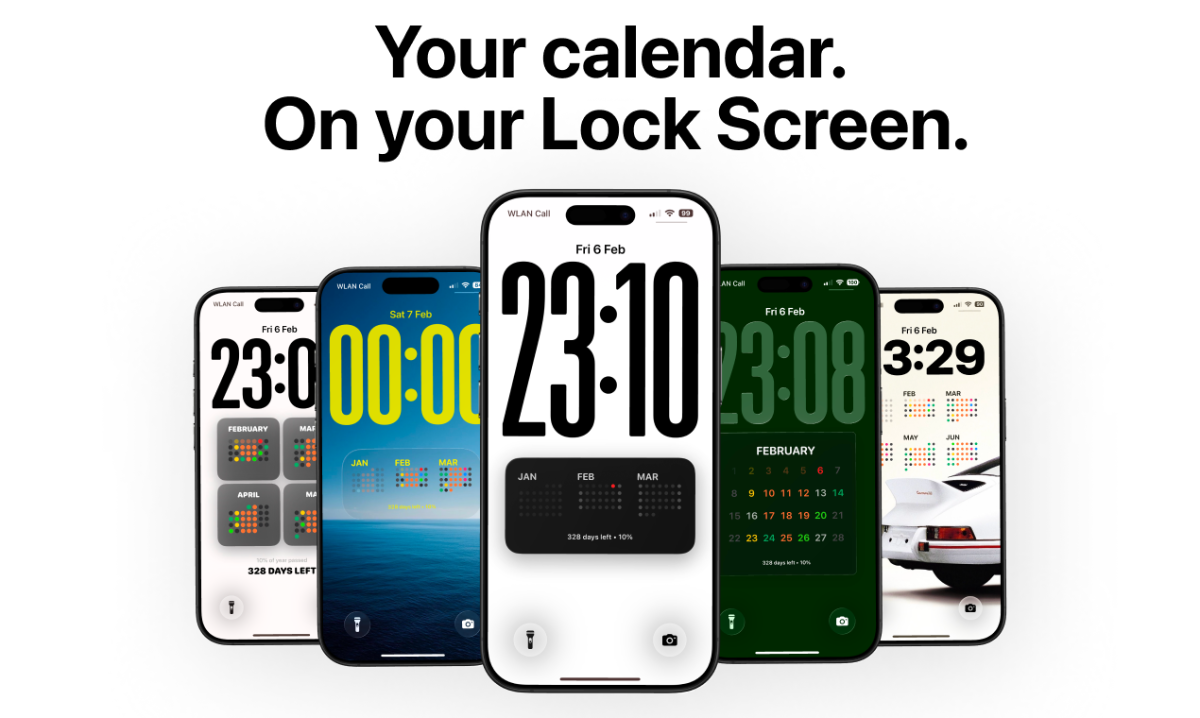
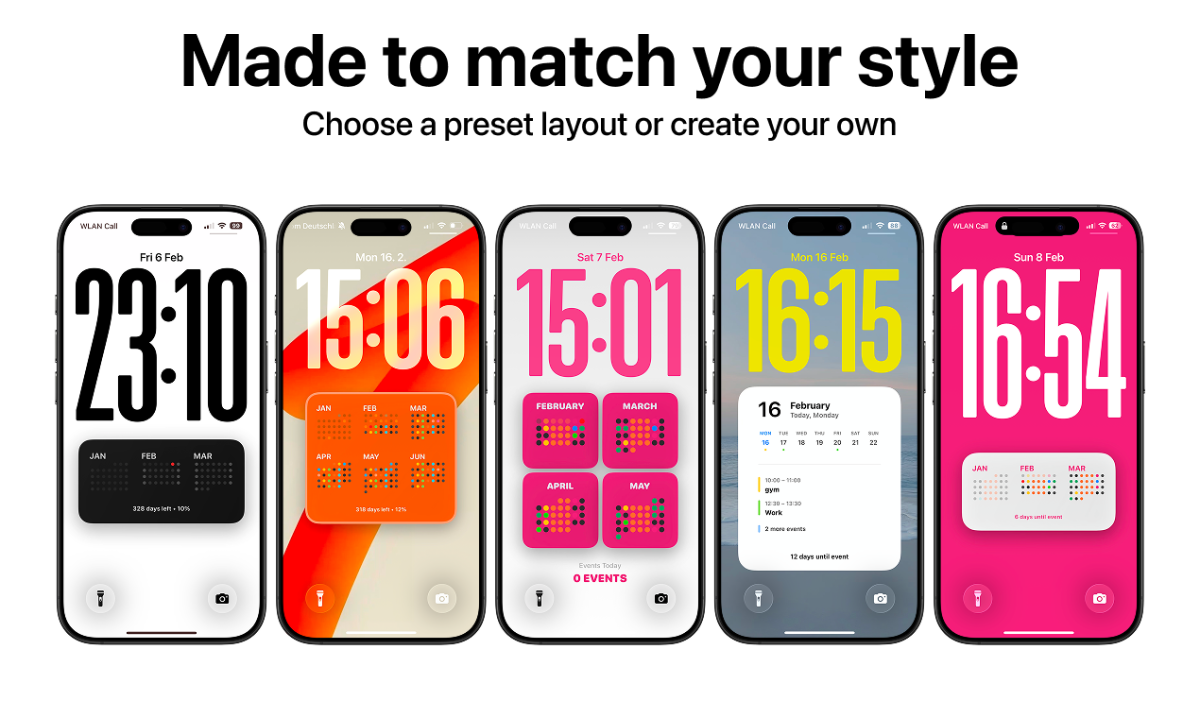
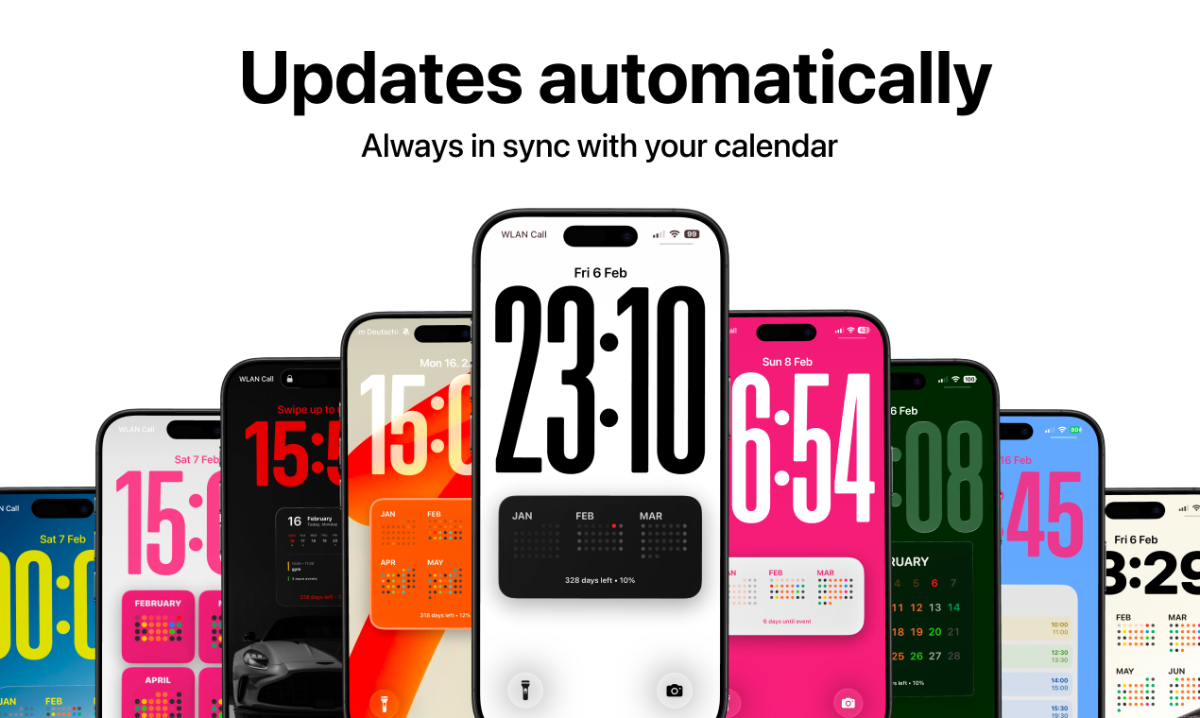
Calendarly puts your calendar directly on your iPhone lock screen so you can see your entire day without opening apps. Most people unlock their phone just to check one event and end up getting distracted. Calendarly solves that by turning your schedule into a clean lock screen calendar that updates automatically.…
Preview
Information
People also visit
Apps people often open alongside Calendarly.
Calendarly FAQ
What is Calendarly?
Calendarly puts your calendar directly on your iPhone lock screen so you can see your entire day without opening apps. Most people unlock their phone just to check one event and end up getting distracted. Calendarly solves that by turning your schedule into a clean lock screen calendar that updates automatically.
Is Calendarly free?
Calendarly is freemium.
Do I need to download Calendarly?
No. Calendarly runs in your browser at getcalendarly.com, so there's nothing to install.
What are the best Calendarly alternatives?
Popular alternatives to Calendarly include Loggd, Hourly and Share a slot. See all Calendarly alternatives