





















Description
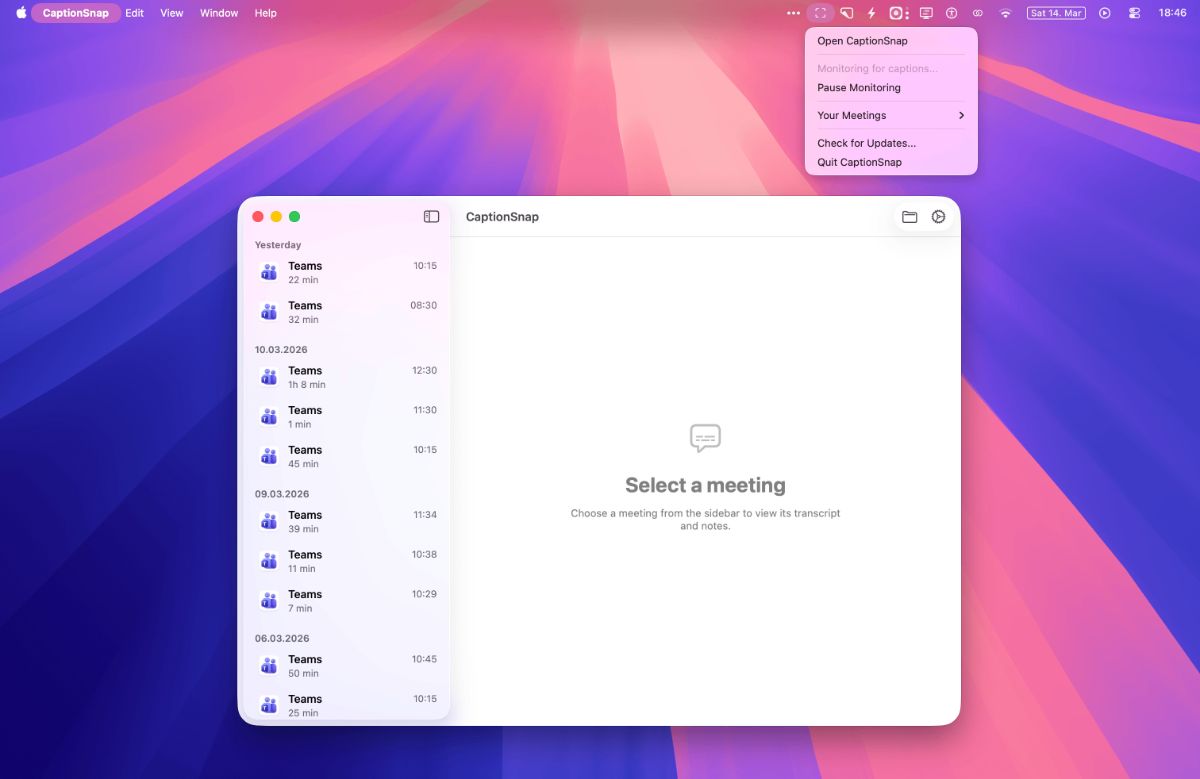
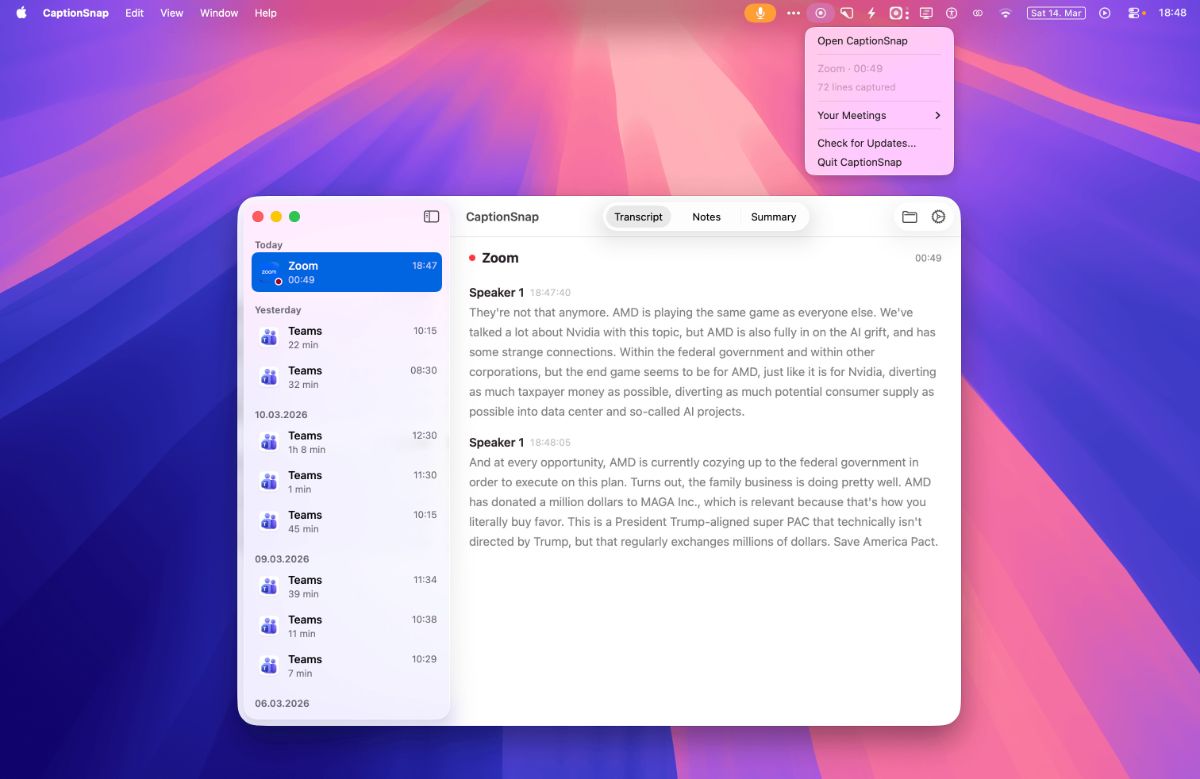
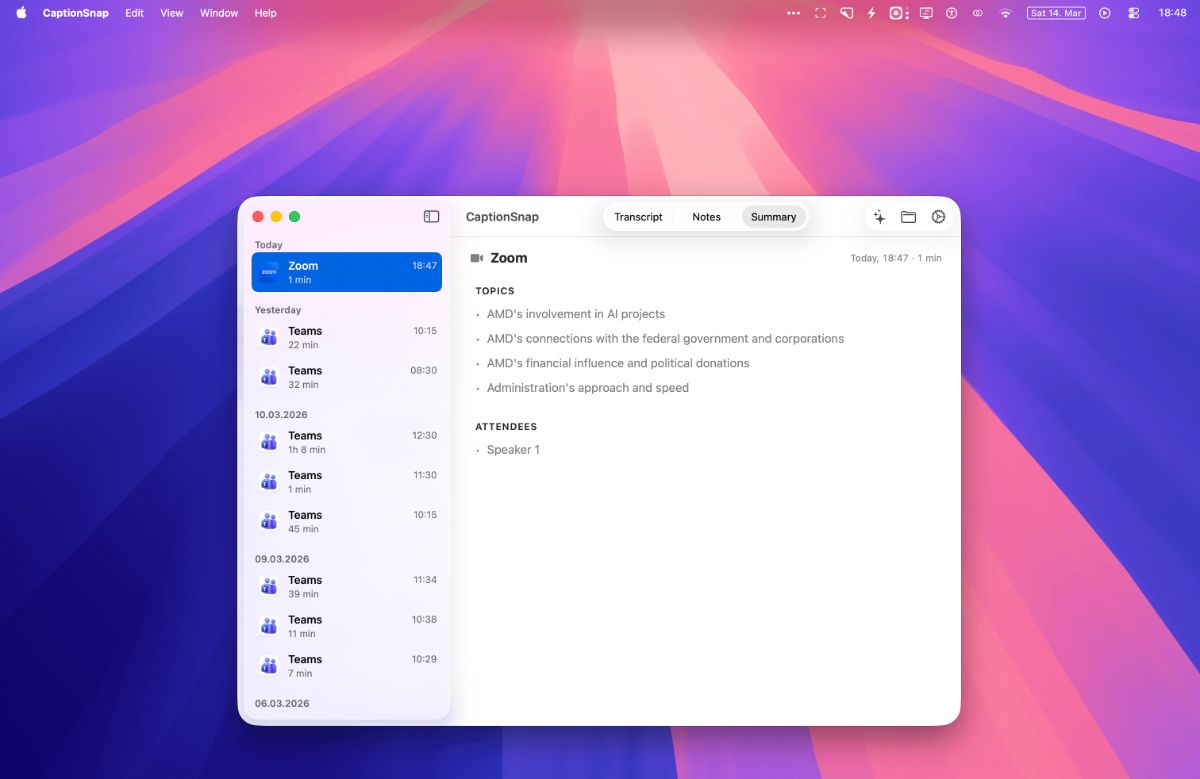
CaptionSnap is a native Mac menu bar app that saves meeting transcripts from Teams, Zoom, and Google Meet. It reads the live captions already showing on screen and writes them to local markdown files with real speaker names and timestamps. No bot joins your call. No audio is recorded. No data leaves your machine. Under 1% CPU because there is no transcription model running.…
Preview
Information
People also visit
Apps people often open alongside CaptionSnap.
FreelyMemo - A floating notepad on every tab
A sticky notepad that lives on every tab
CaptionSnap FAQ
What is CaptionSnap?
CaptionSnap is a native Mac menu bar app that saves meeting transcripts from Teams, Zoom, and Google Meet. It reads the live captions already showing on screen and writes them to local markdown files with real speaker names and timestamps. No bot joins your call. No audio is recorded. No data leaves your machine. Under 1% CPU because there is no transcription model running.
Is CaptionSnap free?
No. CaptionSnap is a paid app.
Do I need to download CaptionSnap?
No. CaptionSnap runs in your browser at captionsnap.app, so there's nothing to install.
What are the best CaptionSnap alternatives?
Popular alternatives to CaptionSnap include Lisseno, GetCompress and Screenity. See all CaptionSnap alternatives