











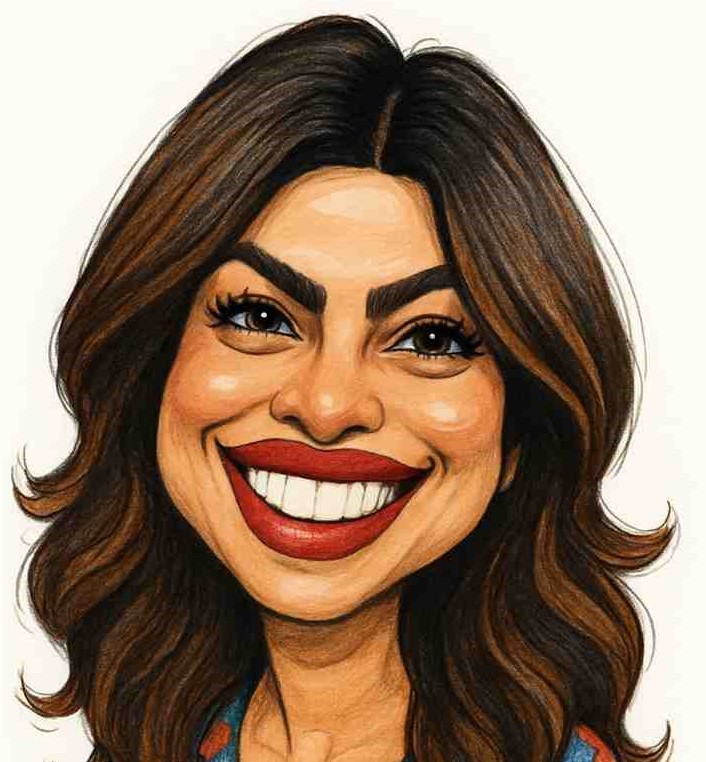

Description
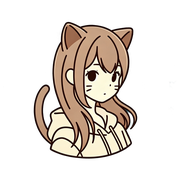
Chibify.app is a web tool that redraws a photo in chibi style, the small, round-headed cartoon look that is popular in anime art. You upload a picture, the site's AI processes it for about 20 seconds, and you download the result as a JPG. It accepts PNG, JPG and WEBP files up to 5MB. The site says the results work best with clear photos of people, and it suggests using the cartoon as a profile picture or something to share with friends. There is no account step or price shown in the text the site gives on its main page, so you can try it straight away with one photo. If you want to use an image of someone else, check that they agree first.…
Highlights
- Turns a photo into a chibi-style cartoon
- Accepts PNG, JPG and WEBP files up to 5MB
- About 20 seconds of AI processing per image
- Downloads the result as a JPG
Ratings & Reviews
No ratings yet
Be the first to rate Chibify.app.
People also visit
Chibify.app FAQ
What does Chibify.app do?
It turns a photo into a chibi-style cartoon, a cute, simplified look that works well as a profile picture. You upload one image and download the result.
What file types can I upload?
PNG, JPG and WEBP files up to 5MB each.
How long does it take?
The site says AI processing takes about 20 seconds per image.
What kind of photo gives the best result?
Clear photos of people. The site notes that results are best with clear pictures of people, so a sharp, front-facing photo is the safest choice.
What format do I get back?
The finished image downloads as a JPG in the chibi art style.
What are the best Chibify.app alternatives?
Popular alternatives to Chibify.app include Kalakaar AI, AnimePhotoGen and Toonme. See all Chibify.app alternatives