





















Description
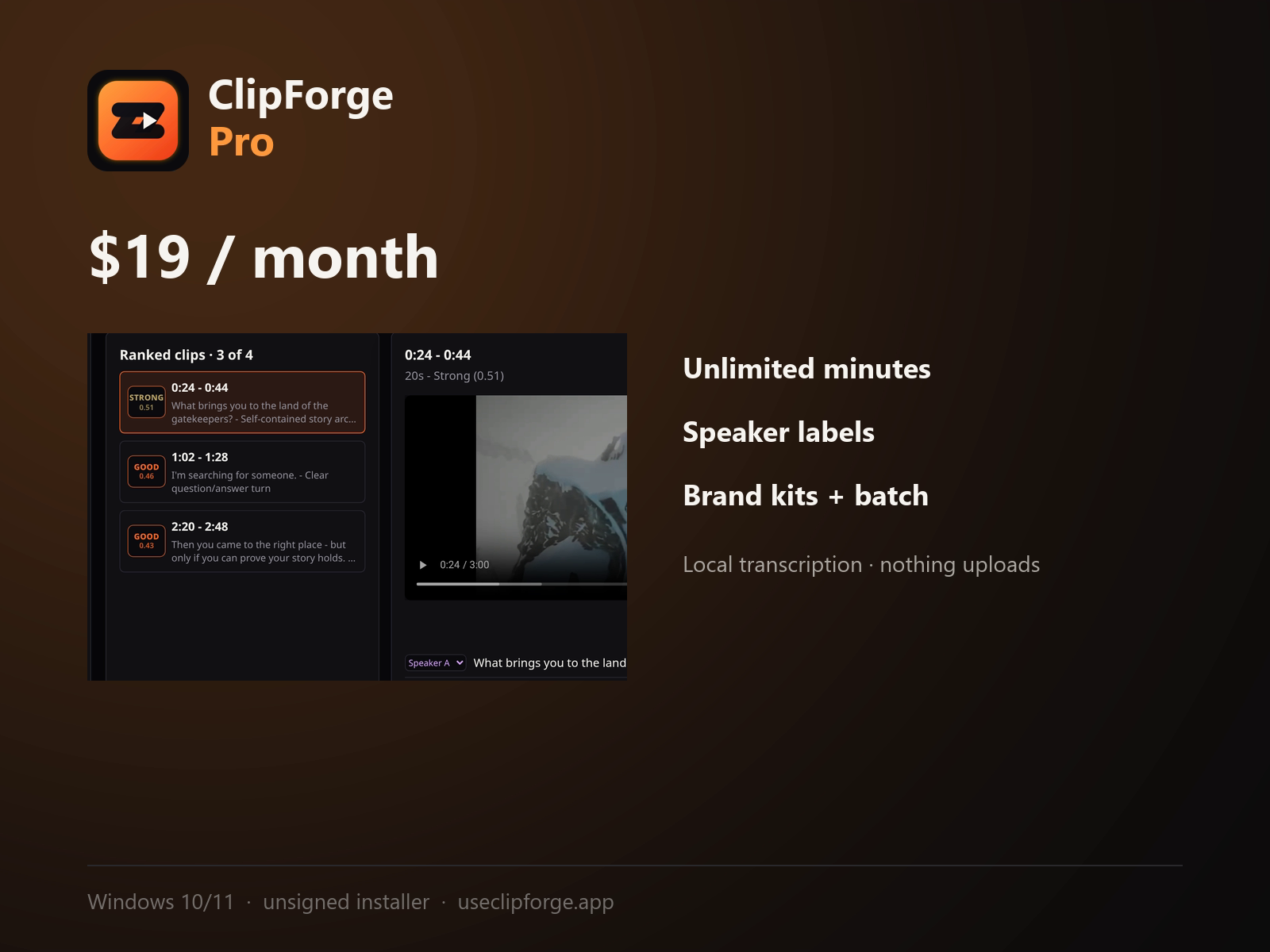
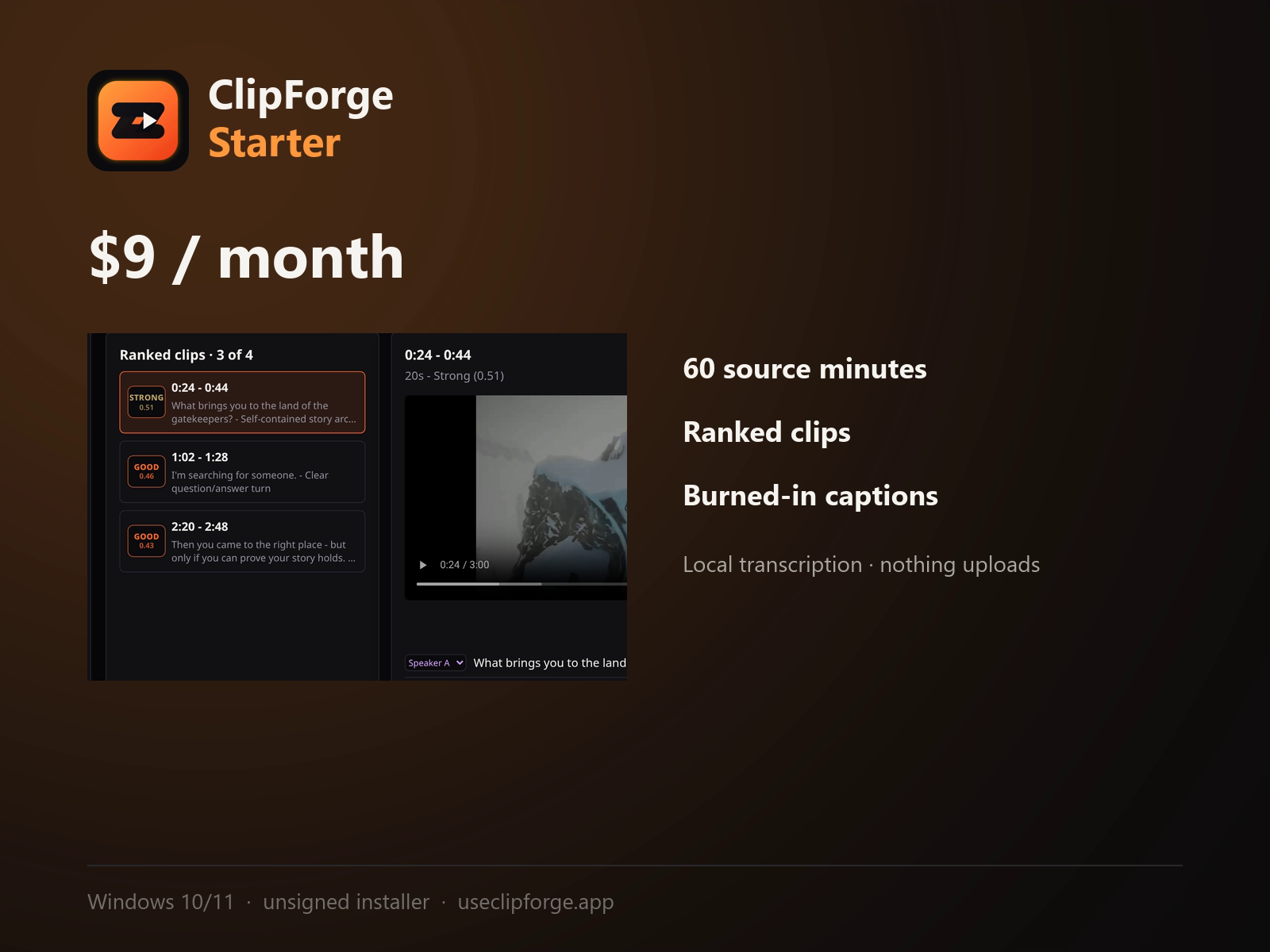
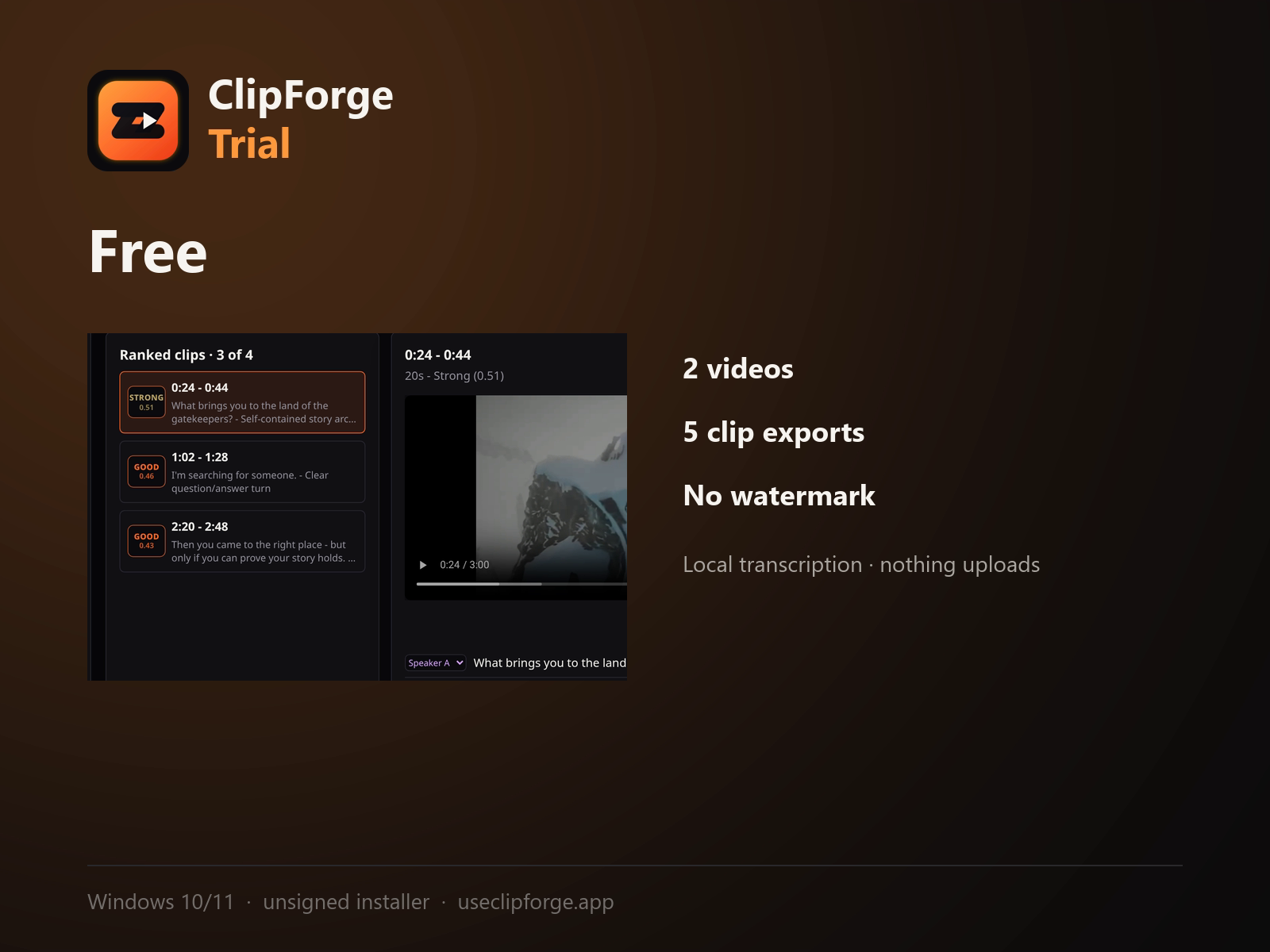
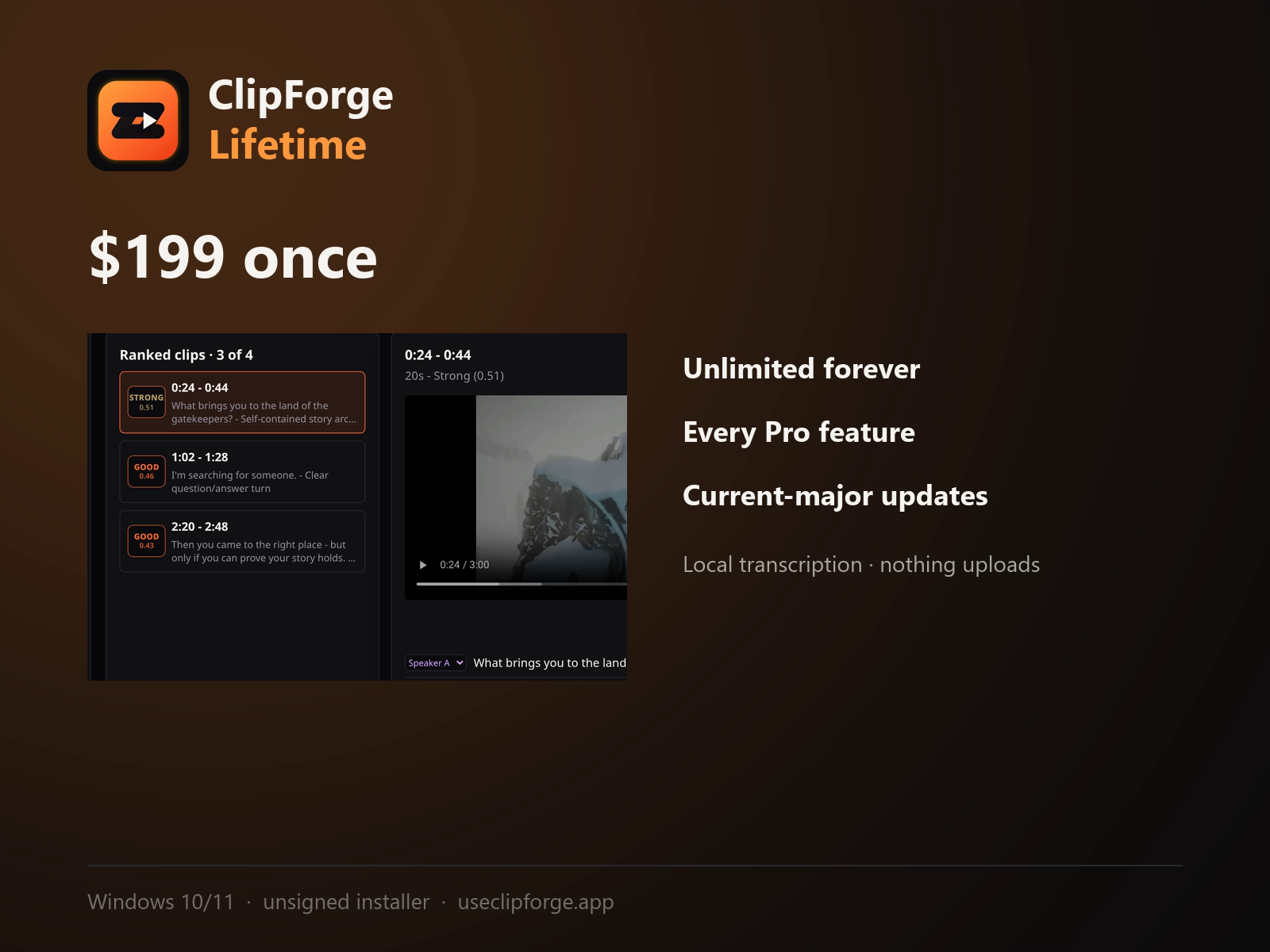
ClipForge is a Windows desktop app that turns long-form video into short vertical clips without uploading anything. Everything runs locally: Whisper transcribes on your own GPU or CPU, PyAnnote labels speakers, and FFmpeg renders the export. Your source footage never leaves the machine.…
Preview
Information
People also visit
Apps people often open alongside ClipForge.
ClipForge FAQ
What is ClipForge?
ClipForge is a Windows desktop app that turns long-form video into short vertical clips without uploading anything. Everything runs locally: Whisper transcribes on your own GPU or CPU, PyAnnote labels speakers, and FFmpeg renders the export. Your source footage never leaves the machine.
Is ClipForge free?
ClipForge is freemium.
Do I need to download ClipForge?
No. ClipForge runs in your browser at useclipforge.app, so there's nothing to install.
What are the best ClipForge alternatives?
Popular alternatives to ClipForge include GetCompress, Screenity and ClipTurn. See all ClipForge alternatives