




















Description
Colorize.design extracts color palettes from a URL. Simply input a link, and the tool generates color schemes based on the website’s visual layout, pulling dominant colors from the favicon, homepage screenshots, and even analyzing the HTML, CSS, and JS files.…
Preview


Highlights
- Screenshot Colors
- Logo Colors
- Code Colors
- Interactive Color Editor
- Sharable Palettes
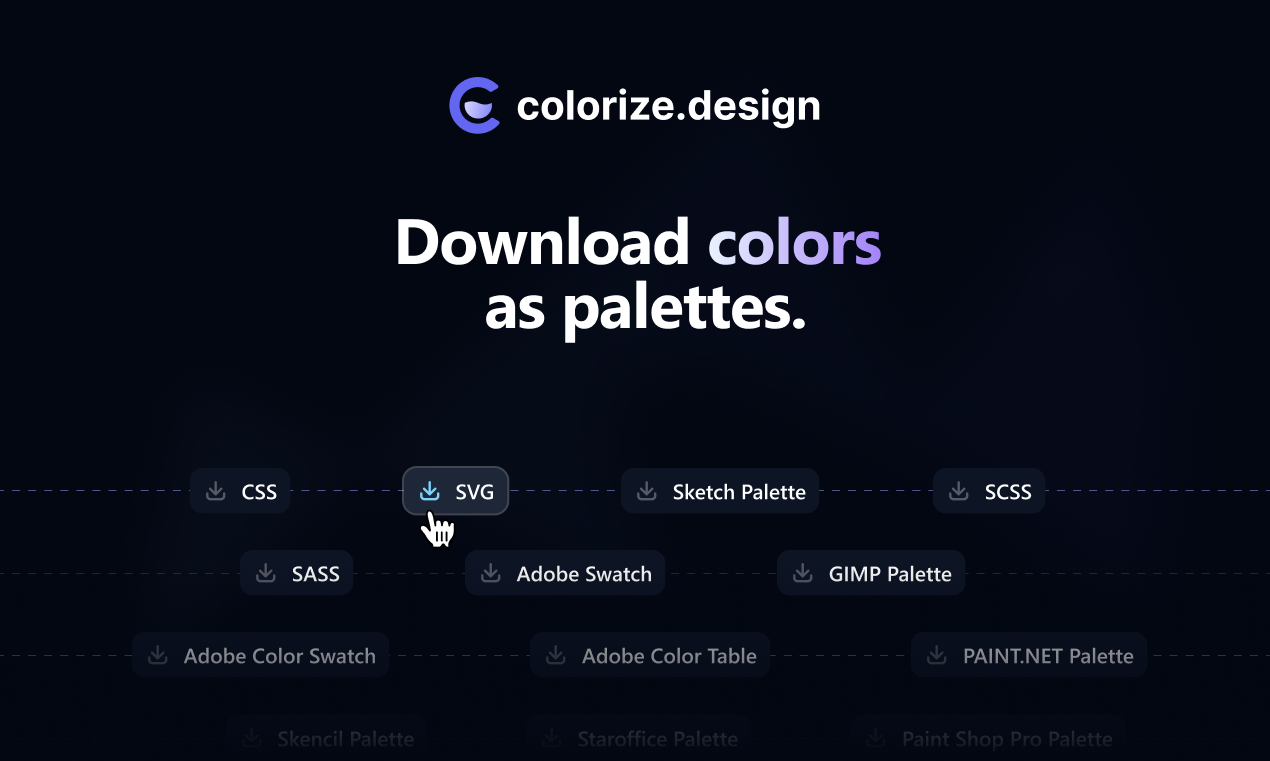
- One-Click Downloads
People also visit
Apps people often open alongside colorize.design.
colorize.design FAQ
What is colorize.design?
Colorize.design extracts color palettes from a URL. Simply input a link, and the tool generates color schemes based on the website’s visual layout, pulling dominant colors from the favicon, homepage screenshots, and even analyzing the HTML, CSS, and JS files.
Is colorize.design free?
Yes. colorize.design is free to use.
Do I need to download colorize.design?
No. colorize.design runs in your browser at colorize.design, so there's nothing to install.
What can you do with colorize.design?
Main features: Screenshot Colors, Logo Colors, Code Colors, Interactive Color Editor, Sharable Palettes.
What are the best colorize.design alternatives?
Popular alternatives to colorize.design include PaneFlow, GizmoBench and Utilonix. See all colorize.design alternatives