













Description
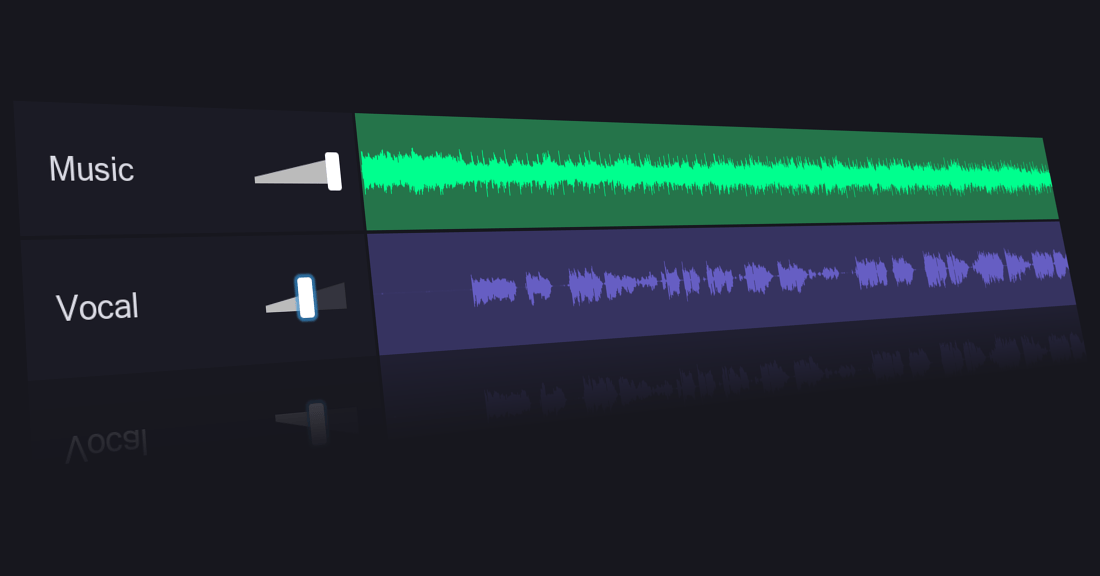
Coolo.ai is a set of online AI tools for music and audio. The main tools remove vocals from a song to make an instrumental, or split a track into stems such as vocals, drums, bass, guitar and piano. Other tools isolate lead and back vocals, remove background noise, wind, breath or echo, enhance audio, and detect a song's key and BPM. There are also tools to cut and trim audio, change pitch, convert audio to MIDI, and create slowed and reverb or nightcore versions. You upload audio or video files and the tool separates the parts, and the homepage shows a preview of how the vocal and instrumental tracks sound. The site has use cases for karaoke singers, DJs, music producers, musicians and content creators. The tools run online, so there is nothing to install. Coolo.ai is aimed at people who want a karaoke track or a clean backing track from a mixed recording.…
Highlights
- Vocal remover and instrumental maker
- Stem splitter for vocals, drums, bass and more
- Noise, wind, breath and echo removers
- Key and BPM finder
- Audio cutter, pitch changer and audio to MIDI
Ratings & Reviews
No ratings yet
Be the first to rate Coolo AI.
People also visit
Coolo AI FAQ
What does Coolo.ai do?
It separates songs into parts with AI, so you can remove vocals or isolate instruments, and it includes other audio tools.
Can I make a karaoke track?
Yes. The AI karaoke maker and the vocal remover create an instrumental version of a song.
Which files can I use?
The site says it can remove vocals and clean up audio from both audio and video files.
Is it free?
The site advertises free karaoke track creation and instrument isolation online. Check the pricing page for paid options.
Which instruments can it separate?
The site lists drum, bass, guitar and piano removers, along with lead and back vocal splitting.
What are the best Coolo AI alternatives?
Popular alternatives to Coolo AI include Audio Strip, Acapella Extractor and AutoTune Pro. See all Coolo AI alternatives