


















Description
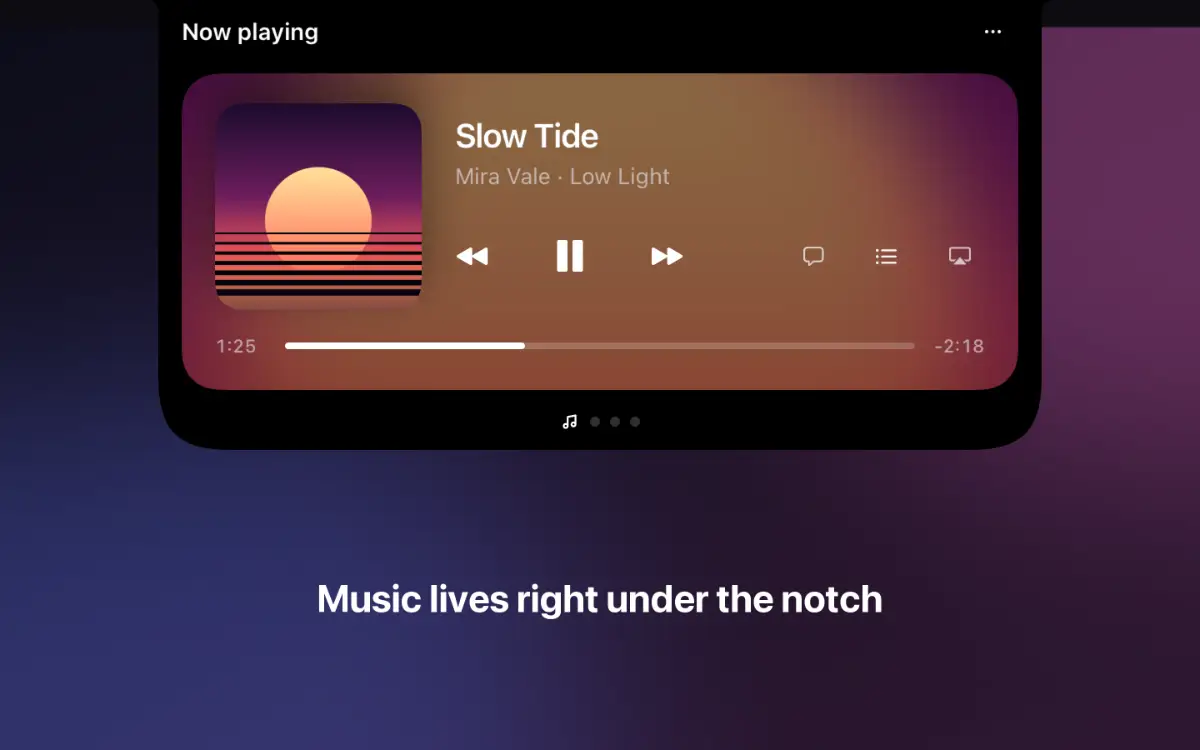
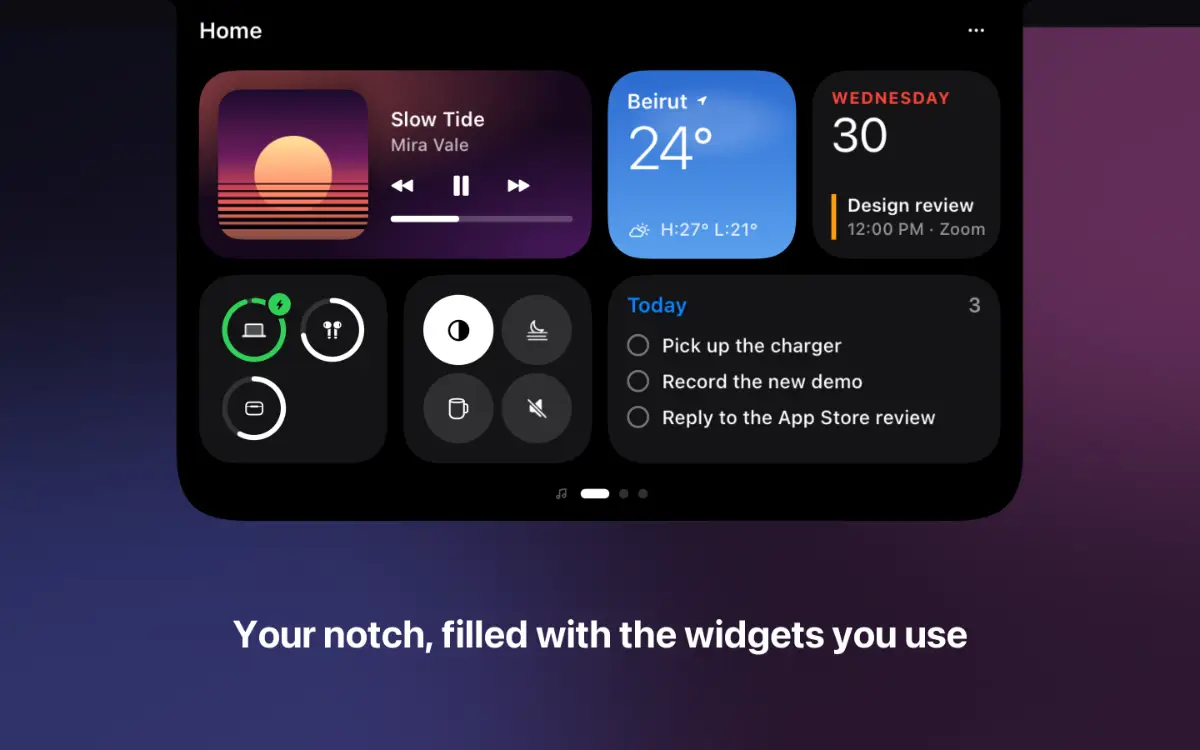
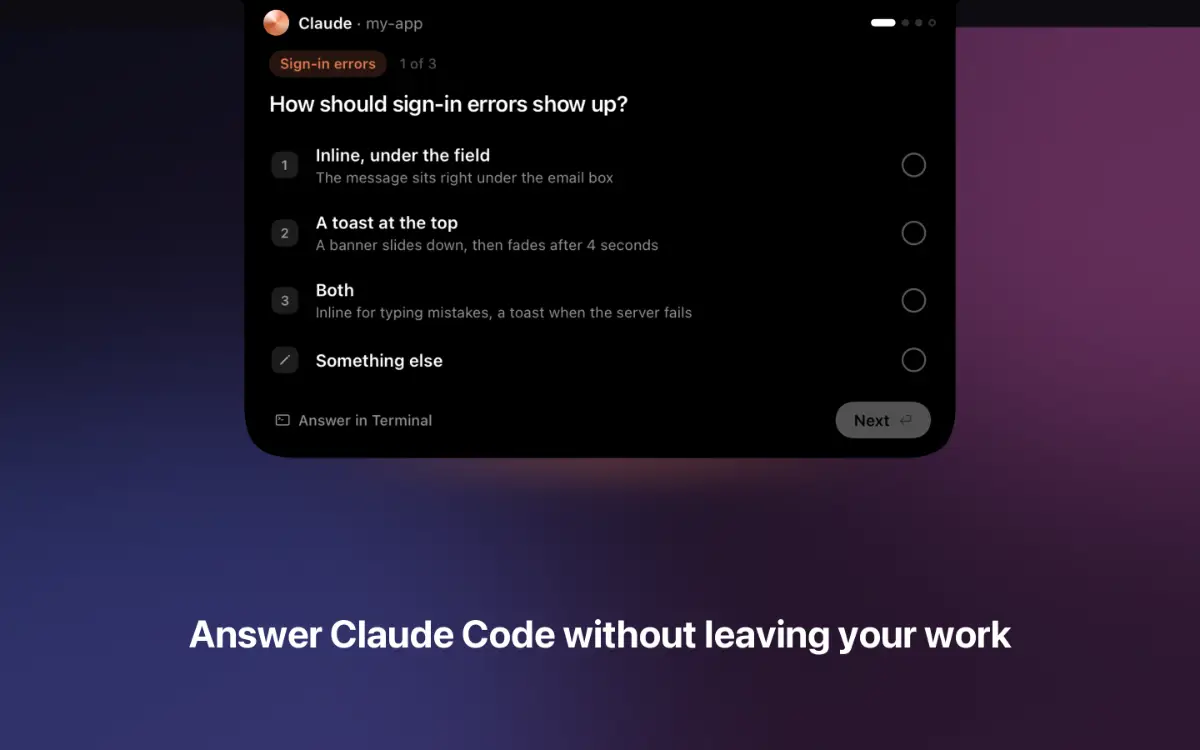
Crest 6 turns the MacBook notch into something you actually use. Hover the notch and it opens into pages: Now, Home, Work and Code. Swipe with two fingers to move between them, and fill each one with widgets you can stretch from small to wide: music, weather, calendar, to-dos, notes, batteries, the Shelf for files and a searchable clipboard history.…
Preview
Information
People also visit
Apps people often open alongside Crest for Mac.
Crest for Mac FAQ
What is Crest for Mac?
Crest 6 turns the MacBook notch into something you actually use. Hover the notch and it opens into pages: Now, Home, Work and Code. Swipe with two fingers to move between them, and fill each one with widgets you can stretch from small to wide: music, weather, calendar, to-dos, notes, batteries, the Shelf for files and a searchable clipboard history.
Is Crest for Mac free?
Crest for Mac is freemium.
Do I need to download Crest for Mac?
No. Crest for Mac runs in your browser at crestnotch.app, so there's nothing to install.
What are the best Crest for Mac alternatives?
Popular alternatives to Crest for Mac include Frset, Ahsk AI and Zizeg. See all Crest for Mac alternatives