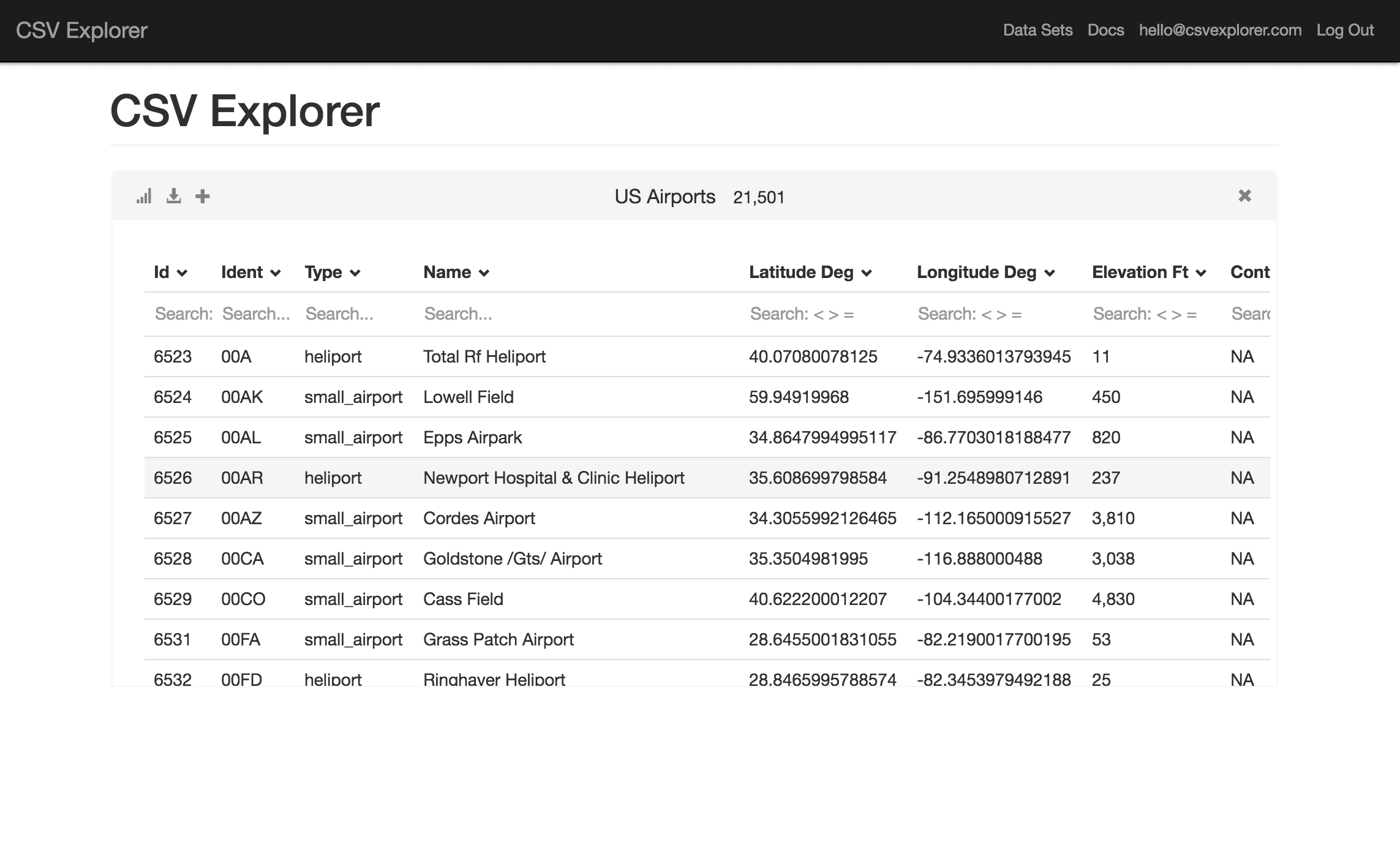



Description
CSV Explorer is a web tool for opening and analysing CSV files that are too big for a regular spreadsheet program, from a few rows up to tens of millions. After uploading a file you can search, filter and run calculations on the data in a few clicks, create plots and save them for presentations, and export a subset of the results to Excel for further work. It is aimed at analysts and other people who receive large exports from databases, web applications, open data portals or IoT devices and find that Excel struggles or freezes on them. The free Data Hacker plan lets you load up to five datasets, which are kept for two weeks. Paid monthly plans raise the row limit to 500,000, 5 million or 20 million rows and add data export. It is made by VQL Technologies.…
Pricing
- Data HackerFree
- Individual$9/month
- Professional$19/month
- Partner$39/month
Highlights
- Opens CSV files with millions of rows
- Search, filter and calculate in the browser
- Create and save plots
- Export subsets to Excel
- Documentation on working with CSVs from various sources
Ratings & Reviews
No ratings yet
Be the first to rate CSV Explorer.
People also visit
CSV Explorer FAQ
What is CSV Explorer?
A tool to search, filter and analyse CSVs with hundreds to millions of rows, create plots, and export results to Excel.
How large can my files be?
It depends on the plan: Individual opens up to 500,000 rows, Professional up to 5 million and Partner up to 20 million rows.
What does the free plan include?
Search, filtering, analysis and saved plots, with up to 5 datasets loaded and datasets kept for two weeks.
Can I export my results?
Paid plans can export subsets of your data, and results can be taken to Excel for further analysis.
How do I contact support?
By email at [email protected].
What are the best CSV Explorer alternatives?
Popular alternatives to CSV Explorer include CSVtoPPT, Quiriz and Commabot. See all CSV Explorer alternatives