





















Description
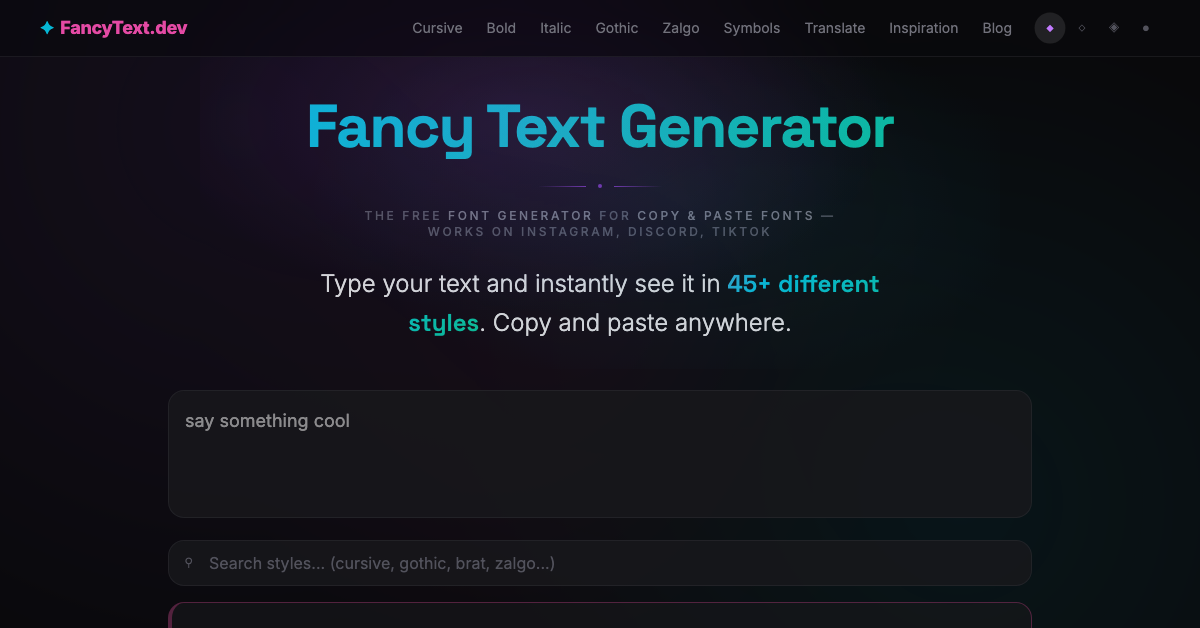
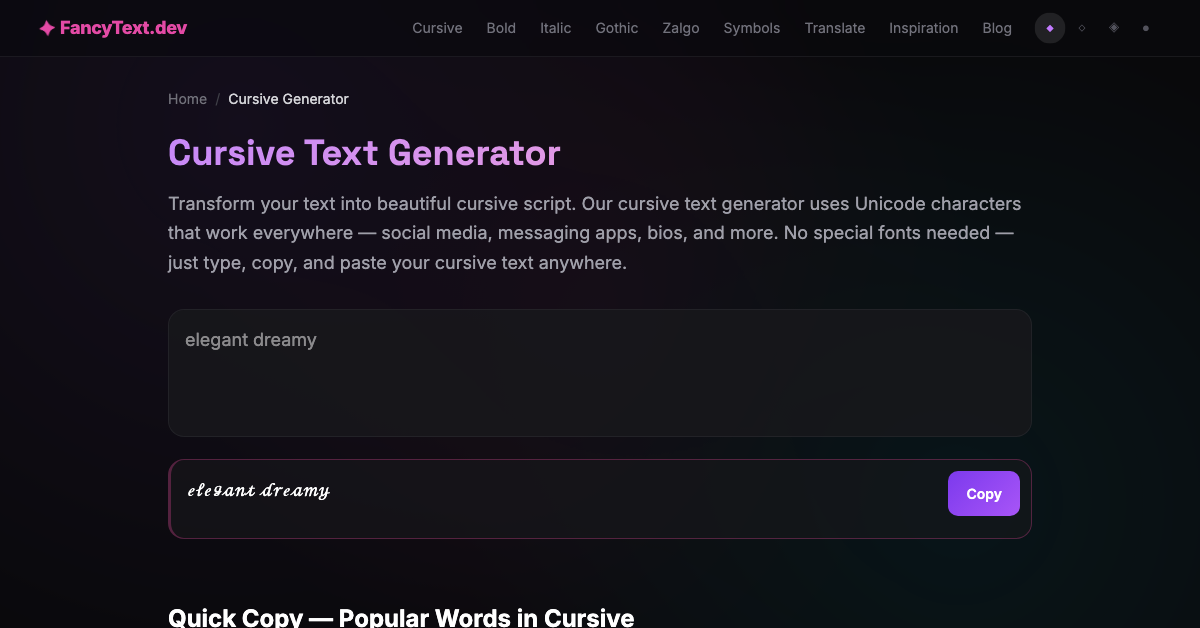
FancyText turns anything you type into more than forty-five Unicode styles at once, each with its own one-click copy button, so you can scan the whole set and take the one that fits. Because the output is real Unicode rather than an image, it pastes as text anywhere that accepts it: Instagram bios and captions, Discord names and messages, TikTok, and Twitter.…
Preview
Highlights
- Practical styles
People also visit
Apps people often open alongside FancyText.
FancyText FAQ
What is FancyText?
FancyText turns anything you type into more than forty-five Unicode styles at once, each with its own one-click copy button, so you can scan the whole set and take the one that fits. Because the output is real Unicode rather than an image, it pastes as text anywhere that accepts it: Instagram bios and captions, Discord names and messages, TikTok, and Twitter.
Is FancyText free?
Yes. FancyText is free to use.
Do I need to download FancyText?
No. FancyText runs in your browser at fancytext.dev, so there's nothing to install.
What can you do with FancyText?
Main features: Practical styles.
What are the best FancyText alternatives?
Popular alternatives to FancyText include Photopea, remove.bg and Immich. See all FancyText alternatives