























Description
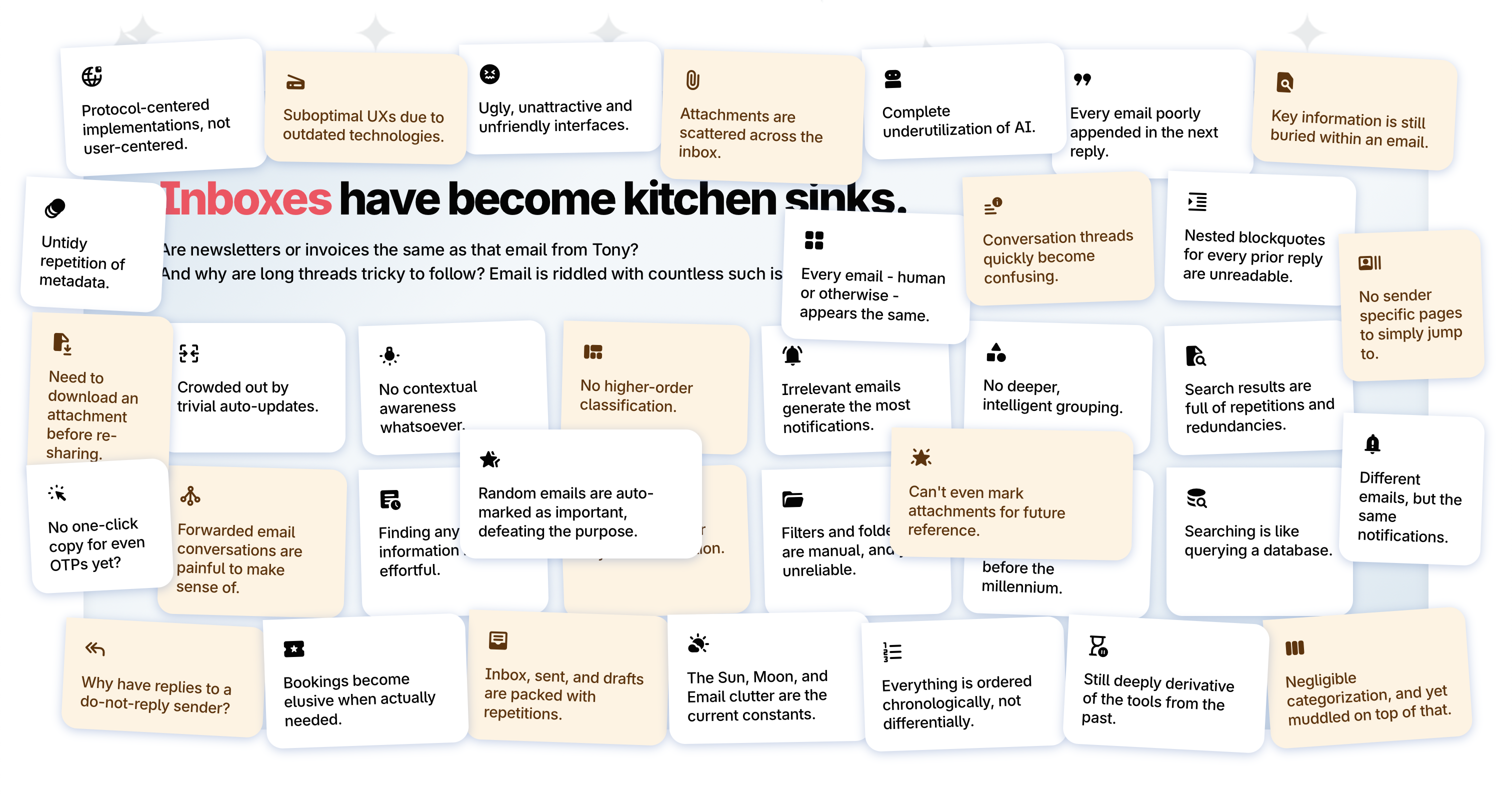
It all starts with email. The fact that our inboxes remain unorganized, cluttered, and fatiguing even today, has become absolutely unacceptable. Even the "modern" clients today simply put our emails in a table, support a few keyboard shortcuts, a few simple features, and are done. The newer ones provide AI-based compose assist, and the newest ones now want us to prompt for each email.…
Preview


Highlights
- Comprises of a rich, utilitarian handling of attachments:
- Uses the best-in-class security and encryption standards
- Supports an extensive list of intuitive keyboard shortcuts
People also visit
Apps people often open alongside Faraday.
Faraday FAQ
What is Faraday?
It all starts with email. The fact that our inboxes remain unorganized, cluttered, and fatiguing even today, has become absolutely unacceptable. Even the "modern" clients today simply put our emails in a table, support a few keyboard shortcuts, a few simple features, and are done. The newer ones provide AI-based compose assist, and the newest ones now want us to prompt for each email.
Is Faraday free?
Faraday is freemium.
Do I need to download Faraday?
No. Faraday runs in your browser at faraday.email, so there's nothing to install.
What can you do with Faraday?
Main features: Comprises of a rich, utilitarian handling of attachments:, Uses the best-in-class security and encryption standards, Supports an extensive list of intuitive keyboard shortcuts.
What are the best Faraday alternatives?
Popular alternatives to Faraday include MuseWork, SkimAI and ToolScope. See all Faraday alternatives