














Description
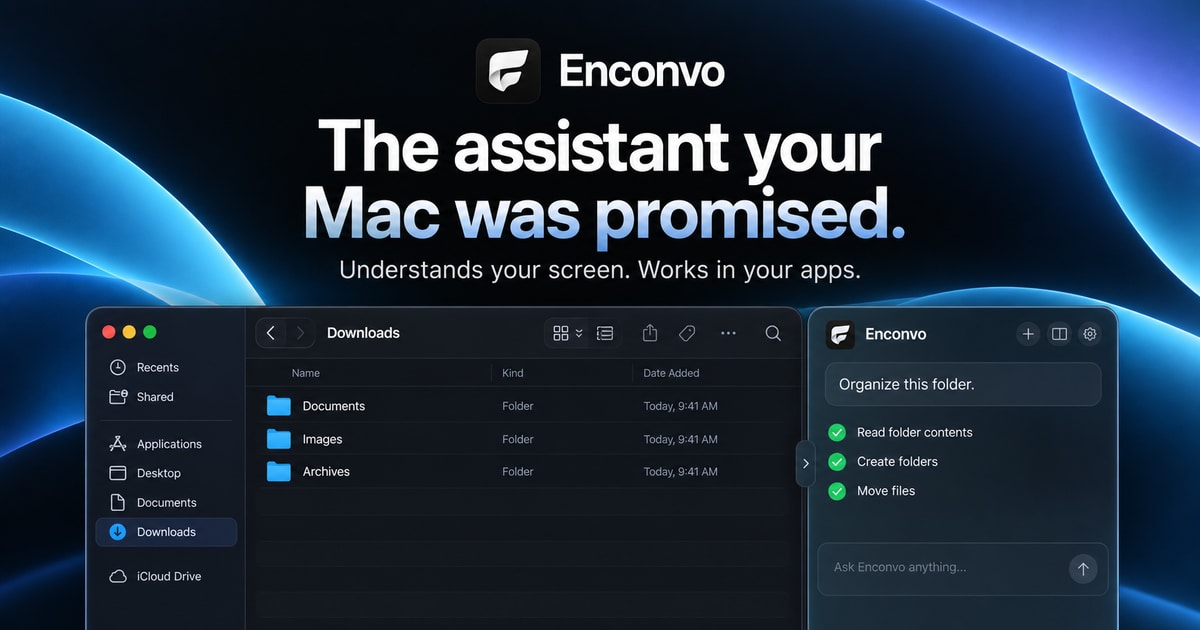
Fluent is a native AI assistant for macOS that works inside other Mac apps. Press Option and Space in any app, say what you need, and the result appears where you were working. It can fix grammar in a text field, write a reply in mail or chat from a thread, compare pages you attach and pick one, sort a Finder folder from a single sentence, and prepare a daily brief on a schedule. It has memory, so a sign-off or refund policy you mention once is used in later answers. When no integration reaches an app, Fluent can work the app itself with a pointer of its own. You choose the AI models, and it supports MCP integrations, on-device memory (RAG) and multi-model AI Councils. The site describes it as a native Swift app of 73 MB and lists more than 3,000 users. It can be downloaded for free, and a separate Buy Fluent option is on the site.…
Preview
Highlights
- Works in any Mac app with a keyboard shortcut
- Fixes grammar and writes replies in place
- Sorts Finder folders from one sentence
- Memory keeps your preferences for later answers
- MCP integrations and multi-model AI Councils
Ratings & Reviews
No ratings yet
Be the first to rate Fluent.
People also visit
Fluent FAQ
What is Fluent?
A native AI assistant for macOS that works in any app or browser tab, using the AI models you choose.
How do I use it?
Press Option and Space in any app, say what you need, and the result is returned right where you were working.
Does it remember things?
Yes. Tell it a preference once, such as a sign-off or a refund policy, and later answers already know it.
Is there a free version?
The app can be downloaded for free, and the site also offers a Buy Fluent option. The site does not spell out every limit of the free download.
What are the best Fluent alternatives?
Popular alternatives to Fluent include qianwen, Enconvo and OpenFlux. See all Fluent alternatives