










Domain Rating by Ahrefs80
Description
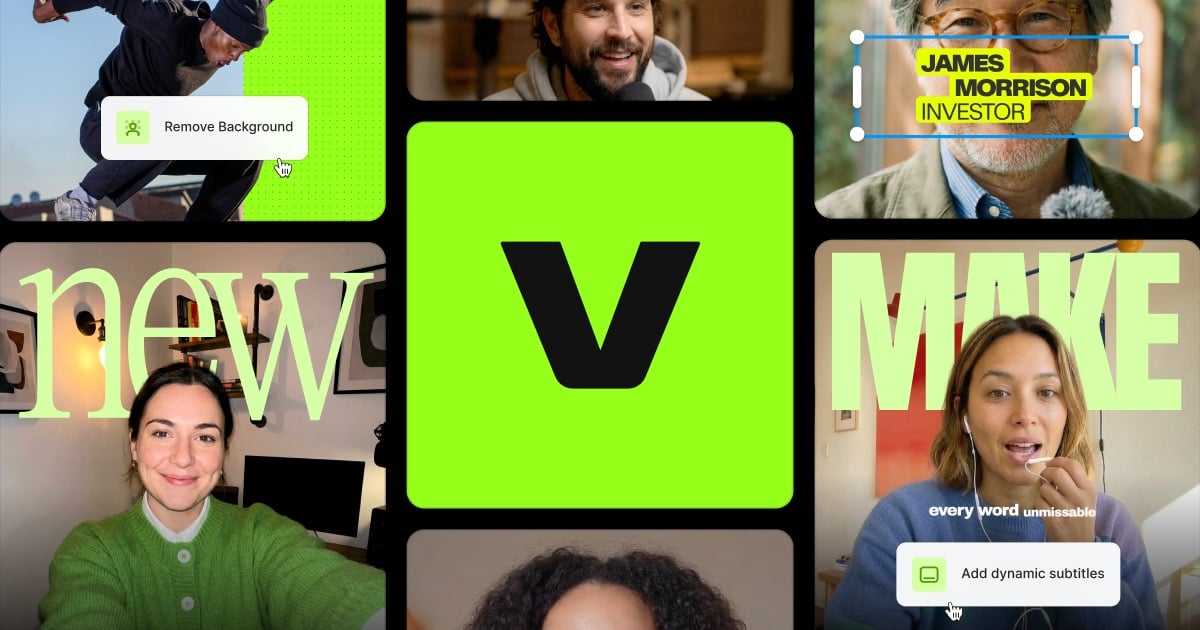
Kapwing is an online video editor that runs in the browser. Its core editor lets you combine tracks, cut clips and add effects, and it sits alongside tools for subtitles, dubbing into more than 40 languages, text-to-speech voiceovers, audio cleanup, script writing and transcripts. Several AI features can start from existing footage: Smart Cut removes silences automatically, Trim with Transcript lets you edit a video by editing its text, and the Clip Maker and Repurpose Studio turn one long video into short clips for social platforms. Speaker Focus resizes a video to keep the speakers in frame, and a Resize Video tool changes its dimensions. The site also offers AI video generation and B-roll generation for projects that start without footage. The Free plan includes 10 credits, unlimited exports with a Kapwing watermark, exports up to four minutes long at 720p, and 5 GB of cloud storage. The Pro plan is $16 a month and removes the watermark, adds 4K export, projects up to two hours long, a brand kit and a shared team workspace. The Business plan is $50 a month with more credits. Annual billing is offered at a discount.…
Preview
Pricing
- Free$0
- Pro$16/month
- Business$50/month
Highlights
- Browser-based video editor
- AI subtitles, dubbing and text-to-speech
- Smart Cut removes silences automatically
- Repurpose long videos into social clips
Ratings & Reviews
No ratings yet
Be the first to rate Kapwing AI Video Editor.
People also visit
Kapwing AI Video Editor FAQ
Is Kapwing free?
Yes, there is a free plan with 10 credits and unlimited exports. Free exports have a Kapwing watermark and are limited to four minutes at 720p.
Does the free plan add a watermark?
Yes. The free plan allows unlimited exports with a Kapwing watermark. The Pro plan removes it.
What does Pro add?
Pro is $16 a month. It removes the watermark, adds 4K export, projects up to two hours long, a brand kit, custom fonts and a shared team workspace.
Who is Kapwing for?
The site targets marketers, training teams, schools, content creators and anyone who makes video for social media or ads.
Do I need to install anything?
No. The editor and its tools run in the browser, as the site describes for its subtitler and other tools.
How many languages can it dub into?
The site says dubbing works for more than 40 languages.
What are the best Kapwing AI Video Editor alternatives?
Popular alternatives to Kapwing AI Video Editor include veed io, Sniplyx AI and Pictory. See all Kapwing AI Video Editor alternatives