



















Description
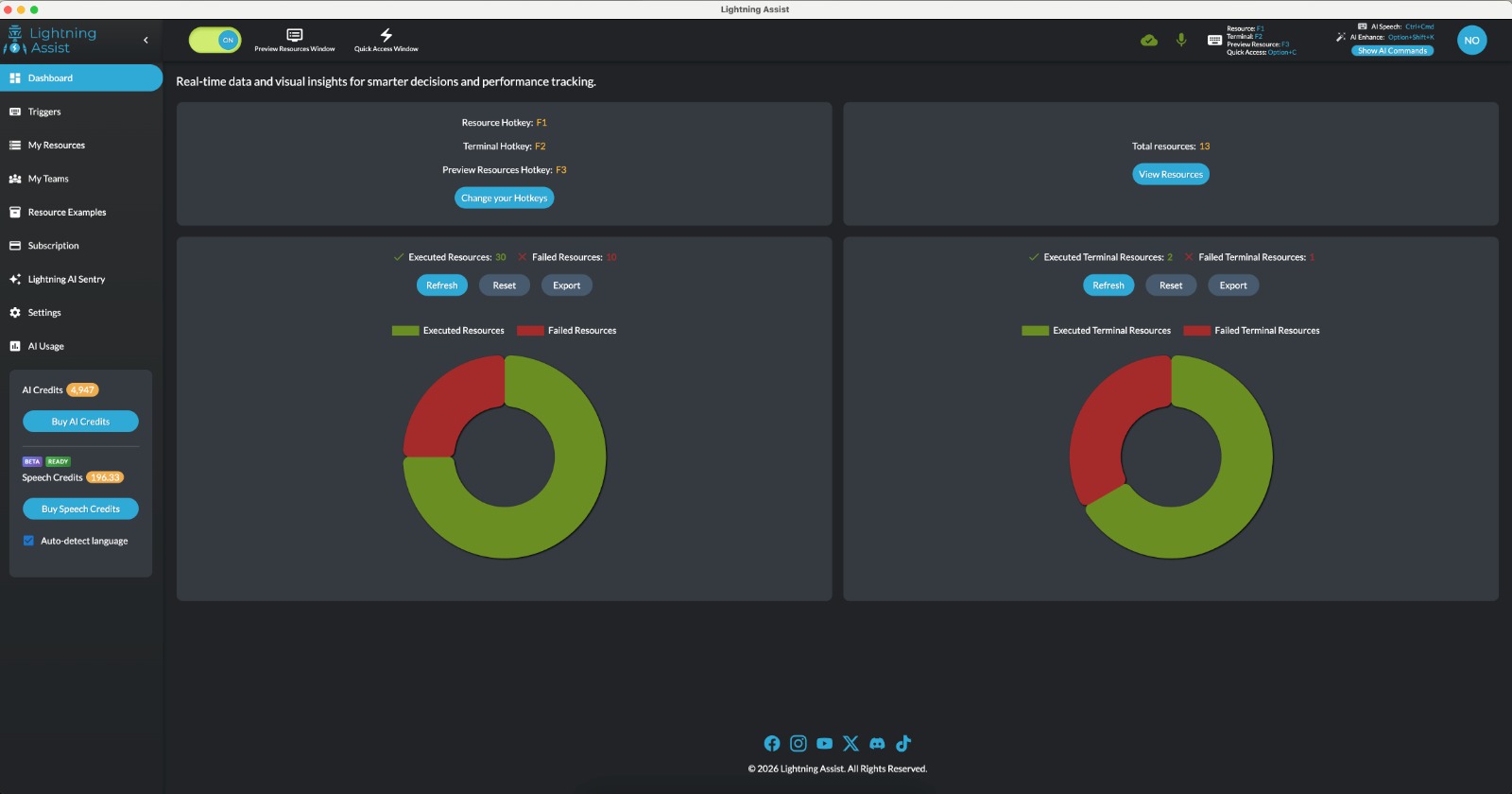
Lightning Assist is a cross-platform text expander for Windows, Mac, and Linux. Use one hotkey to insert templates, snippets, and canned replies wherever you type—in email, docs, chat, or code. Add AI: generate resources from a description, or rewrite, translate, and polish selected text in-place (AI Enhance and AI Command). Optional push-to-talk speech-to-text works in any desktop app.…
Preview

Highlights
- One-hotkey text expansion
- AI Enhance
- AI Command window
- Push-to-talk speech-to-text
- Replacements
- Teams and Company
People also visit
Apps people often open alongside Lightning Assist.

OpenLIT: Zero code Agent Observability
Continuous feedback for testing, tracing & fixing AI agents
Lightning Assist FAQ
What is Lightning Assist?
Lightning Assist is a cross-platform text expander for Windows, Mac, and Linux. Use one hotkey to insert templates, snippets, and canned replies wherever you type—in email, docs, chat, or code. Add AI: generate resources from a description, or rewrite, translate, and polish selected text in-place (AI Enhance and AI Command). Optional push-to-talk speech-to-text works in any desktop app.
Is Lightning Assist free?
Lightning Assist is freemium.
Do I need to download Lightning Assist?
No. Lightning Assist runs in your browser at lightning-assist.com, so there's nothing to install.
What can you do with Lightning Assist?
Main features: One-hotkey text expansion, AI Enhance, AI Command window, Push-to-talk speech-to-text, Replacements.
What are the best Lightning Assist alternatives?
Popular alternatives to Lightning Assist include ego lite, Yaps and WaveTerm. See all Lightning Assist alternatives