














Description
Logo Maker is a web tool for creating a logo for a business without hiring a designer. You enter a company name, choose an industry and browse AI-generated logo designs, then customise the colours, fonts and layout. Once you have a logo, the site lets you apply it to business cards, a DIY website, Google Workspace and local business listings, and it offers a domain name search. The site says the logo maker is free to use, so you can design a logo at no cost, and it charges for saving, downloading or printing the finished logo files. The help pages walk through the steps in plain language. The site is available in several languages, including English, Portuguese, German, French, Spanish, Dutch, Italian and Turkish. There is also a logo design service for people who want a designer to do the work, and an option to upload a logo you already have.…
Highlights
- AI-generated logo designs by industry
- Customise colours, fonts and layout
- Free to design, paid to download
- Business cards, websites and listings in one place
- Upload a logo you already have
Ratings & Reviews
No ratings yet
Be the first to rate Logo Maker.
People also visit

Wizlogo
Create a logo with a simple and affordable tool backed by professional designers
Logo Maker FAQ
Is the logo maker free?
The site says the logo maker is free to use, so you can design a logo at no cost. Saving, downloading or printing the finished logo is a paid option.
How do I make a logo?
Enter your company name and industry, choose from the AI-generated designs, then customise the colours, fonts and layout.
Can I use the logo elsewhere?
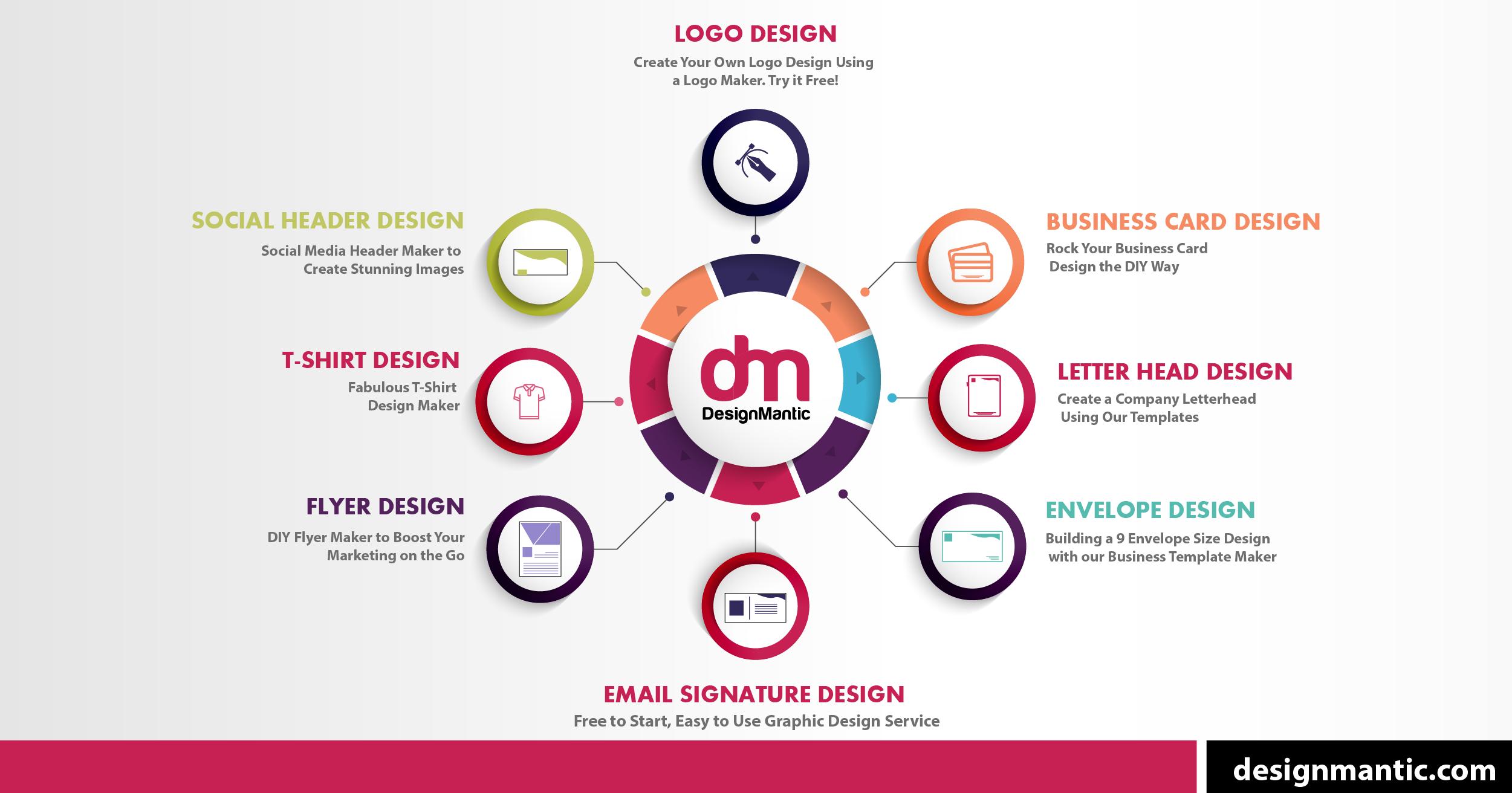
The site offers business card templates, a DIY website builder, Google Workspace, local business listings and a domain name search.
Can I upload my own logo?
Yes. The site has an Upload a Logo option for logos you already have.
What are the best Logo Maker alternatives?
Popular alternatives to Logo Maker include Free Logo Design, Logo and My Brand New Logo. See all Logo Maker alternatives