




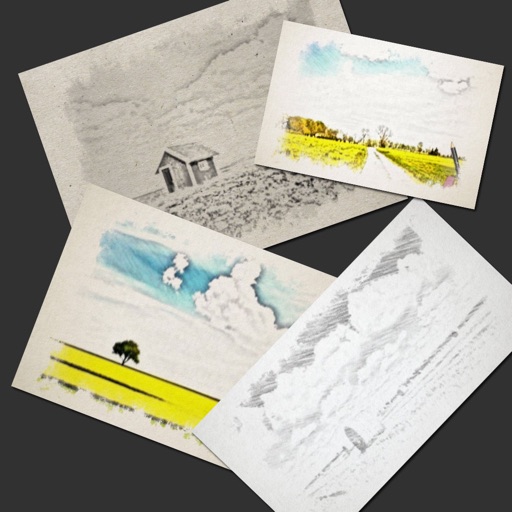




Description
Maple is a professional, non-destructive RAW photo editor and library manager for photographers who want precise color and direct control of their files. Browse and cull a whole library, develop each frame in a scene-referred color pipeline, and export finished images without ever altering the original. Every adjustment is stored in an XMP sidecar, keeping edits reversible and portable.…
Preview
Information
Ratings & Reviews
No ratings yet
Be the first to rate Maple.
People also visit

Movavi Photo Editor
Movavi Photo Editor is the fastest way to turn good photos into spectacular ones

Polarr Pro Photo Editor
Make powerful adjustments to your photos with simple, intuitive tools in Polarr

PixelStyle Photo Editor
The complete Mac photo editor for creators, designers, and everyday users
Maple FAQ
What is Maple?
Maple is a professional, non-destructive RAW photo editor and library manager for photographers who want precise color and direct control of their files. Browse and cull a whole library, develop each frame in a scene-referred color pipeline, and export finished images without ever altering the original. Every adjustment is stored in an XMP sidecar, keeping edits reversible and portable.
Do I need to download Maple?
No. Maple runs in your browser at maple-editor.com, so there's nothing to install.
Who makes Maple?
Maple is made by Helix Ten.
What are the best Maple alternatives?
Popular alternatives to Maple include VideoPad Video Editor, PhotoScissors and Movavi Photo Editor. See all Maple alternatives