


















-(5).png?auto=compress&fit=max&w=128)

Description
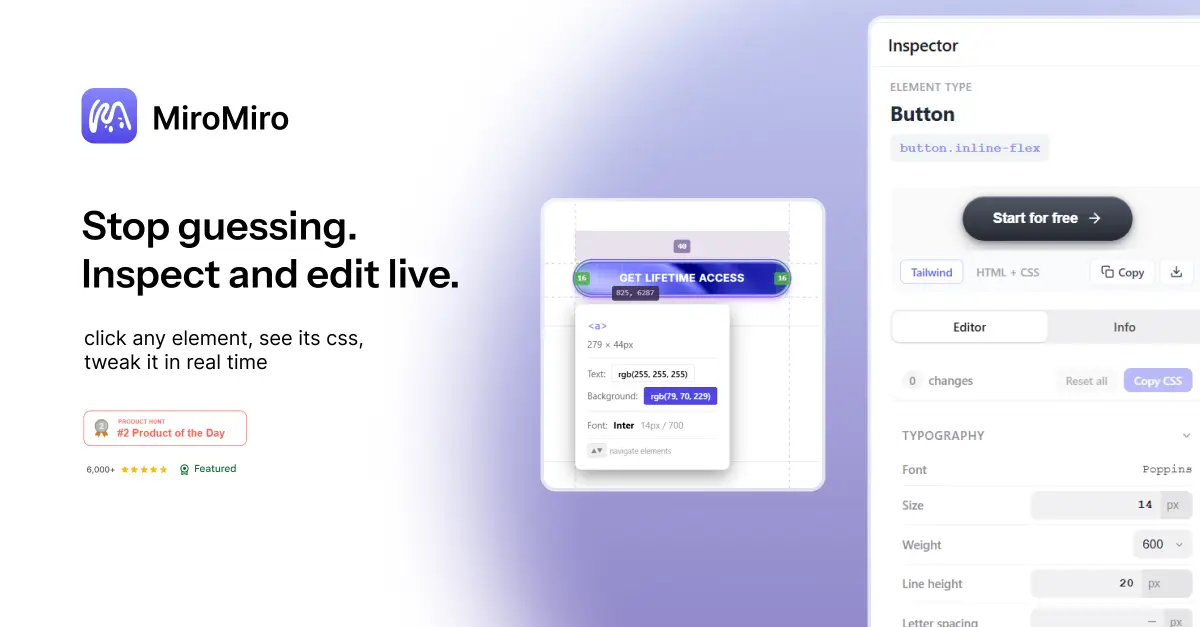
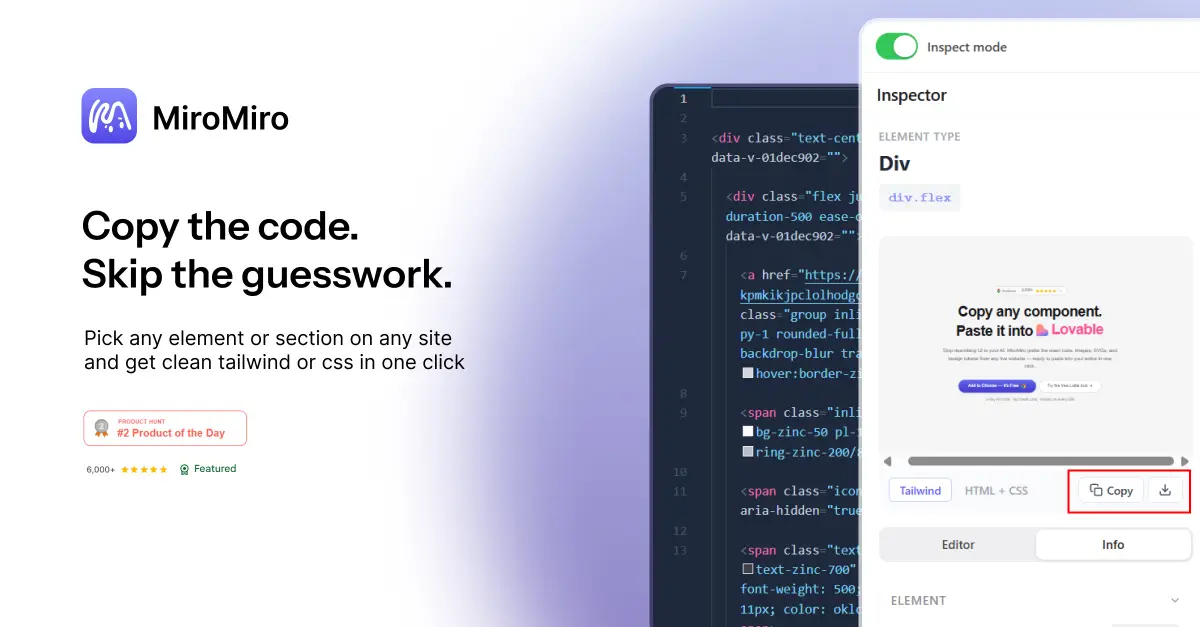
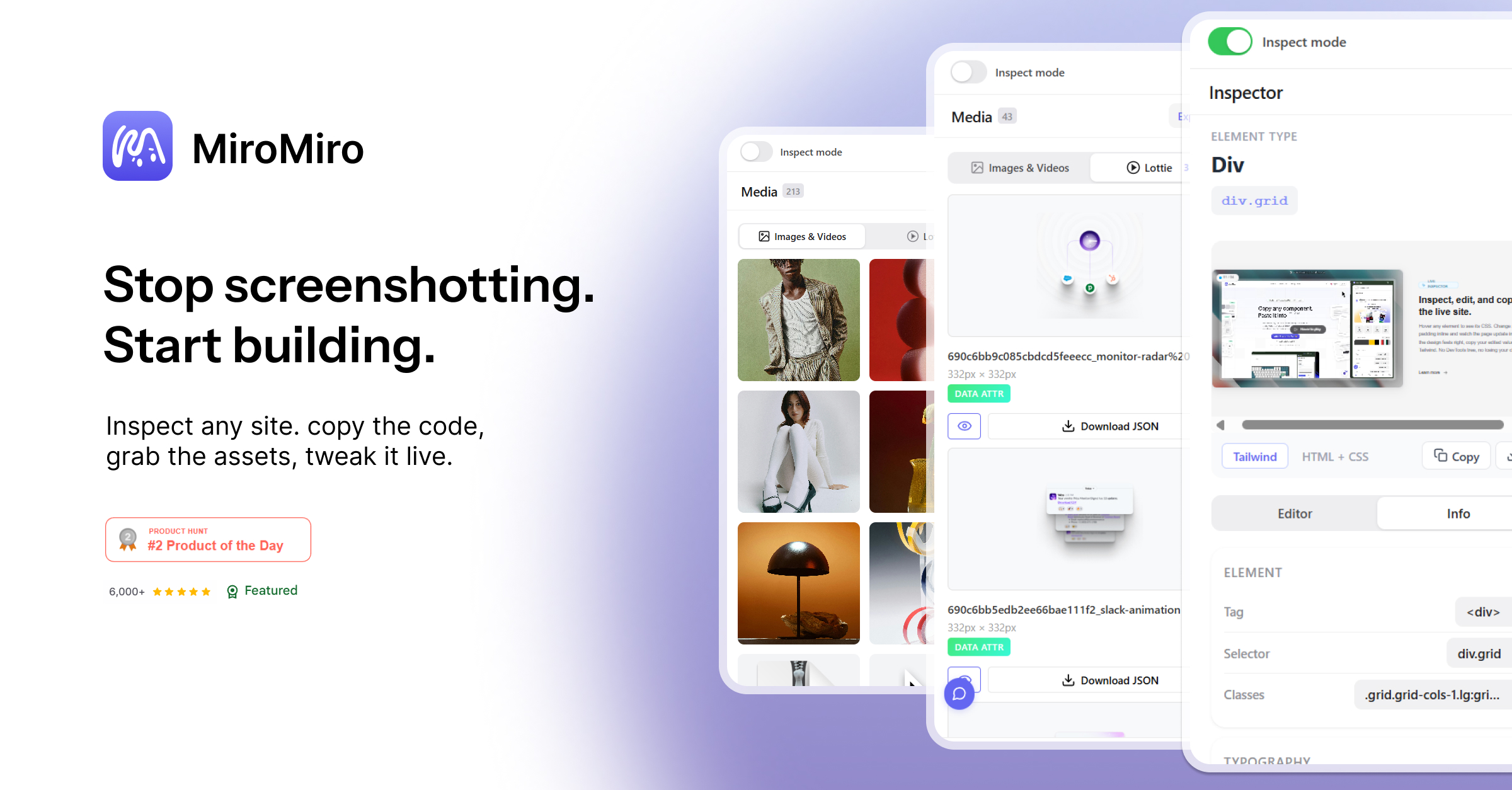
Stop digging through DevTools. MiroMiro lives in Chrome's side panel, hover any element to see its full styles, click to copy colors, fonts, spacing, or shadows, and extract SVGs, Lottie animations, and images directly from any website. Edit styles live and watch the page update in real time.…
Preview
Information
People also visit
Apps people often open alongside MiroMiro.
MiroMiro FAQ
What is MiroMiro?
Stop digging through DevTools. MiroMiro lives in Chrome's side panel, hover any element to see its full styles, click to copy colors, fonts, spacing, or shadows, and extract SVGs, Lottie animations, and images directly from any website. Edit styles live and watch the page update in real time.
Is MiroMiro free?
MiroMiro is freemium.
Do I need to download MiroMiro?
No. MiroMiro runs in your browser at miromiro.app, so there's nothing to install.
What are the best MiroMiro alternatives?
Popular alternatives to MiroMiro include CapsuleHub, UXUI Principles and facetoed. See all MiroMiro alternatives