











Description
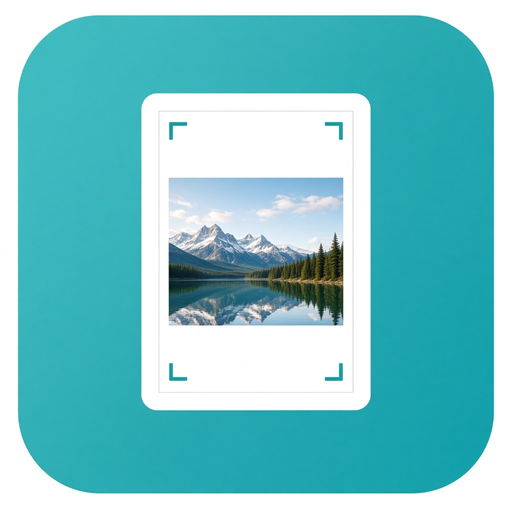
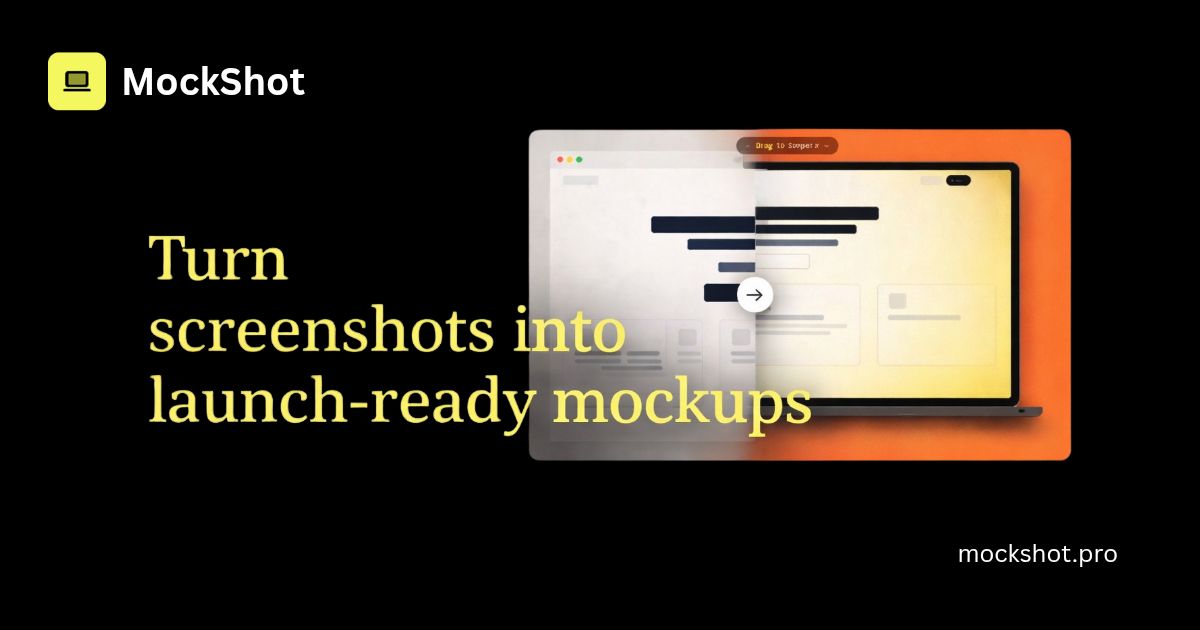
MockShot turns raw screenshots into launch-ready mockups in seconds. Drop a screenshot, pick a device frame (MacBook, iPhone, or browser), choose a background, and export a clean PNG. Everything runs locally in your browser using the Canvas API, so screenshots never leave your device. Free tier available. Pro is $15 one-time for watermark-free exports and 4K downloads.…
Preview
Information
People also visit
Apps people often open alongside MockShot.
MockShot FAQ
What is MockShot?
MockShot turns raw screenshots into launch-ready mockups in seconds. Drop a screenshot, pick a device frame (MacBook, iPhone, or browser), choose a background, and export a clean PNG. Everything runs locally in your browser using the Canvas API, so screenshots never leave your device. Free tier available. Pro is $15 one-time for watermark-free exports and 4K downloads.
Is MockShot free?
MockShot is freemium.
Do I need to download MockShot?
No. MockShot runs in your browser at mockshot.pro, so there's nothing to install.
What are the best MockShot alternatives?
Popular alternatives to MockShot include TypeAnySymbol, Export to Figma and PPTNest. See all MockShot alternatives