














Description
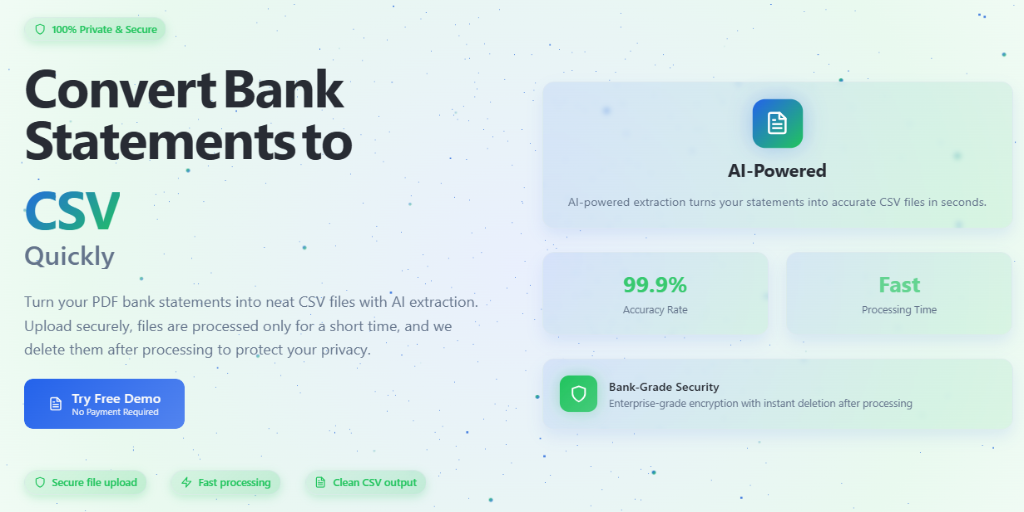
NoRekey converts PDF bank statements into spreadsheet and accounting files. You drop in a statement, and the tool reads its layout, adds up every row and checks the totals against the balances printed on the statement itself. You then download the result as CSV, Excel, OFX, QFX or JSON, so the file suits your software. The site suggests CSV for Excel, OFX for Xero and QFX for Quicken. The PDF is deleted as soon as it has been converted, according to the site. You can try the tool without an account. The free allowance covers 10 pages a month, and the site says each page after that costs about 3 cents. Files of up to 20 MB each can be uploaded. The tool is aimed at bookkeepers and anyone who needs to move bank transactions into their books without typing them by hand.…
Highlights
- Converts PDF bank statements to CSV, Excel, OFX, QFX or JSON
- Checks totals against the statement's own balances
- Suggested formats for Excel, Xero and Quicken
- PDF deleted after conversion, according to the site
- 10 pages a month free
Ratings & Reviews
No ratings yet
Be the first to rate NoRekey.
People also visit

Bank PDF Converter
Convert any bank statement from PDF format to CSV, JSON or Excel format
NoRekey FAQ
What does NoRekey convert?
PDF bank statements into CSV, Excel, OFX, QFX or JSON files. Each output is checked against the balances printed on the statement.
Which accounting software do the formats suit?
The site suggests CSV for Excel, OFX for Xero and QFX for Quicken.
Is NoRekey free?
You can try it without an account, and the first 10 pages a month are free. The site says each page after that costs about 3 cents.
What happens to my PDF?
The site says the PDF is deleted as soon as it has been converted. PDFs up to 20 MB each can be uploaded.
What are the best NoRekey alternatives?
Popular alternatives to NoRekey include BankConv, PDFGenie and StatementPilot. See all NoRekey alternatives