










Description
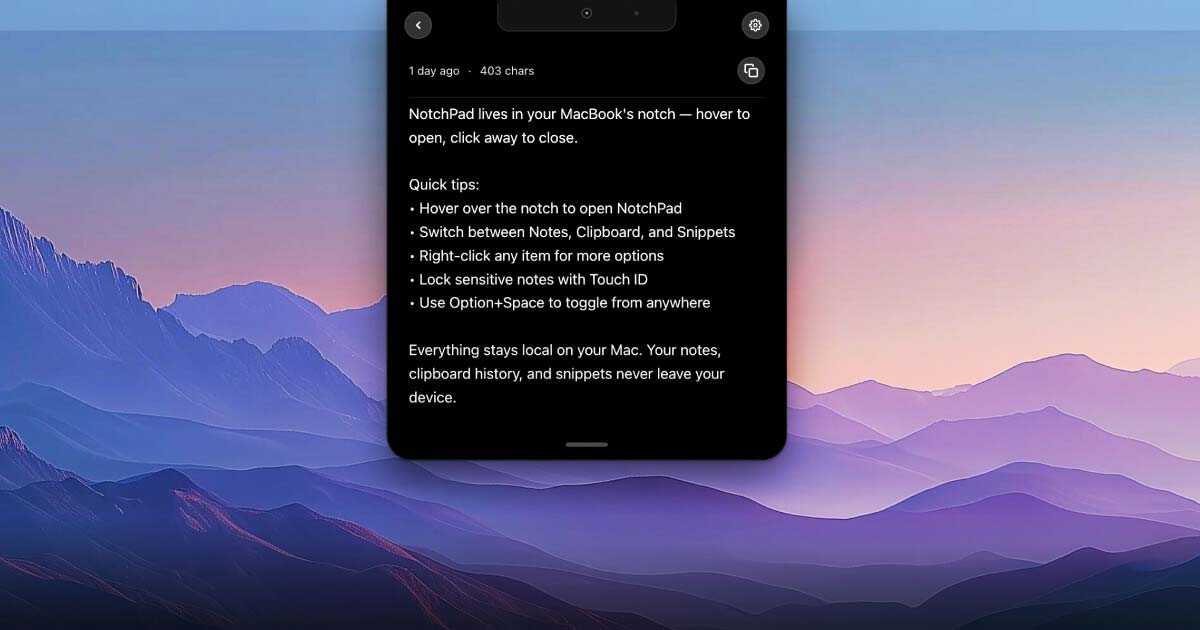
NotchPad is a local-first Mac workspace for AI notes, rich notes, folders, clipboard history, snippets, Apple Notes, file import, and NotchLive voice handoff. It opens from the MacBook notch or a shortcut, so notes and copied text stay close while you work. Notes support images, tables, checklists, typography controls, and folders.…
Preview
Information
People also visit
Apps people often open alongside NotchPad.
WebBoard
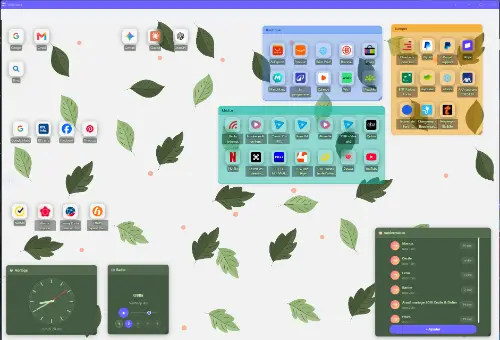
Turn your bookmarks into visual desktops you can share — no ads, free plan
NotchPad FAQ
What is NotchPad?
NotchPad is a local-first Mac workspace for AI notes, rich notes, folders, clipboard history, snippets, Apple Notes, file import, and NotchLive voice handoff. It opens from the MacBook notch or a shortcut, so notes and copied text stay close while you work. Notes support images, tables, checklists, typography controls, and folders.
Is NotchPad free?
Yes. NotchPad is free to use.
Do I need to download NotchPad?
No. NotchPad runs in your browser at notchpad.app, so there's nothing to install.
What are the best NotchPad alternatives?
Popular alternatives to NotchPad include Darkwrite, TinyScribe and Flyout. See all NotchPad alternatives