







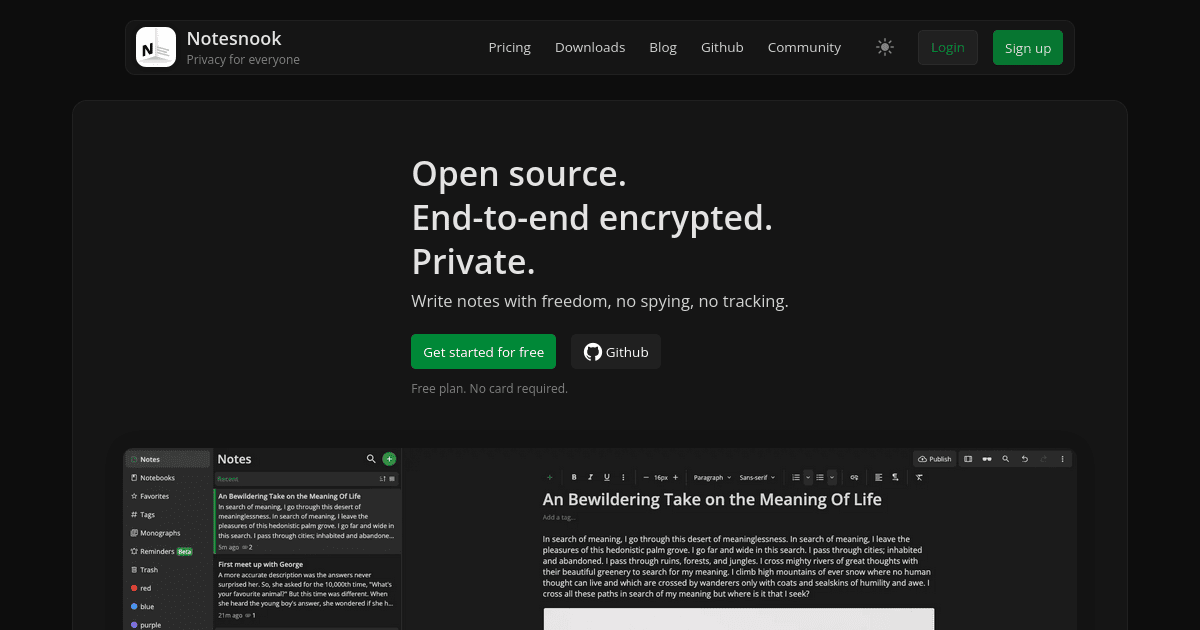










Description
Daino Notes is a note-taking app for Windows, macOS and Linux, with mobile versions planned. It uses a block editor, so you can re-order lists, paragraphs and images by dragging them. Markdown is rendered in real time as you type. Notes are saved to your device first, so the app is local first. It includes fast search, keyboard shortcuts you can use without a mouse, a distraction-free mode that shows only what you are writing or want to see, and a task board to scan what needs doing next. Themes change the look for different moods. The site says the app is built for speed, with a benchmark showing how quickly it loads a long text. The app is free and open source, and the project has a public repository on GitHub.…
Highlights
- Block editor with drag-and-drop re-ordering
- Real-time Markdown rendering
- Local-first storage on your device
- Distraction-free mode and task board
- Available on Windows, macOS and Linux
Ratings & Reviews
No ratings yet
Be the first to rate Notes.
People also visit
Notes FAQ
What is Daino Notes?
A clean, simple note-taking app with a block editor, Markdown support, a task board and images, built to keep the writing fast.
Is it free?
Yes. The site describes it as freeware, and the project is open source with a public repository on GitHub.
Which platforms does it run on?
Windows, Linux and macOS. The site says mobile versions are coming soon.
Where is my data kept?
The app prioritizes local storage, so notes are saved directly on your device first.
What are the best Notes alternatives?
Popular alternatives to Notes include QOwnNotes, notewriter and Dnote. See all Notes alternatives