



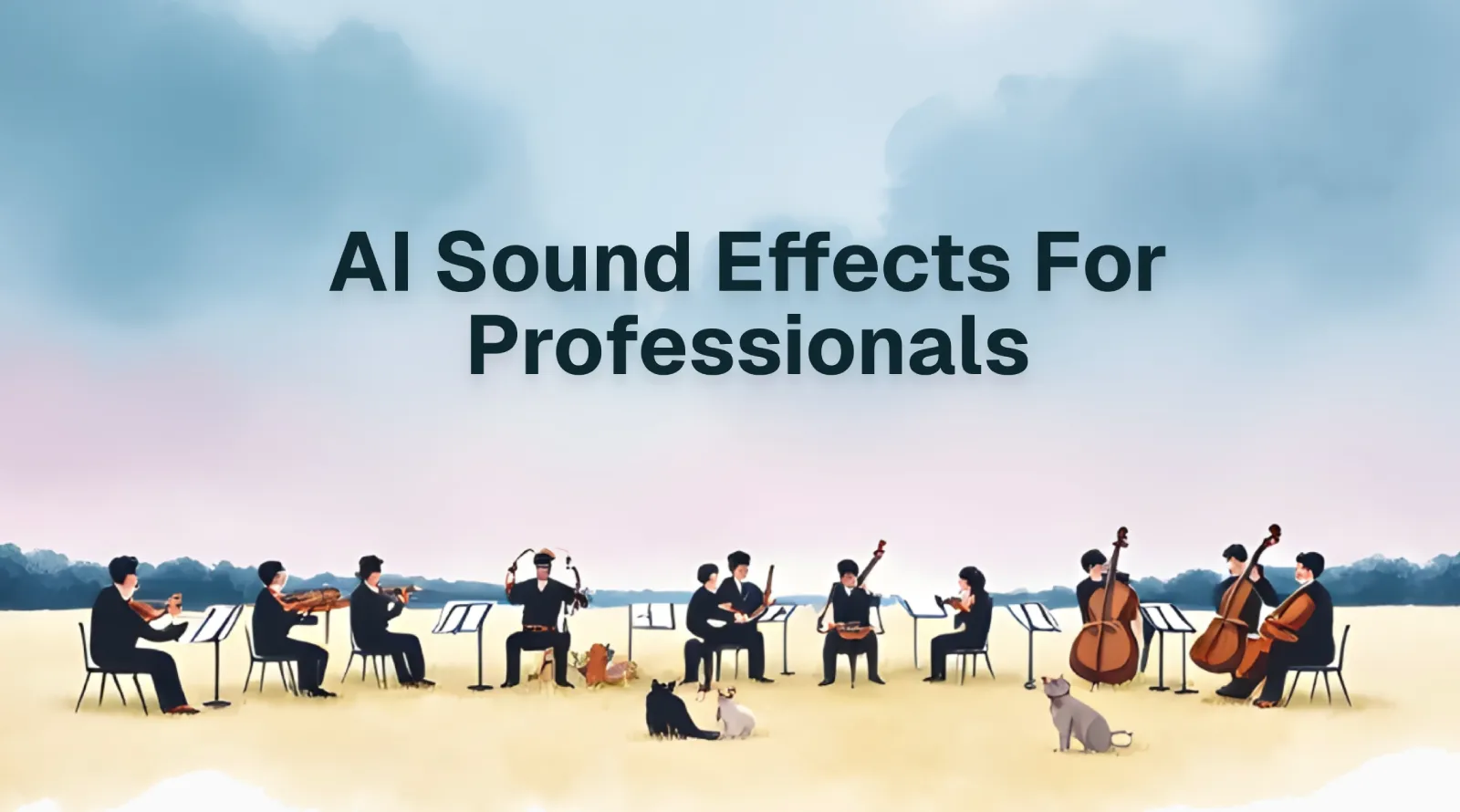


Description
OptimizerAI is an AI sound effect generator. You describe the sound you need in plain text, such as a cannon shot, a man shouting, a robot saying hello or a cartoon popping noise, and the tool generates the audio. Output is stereo at 44.1 kHz for clips up to 60 seconds. A magic prompt mode lets you describe the situation instead of the sound itself, and you can choose a style for the audio. If you already have a recording, you can upload it and create several modified versions. The site shows examples for games, video, short-form content and ads, including an 8-bit jump and shoot sound, rain ambience and a ghostly whisper. It is aimed at creators, game developers, artists and video makers who need effects quickly instead of searching through sound libraries. You can make a sound for free from the homepage, and the site has a pricing page and an FAQ for paid use.…
Preview
Highlights
- Sound effects from a text prompt
- Stereo 44.1 kHz audio up to 60 seconds
- Magic prompt based on the situation
- Variations of your own audio
- Choose a style for the sound
Ratings & Reviews
No ratings yet
Be the first to rate OptimizerAI.
People also visit
OptimizerAI FAQ
What is OptimizerAI?
An AI generator that creates sound effects from a text description, for games, videos, ads and other content.
Can I try it for free?
Yes. The site lets you make a sound for free before you decide on a plan.
How long can a sound be?
The site says output can be stereo at 44.1 kHz, for clips up to 60 seconds.
Can I change my own audio?
Yes. Upload an audio file and the tool creates several modified versions of it.
What are the best OptimizerAI alternatives?
Popular alternatives to OptimizerAI include AI Sound Effect Generator, Sound Effect Generator and AI Sound Effect Generator. See all OptimizerAI alternatives