












Description
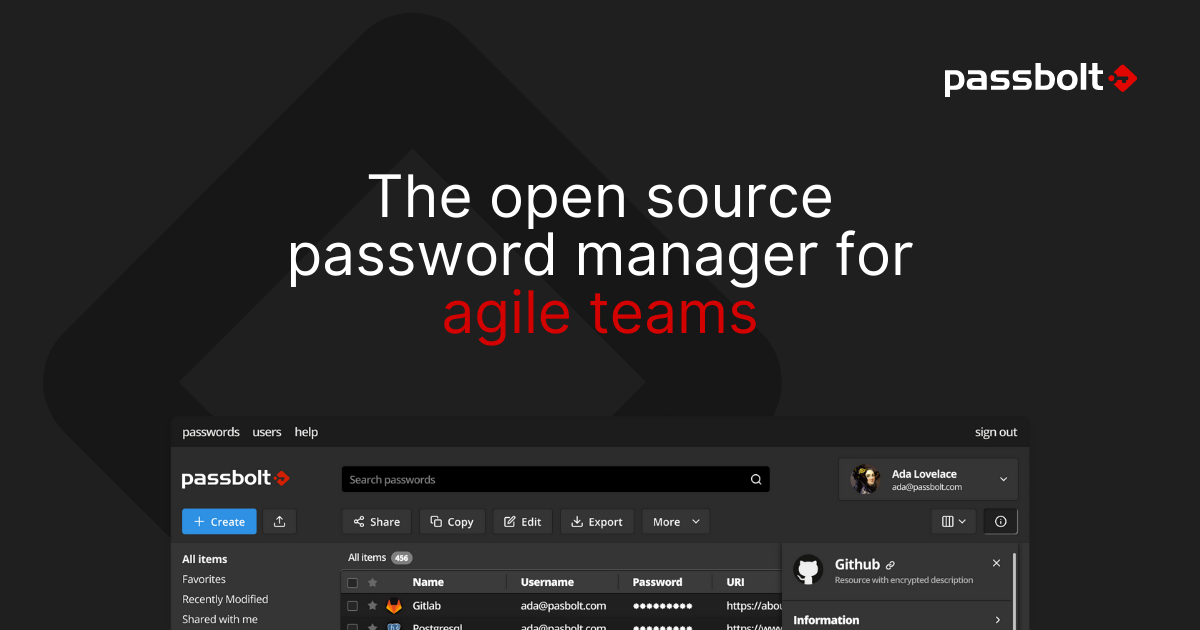
Passbolt is an open-source password and secret manager for teams. It lets people store, share and manage credentials securely, with private and shared folders, user and group management, and role-based access control. Users can work through browser extensions or a command-line interface, and there is an open API for integrations. The company says the platform is audited, has a SOC 2 Type II report, and is GDPR compliant, and it describes itself as made in Europe. Passbolt can be installed on your own server or used as a cloud service, and the team lists customers including large companies and public bodies. The Community Edition is free under the AGPLv3 license with unlimited users, including two-factor and three-step verification, password expiry and community support. The Pro Edition adds tags, LDAP provisioning for Active Directory and OpenLDAP, single sign-on with Microsoft, Google and OpenID, account recovery through escrow, an activity log and next-business-day support. Pro costs $4.90 per user a month billed annually, with a minimum of 10 users.…
Preview
Pricing
- CommunityFree
- Pro$4.9/user/mo
Highlights
- Shared and private password folders
- Browser extensions and CLI
- Role-based access control
- Audited and SOC 2 Type II
- Self-host or cloud
Ratings & Reviews
No ratings yet
Be the first to rate Passbolt.
People also visit
Passbolt FAQ
What is Passbolt?
An open-source password and secret manager that lets teams share credentials securely.
Is it free?
The Community Edition is free under AGPLv3 with unlimited users. The Pro Edition costs $4.90 per user a month billed annually, with a minimum of 10 users.
Can I host it myself?
Yes. Passbolt can be installed on-prem, and it is also offered as Passbolt Cloud.
What does Pro add?
Tags, LDAP provisioning, single sign-on, account recovery through escrow, an activity log and next-business-day support.
Is it audited?
The site lists an audit report and a SOC 2 Type II report.
What are the best Passbolt alternatives?
Popular alternatives to Passbolt include Teampass, BitWarden and Passwork Self-Hosted Extension. See all Passbolt alternatives