





















Description
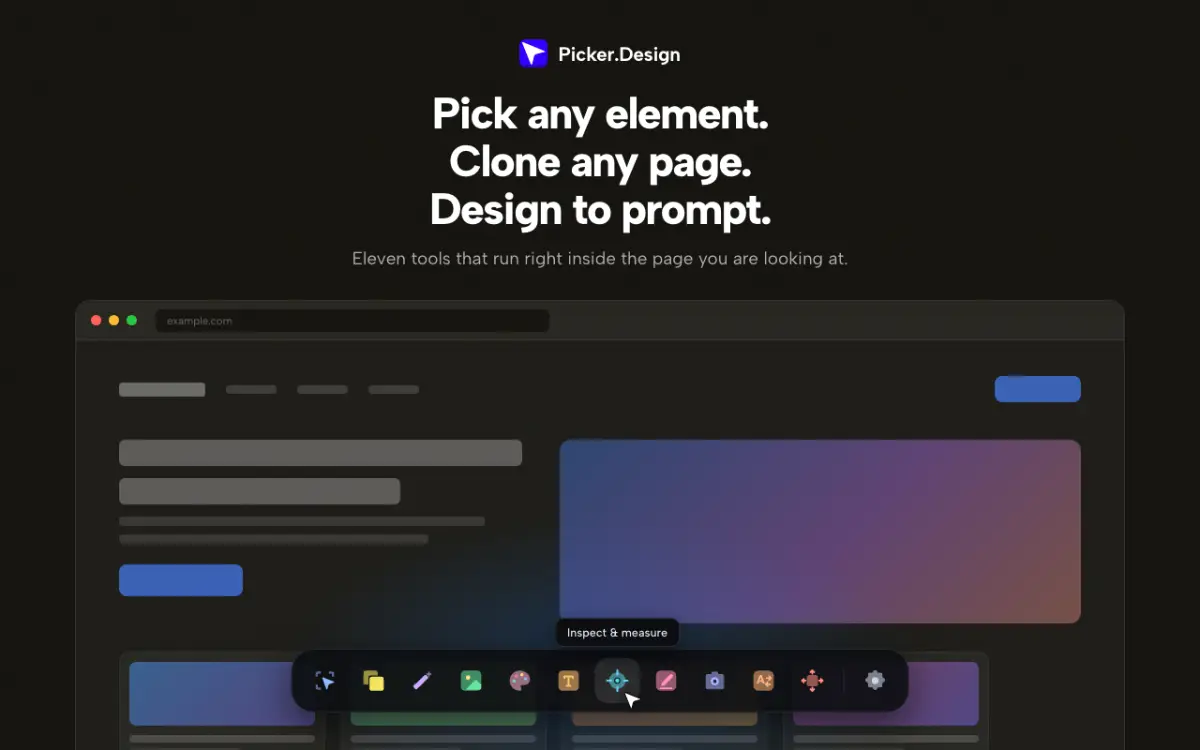
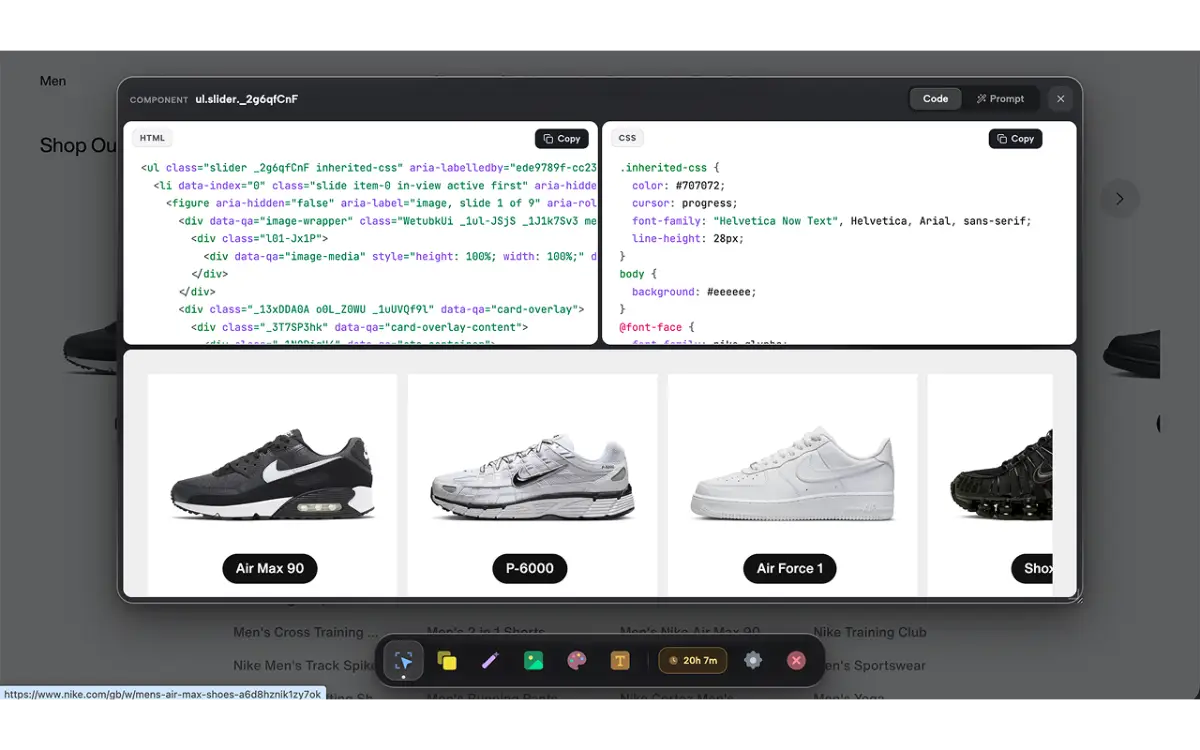
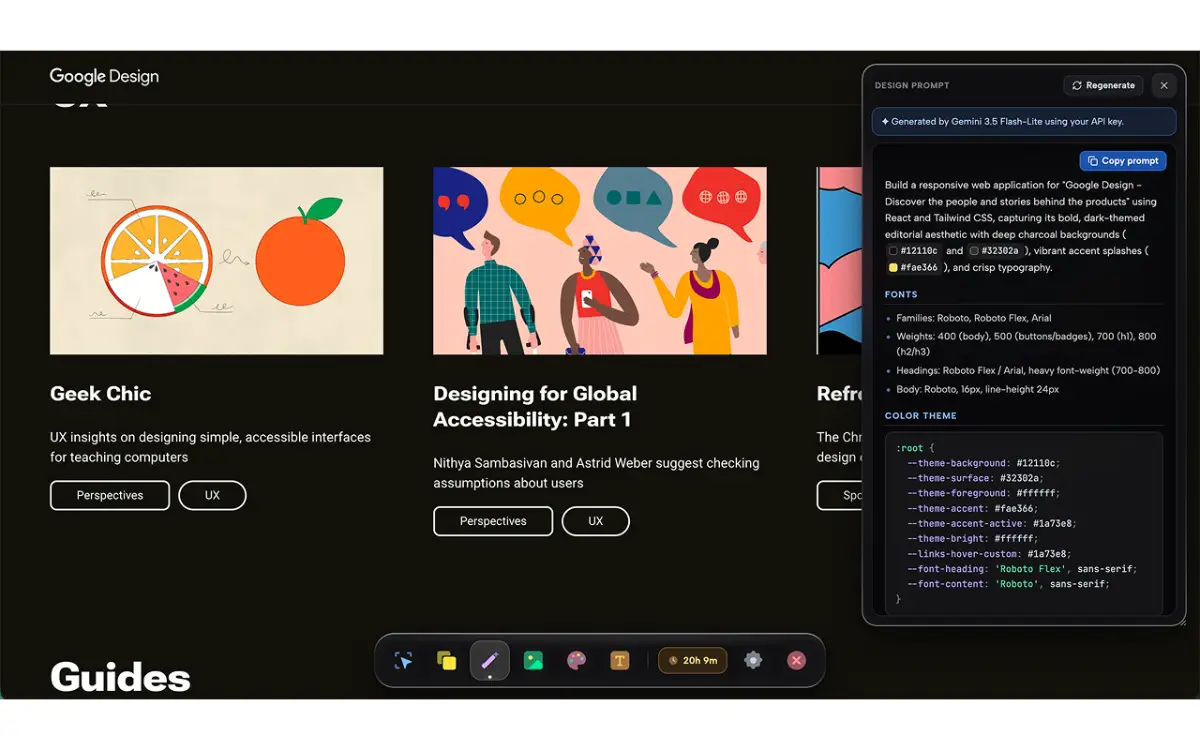
Picker Design is a Chrome extension that helps designers and developers extract clean HTML and CSS code from any element on the web. Clone entire pages into single-file projects or convert any site's design system into an AI-ready prompt for faster design iteration. Perfect for design systems research, competitive analysis, and rapid prototyping workflows.…
Preview
Information
People also visit
Apps people often open alongside Picker Design.

Simple Virtual Tour
Create unlimited 360° virtual tours with self-hosted or cloud options
Picker Design FAQ
What is Picker Design?
Picker Design is a Chrome extension that helps designers and developers extract clean HTML and CSS code from any element on the web. Clone entire pages into single-file projects or convert any site's design system into an AI-ready prompt for faster design iteration. Perfect for design systems research, competitive analysis, and rapid prototyping workflows.
Is Picker Design free?
No. Picker Design is a paid app.
Do I need to download Picker Design?
No. Picker Design runs in your browser at picker.design, so there's nothing to install.
What are the best Picker Design alternatives?
Popular alternatives to Picker Design include Moqups, Export to Figma and visualOS. See all Picker Design alternatives