






















Description
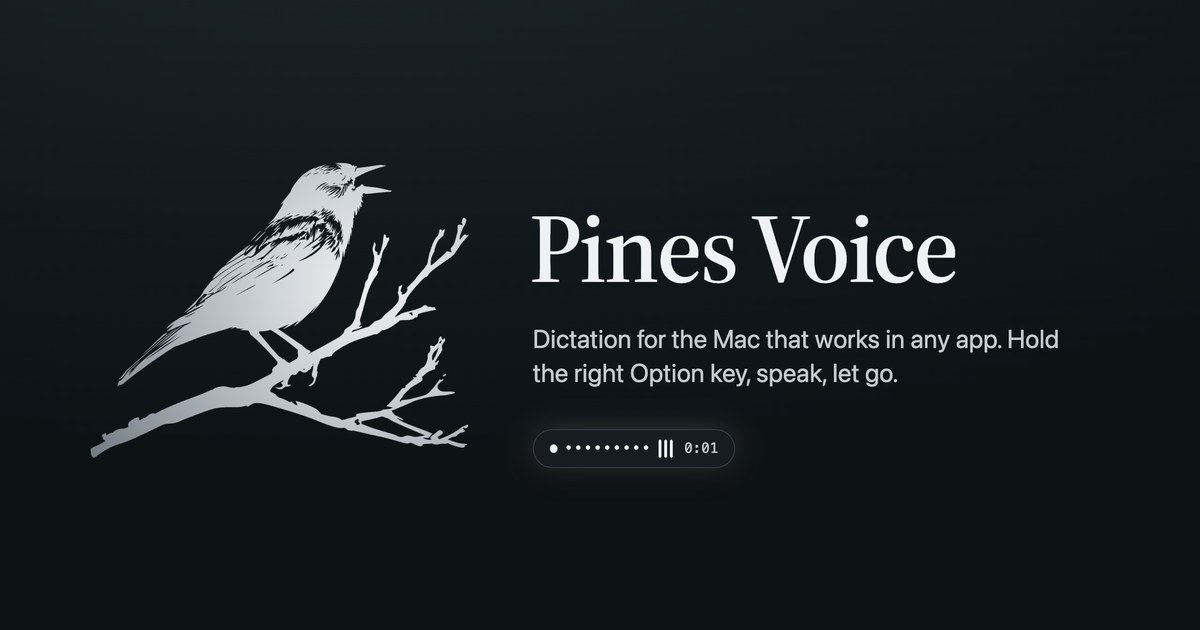
Hold the right Option key and speak. Let go, and the text is typed at your cursor in any Mac app. Local models run offline, so no audio leaves your Mac. Or use your own OpenAI, Groq or OpenRouter key. Free for 3 days, then $5 a month or $29 a year.…
Preview
Highlights
- Types into any app with a cursor
- Local models that work offline
- Your own API key, with the cost shown
People also visit
Apps people often open alongside Pines Voice.
Pines Voice FAQ
What is Pines Voice?
Hold the right Option key and speak. Let go, and the text is typed at your cursor in any Mac app. Local models run offline, so no audio leaves your Mac. Or use your own OpenAI, Groq or OpenRouter key. Free for 3 days, then $5 a month or $29 a year.
Do I need to download Pines Voice?
No. Pines Voice runs in your browser at pines.rocks, so there's nothing to install.
What can you do with Pines Voice?
Main features: Types into any app with a cursor, Local models that work offline, Your own API key, with the cost shown.
What are the best Pines Voice alternatives?
Popular alternatives to Pines Voice include Lexington Themes, Elasticsearch and Hermes Agent. See all Pines Voice alternatives