























Description
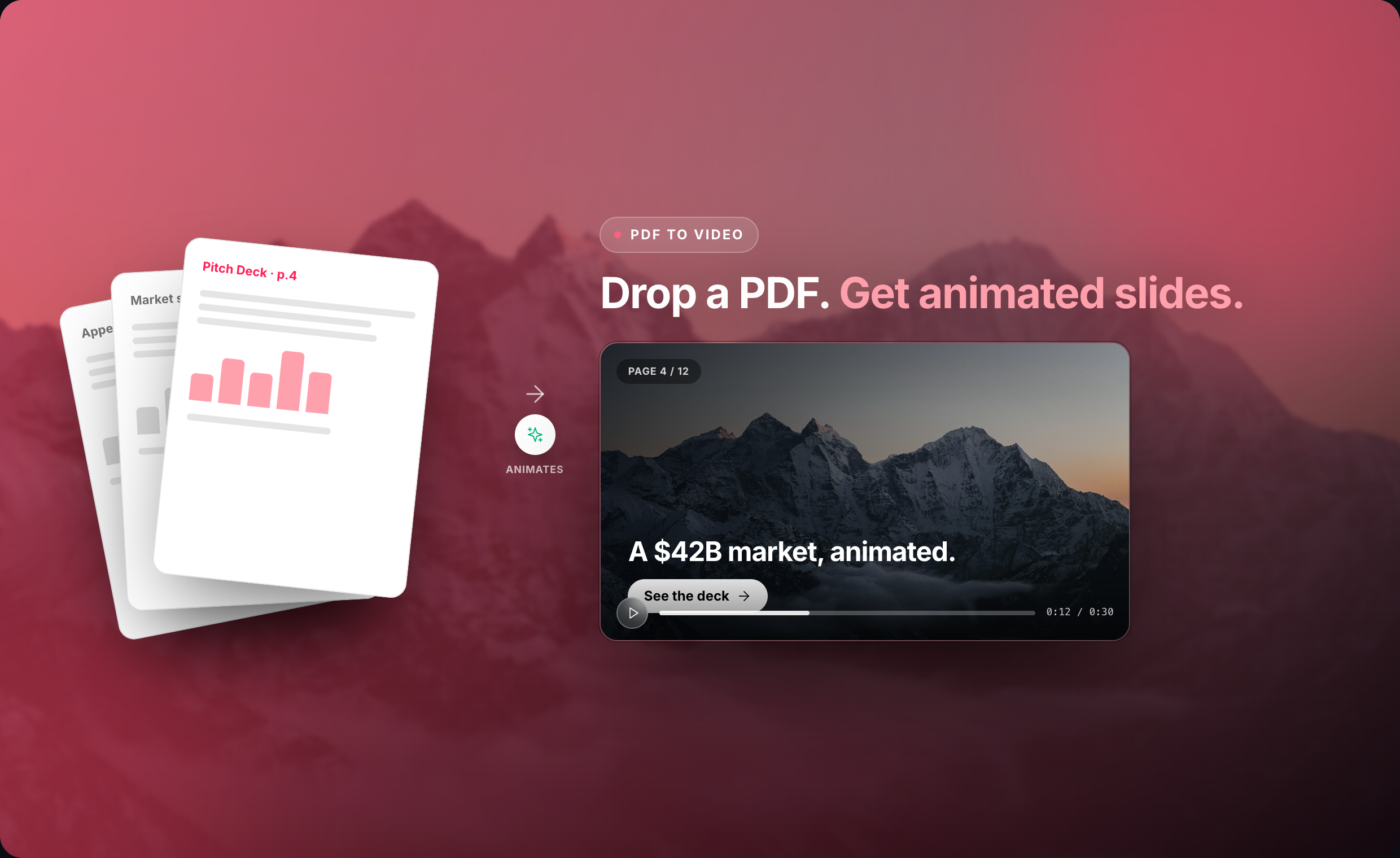
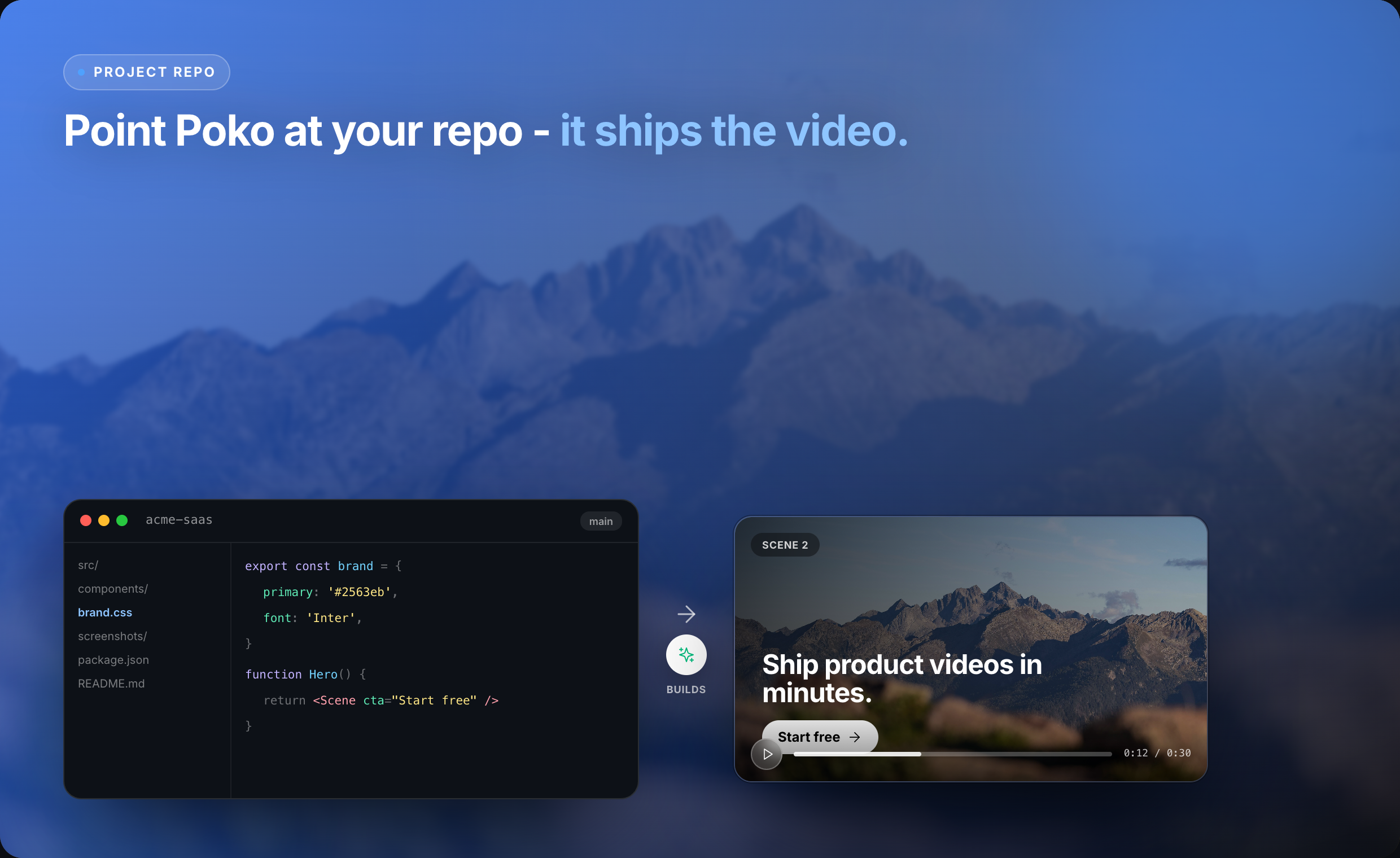
Poko Motion (poko.video) is an AI-powered video studio and screen recorder that turns things you already have - a GitHub repo, README, PDF, deck, or website - into a polished demo video, with features like cursor zoom, automatic captions, and voice cloning.…
Preview

Highlights
- Source-to-video generation
- AI script writing
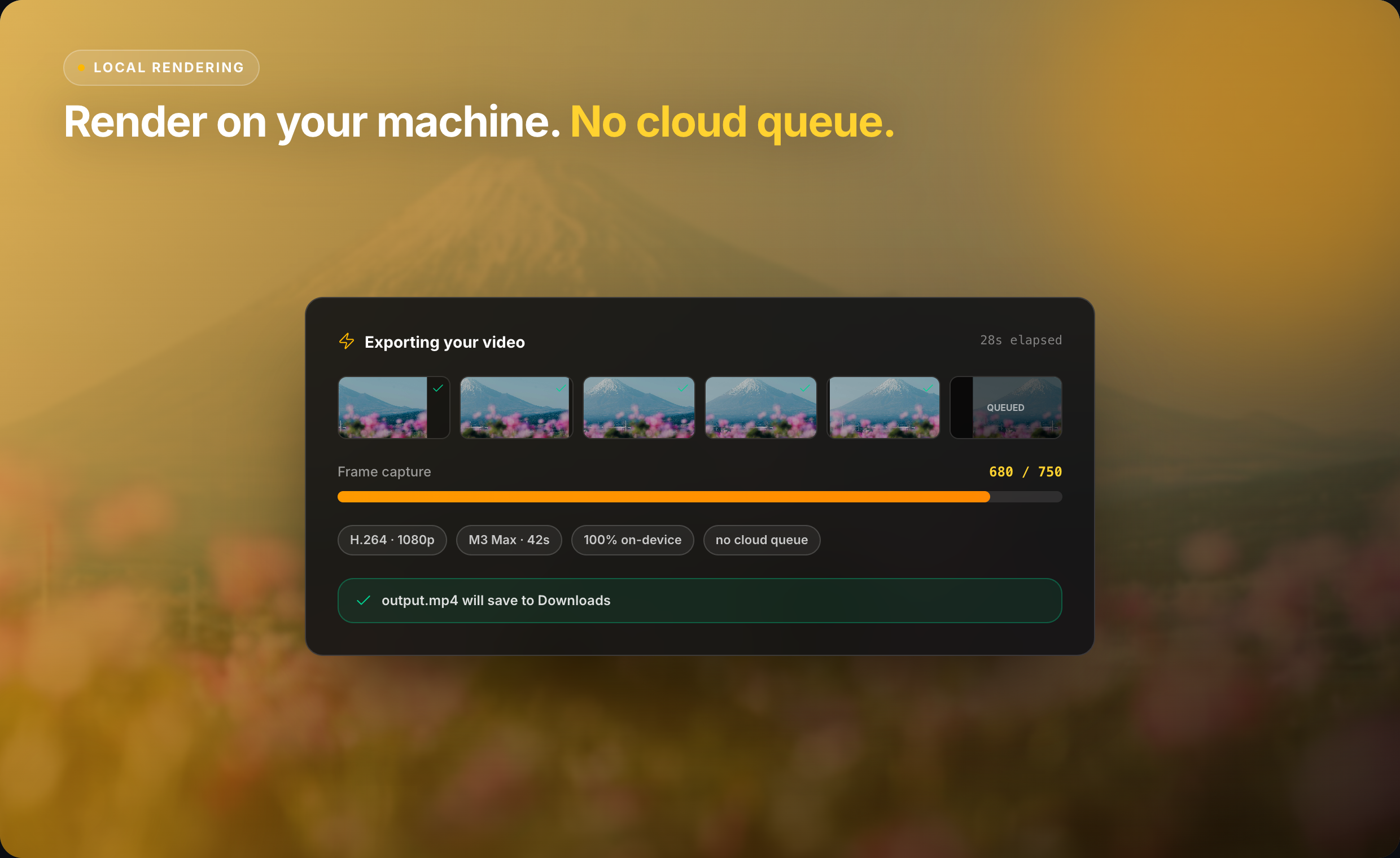
- Local, on-device rendering
- Conversational editing
People also visit
Apps people often open alongside Poko Motion.
Poko Motion FAQ
What is Poko Motion?
Poko Motion (poko.video) is an AI-powered video studio and screen recorder that turns things you already have - a GitHub repo, README, PDF, deck, or website - into a polished demo video, with features like cursor zoom, automatic captions, and voice cloning.
Is Poko Motion free?
Yes. Poko Motion is free to use.
Do I need to download Poko Motion?
No. Poko Motion runs in your browser at poko.video, so there's nothing to install.
What can you do with Poko Motion?
Main features: Source-to-video generation, AI script writing, Local, on-device rendering, Conversational editing.
What are the best Poko Motion alternatives?
Popular alternatives to Poko Motion include ClipCutAi, Renoise AI and ImagesArt Image to Video. See all Poko Motion alternatives