






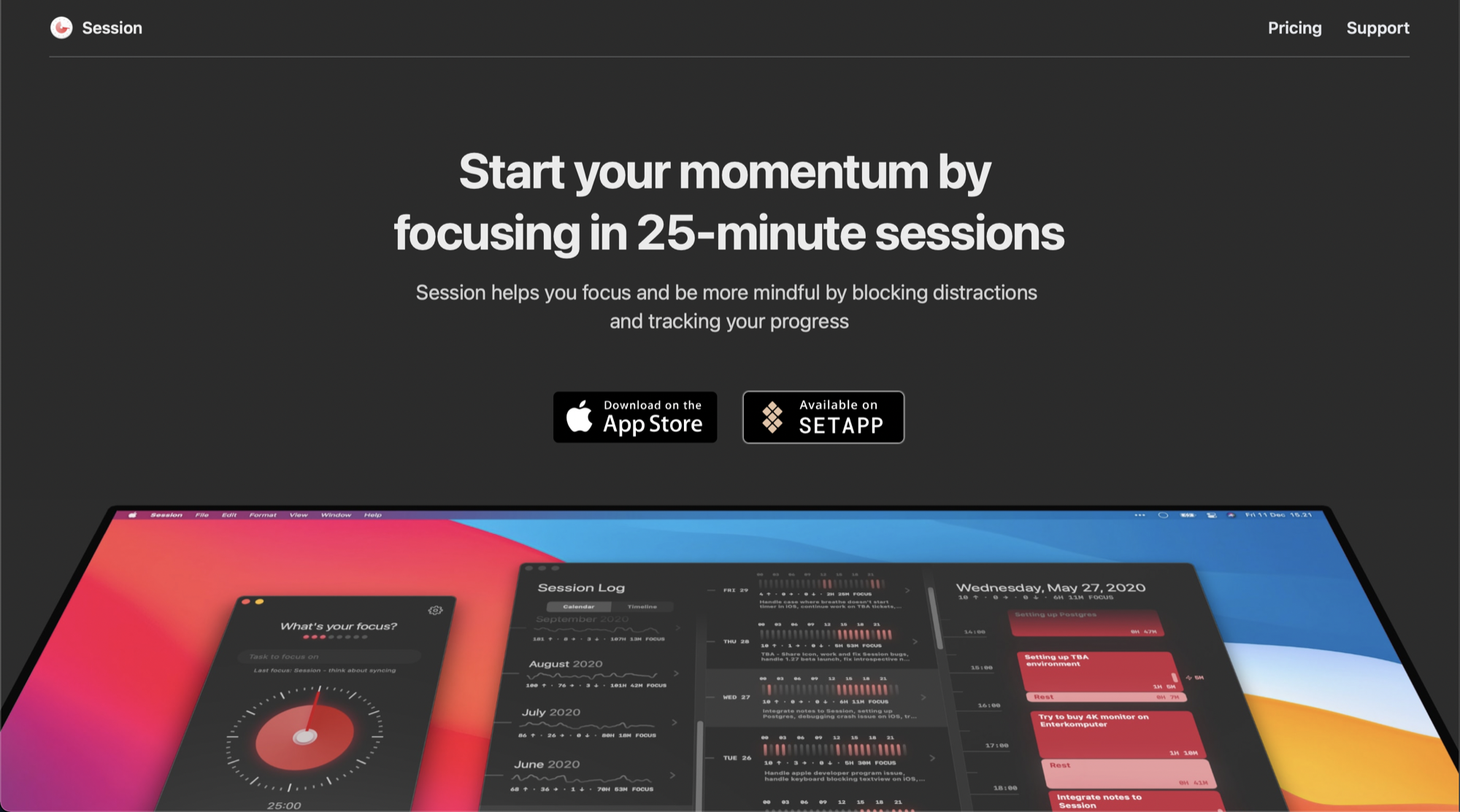

Description
Pomo is a Pomodoro timer for focused work and breaks. Before a session starts you set an intention, which is what you want to accomplish, and you can reorder your intentions or archive them when you are done. The timer runs focus sessions with short and long breaks, keeps running when the app is in the background or your phone is locked, and can let you know when a session is finished. You can choose automatic session flow, sounds, vibration and other settings. Pomo records completed sessions, with focus history, a day-by-day activity view and a progress summary. Sessions and intentions are stored locally on your device, and you can export your data and restore it whenever you want. There is no account or sign-in and no ads. Pomo Pro is an optional upgrade that unlocks unlimited intentions, complete focus history and custom background and focus images. A mobile app is also offered, and the site is available in many languages.…
Preview
Highlights
- Set an intention before each focus session
- Focus and break sessions with notifications
- Focus history and daily activity
- Local-first storage with backup and restore
- No account and no ads
Ratings & Reviews
No ratings yet
Be the first to rate Pomotimer.
People also visit
Pomotimer FAQ
Is Pomo free?
Yes. The focus timer, intentions, progress and backup are free. Pomo Pro is an optional upgrade that unlocks unlimited intentions, complete focus history and custom images.
Do I need an account?
No. Pomo works without an account, and your sessions and intentions are stored on your device.
Does the timer keep running in the background?
Yes. The timer continues with the app in the background or with your phone locked, and it can notify you when a session finishes.
Can I back up my data?
Yes. You can export your Pomo data and restore it later. Backup and restore is available to everyone.
What are the best Pomotimer alternatives?
Popular alternatives to Pomotimer include Pomofocus, Flowmo and Focus. See all Pomotimer alternatives