
PostHog/posthog
Interact with PostHog analytics, feature flags, error tracking and more
by PostHog








Description
The PostHog MCP server is the official Model Context Protocol server for PostHog, the product analytics platform. It lets MCP clients such as Claude, Cursor, VS Code and Zed work with PostHog directly, covering analytics and SQL, dashboards, experiments, feature flags, surveys, session replay, error tracking and more. An assistant can answer questions from your data, for example by running a trends query on signup events, or create a feature flag with a rollout percentage and show its configuration. The README explains two ways to install. A quick install command can add the server to Cursor, Claude, Claude Code, VS Code and Zed. A manual install uses a personal PostHog API key, created through the MCP Server preset, and adds it to the client's configuration. The server also works from a Node.js program over the Streamable HTTP transport from the Model Context Protocol SDK, where the personal API key is sent as a Bearer token and the Accept header must include both application/json and text/event-stream. The README notes that the client must send the initialized notification after initialize, which the SDK does during connect. Documentation for the available tools is on the PostHog site.…
Highlights
- Analytics, SQL, dashboards, experiments and feature flags from MCP clients
- Session replay, surveys and error tracking through the same server
- Quick install for Cursor, Claude, Claude Code, VS Code and Zed
- Streamable HTTP transport with a personal API key
Ratings & Reviews
No ratings yet
Be the first to rate PostHog/posthog.
People also visit
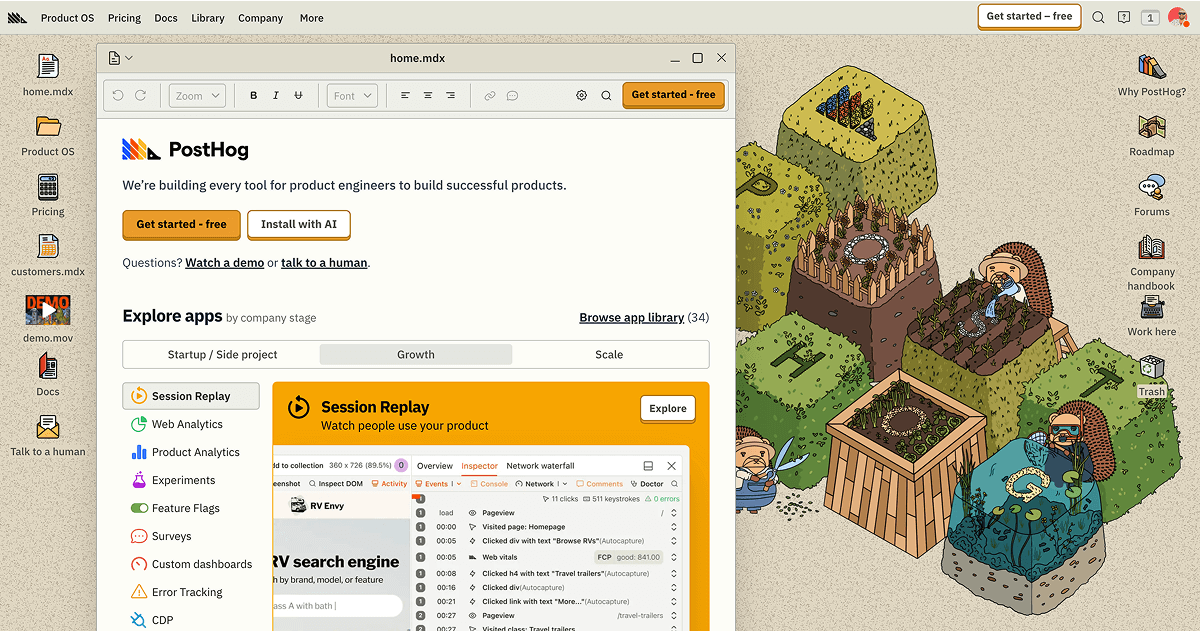
PostHog
Analytics with autocapture, session recordings, feature flags, heatmaps and more

growthbook/growthbook-mcp
Create and interact with GrowthBook feature flags and experiments

launchdarkly-metric-choose
Choose the right metrics for a LaunchDarkly experiment, guarded rollout
PostHog/posthog FAQ
What can an assistant do with it?
Run analytics queries, create dashboards and feature flags, set up experiments, and read session replays and error tracking, according to the README examples.
How do I authenticate?
With a personal PostHog API key, created through the MCP Server preset, and sent as a Bearer token for direct HTTP use.
Which clients can install it automatically?
Cursor, Claude, Claude Code, VS Code and Zed, using the quick install command in the README.
Can I call it from Node.js?
Yes. The README shows a minimal client using the Model Context Protocol SDK and the Streamable HTTP transport.
Where are the tool docs?
In the PostHog documentation for the Model Context Protocol, linked from the README.
What are the best PostHog/posthog alternatives?
Popular alternatives to PostHog/posthog include Betterlytics, HitKeep and posthog-instrumentation. See all PostHog/posthog alternatives