




















Description
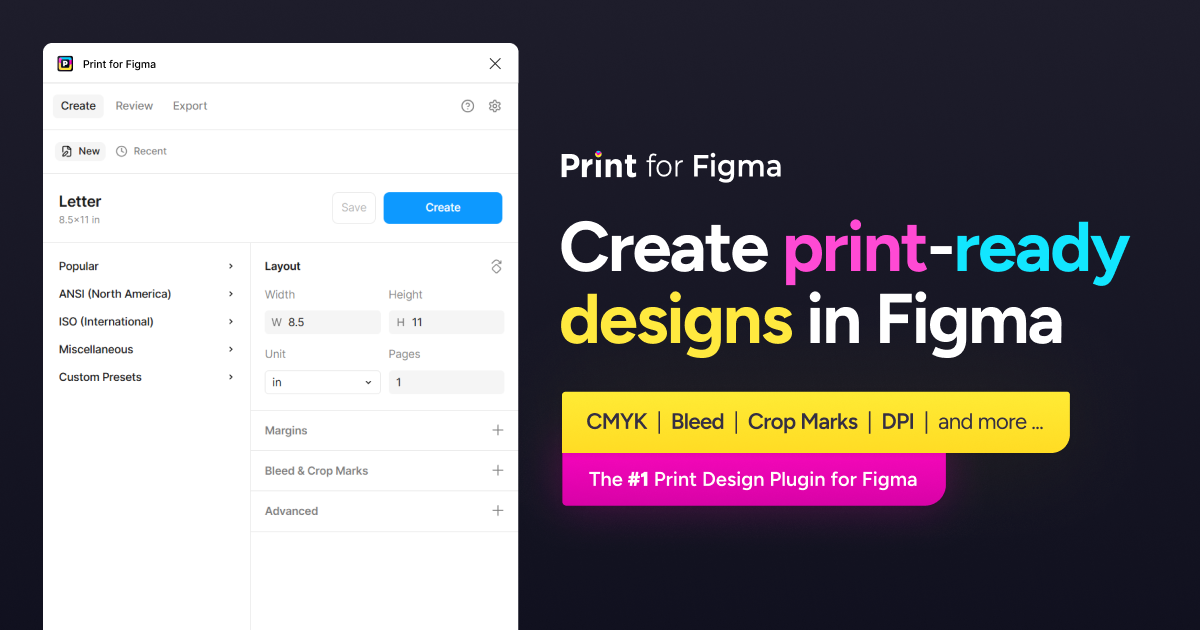
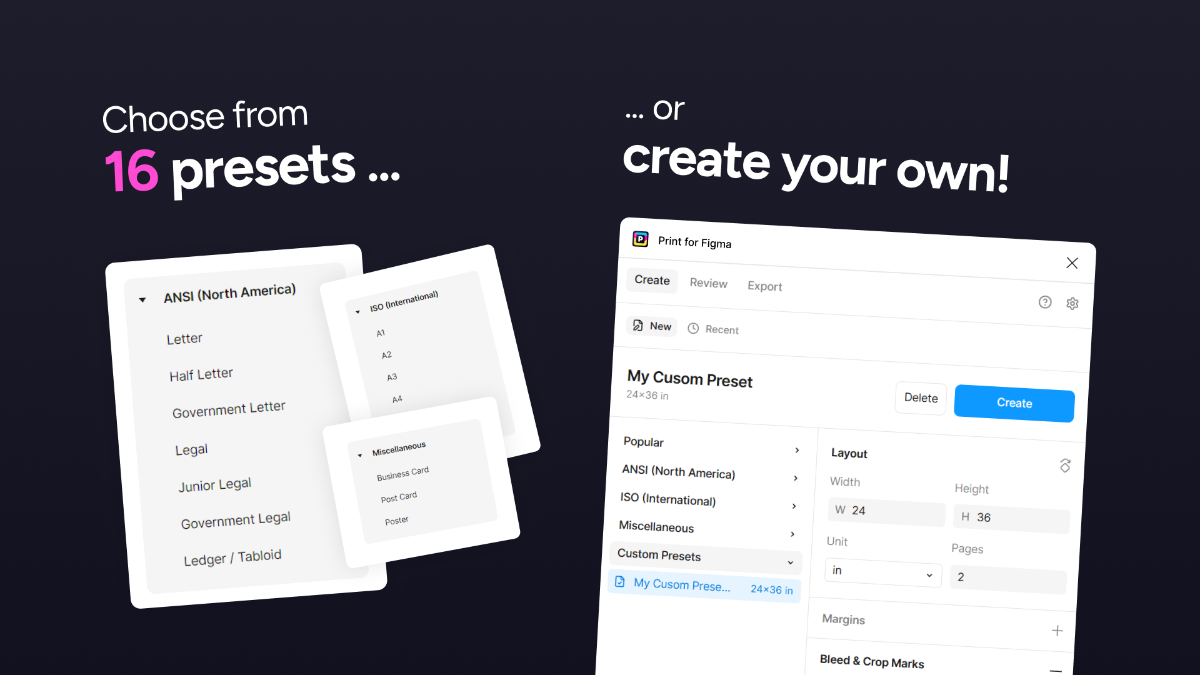
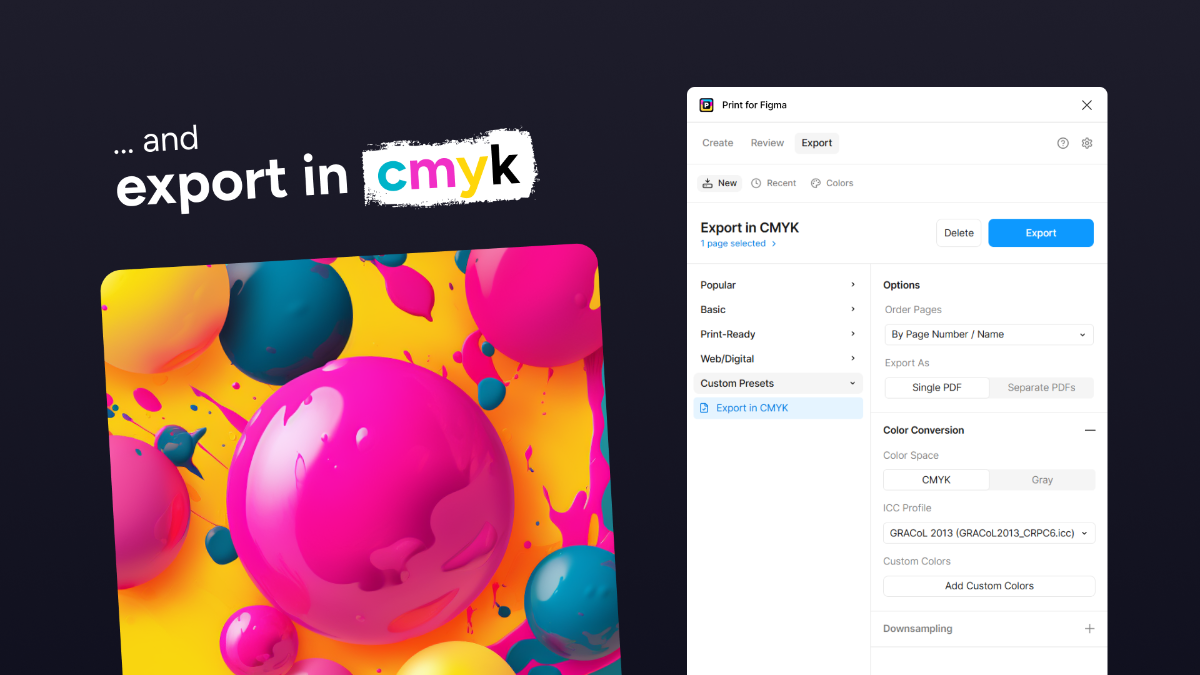
Export Figma to CMYK with Bleed, Crop Marks, and 300 DPI. Use Figma for print design instead of slow and expensive Adobe software. 📄 Create flyers, posters, business cards, reports, and more! 🎨 Export Figma to CMYK, with ICC profiles. 🌈 Define custom RGB→CMYK color mappings. 🔍 Create 300dpi PDFs with the DPI tool. ⏹ Add bleed and crop marks. ⚡ Save your own custom presets.…
Preview
Information
People also visit
Apps people often open alongside Print for Figma.

ScreenPolish
Free in-browser screenshot editor with gradients, rounded corners & shadows
Print for Figma FAQ
What is Print for Figma?
Export Figma to CMYK with Bleed, Crop Marks, and 300 DPI. Use Figma for print design instead of slow and expensive Adobe software. 📄 Create flyers, posters, business cards, reports, and more! 🎨 Export Figma to CMYK, with ICC profiles. 🌈 Define custom RGB→CMYK color mappings. 🔍 Create 300dpi PDFs with the DPI tool. ⏹ Add bleed and crop marks. ⚡ Save your own custom presets.
Is Print for Figma free?
Print for Figma is freemium.
Do I need to download Print for Figma?
No. Print for Figma runs in your browser at printability.app, so there's nothing to install.
What are the best Print for Figma alternatives?
Popular alternatives to Print for Figma include Penpot, ColorUI and ScreenPolish. See all Print for Figma alternatives