





















Description
ProcessSpy is a lightweight, native macOS process explorer built for developers who need deeper system insights than Apple's default Activity Monitor provides. Serving as a powerful Mac alternative to Sysinternals Process Explorer, it grants power users full visibility into process hierarchies, command-line arguments, environment variables, and active network sockets.…
Preview
Highlights
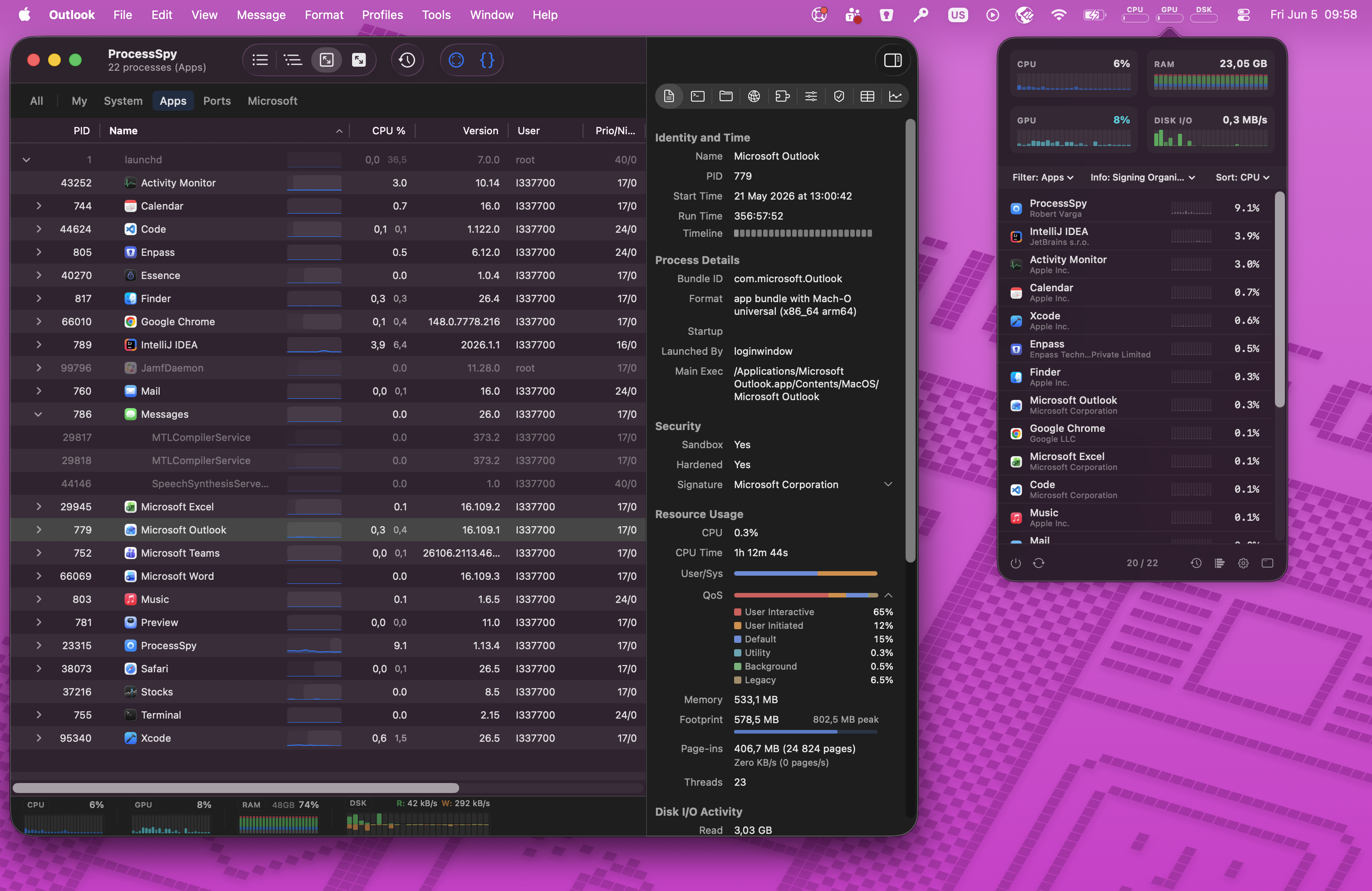
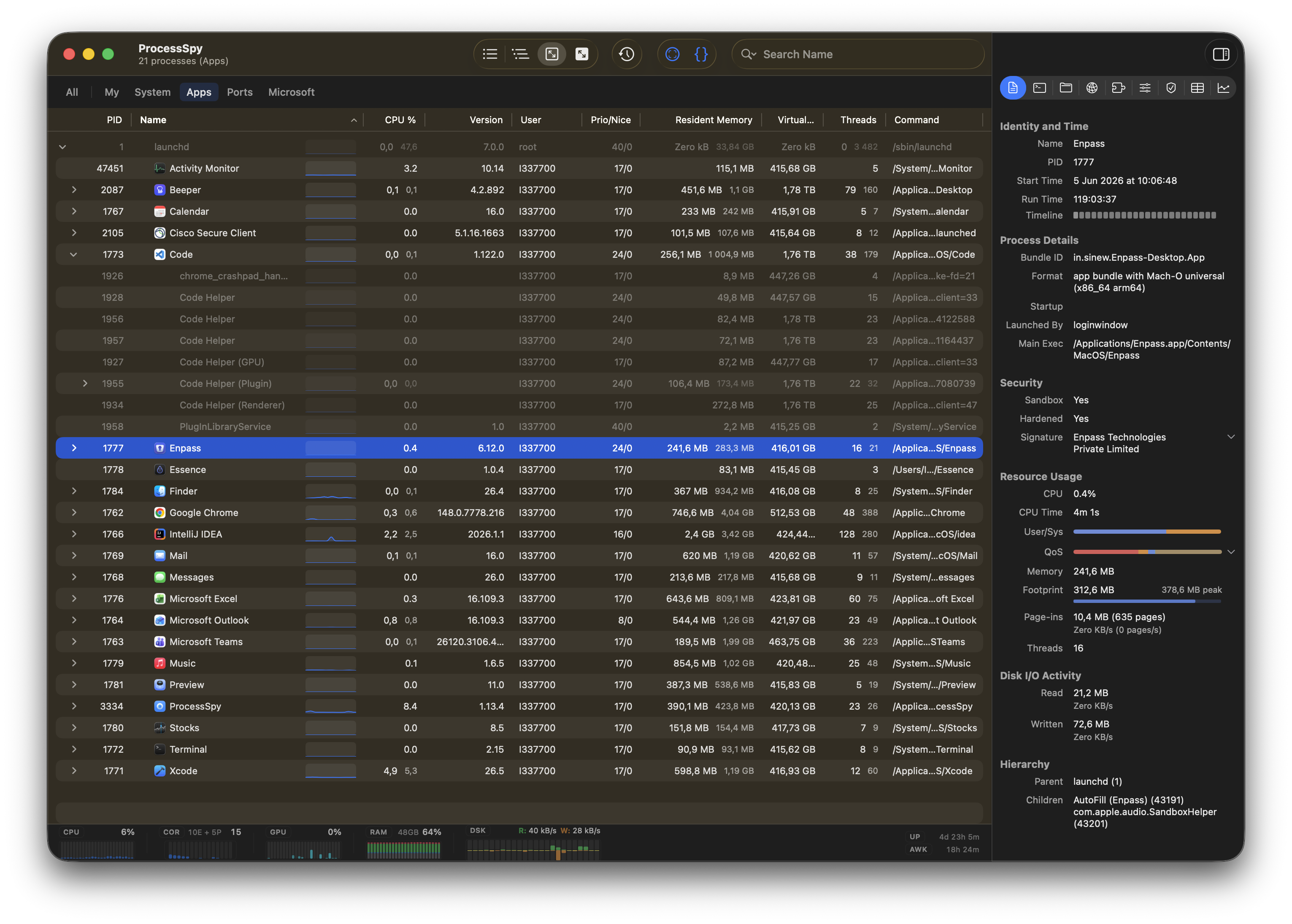
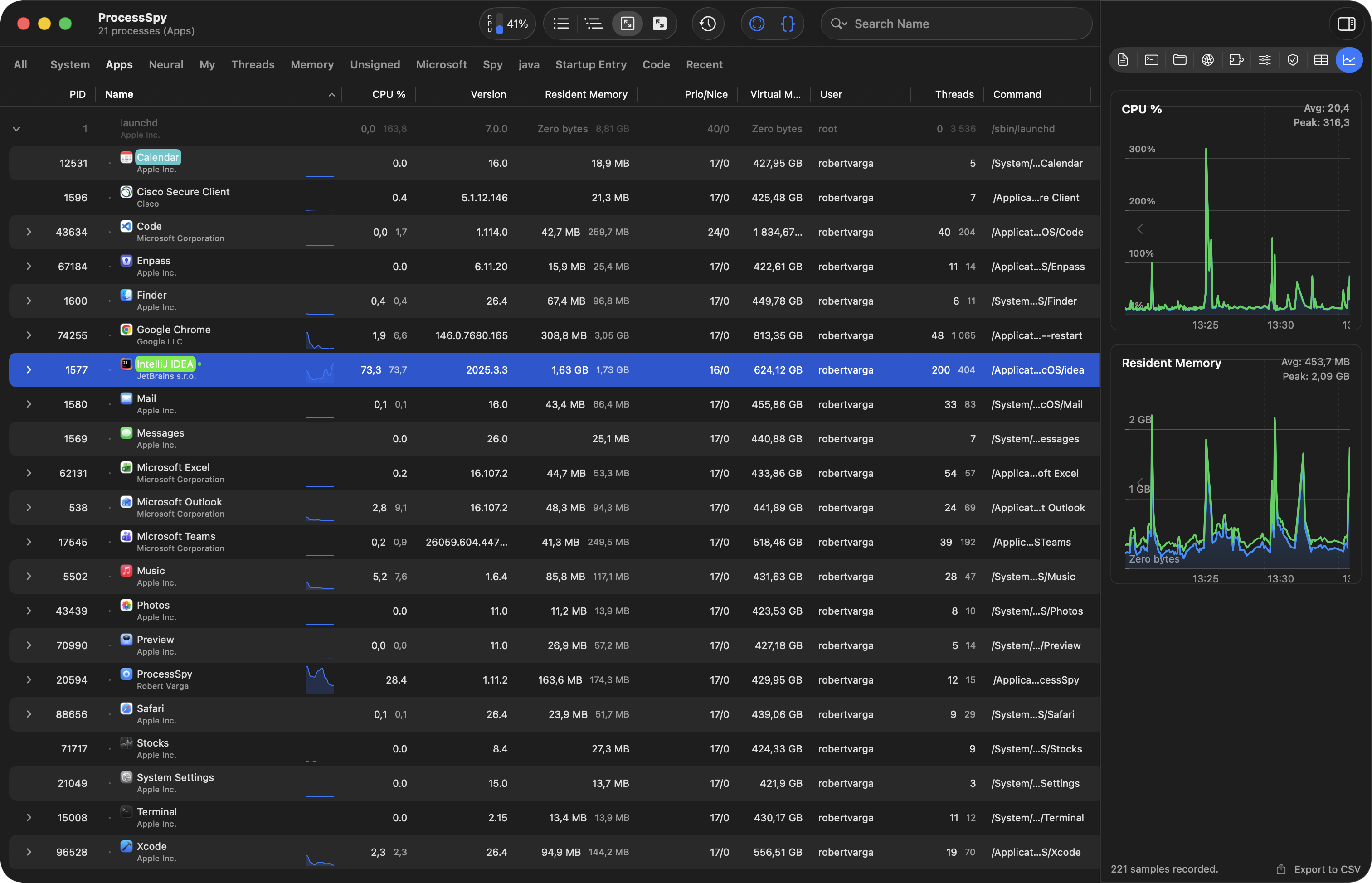
- Real-time process list with CPU, memory, and thread usage
- Per-process CPU & memory history with mini graphs
- Finished process recall (remembers terminated processes)
- CPU QoS breakdown and User/System ratio
- Real-time disk I/O tracking (read/write speeds)
- Full command-line arguments with all arguments visible
People also visit
Apps people often open alongside ProcessSpy.

ManifoldCI - Pipelines Monitor for Mac
Native macOS menu bar app for CI/CD pipeline monitoring
ProcessSpy FAQ
What is ProcessSpy?
ProcessSpy is a lightweight, native macOS process explorer built for developers who need deeper system insights than Apple's default Activity Monitor provides. Serving as a powerful Mac alternative to Sysinternals Process Explorer, it grants power users full visibility into process hierarchies, command-line arguments, environment variables, and active network sockets.
Is ProcessSpy free?
Yes. ProcessSpy is free to use.
Do I need to download ProcessSpy?
No. ProcessSpy runs in your browser at process-spy.app, so there's nothing to install.
What can you do with ProcessSpy?
Main features: Real-time process list with CPU, memory, and thread usage, Per-process CPU & memory history with mini graphs, Finished process recall (remembers terminated processes), CPU QoS breakdown and User/System ratio, Real-time disk I/O tracking (read/write speeds).
What are the best ProcessSpy alternatives?
Popular alternatives to ProcessSpy include ManifoldCI - Pipelines Monitor for Mac, Flowglad and Pocket Alert. See all ProcessSpy alternatives