
Reverse Image Search
Find image sources with one right-click across multiple search engines
Free






















Description
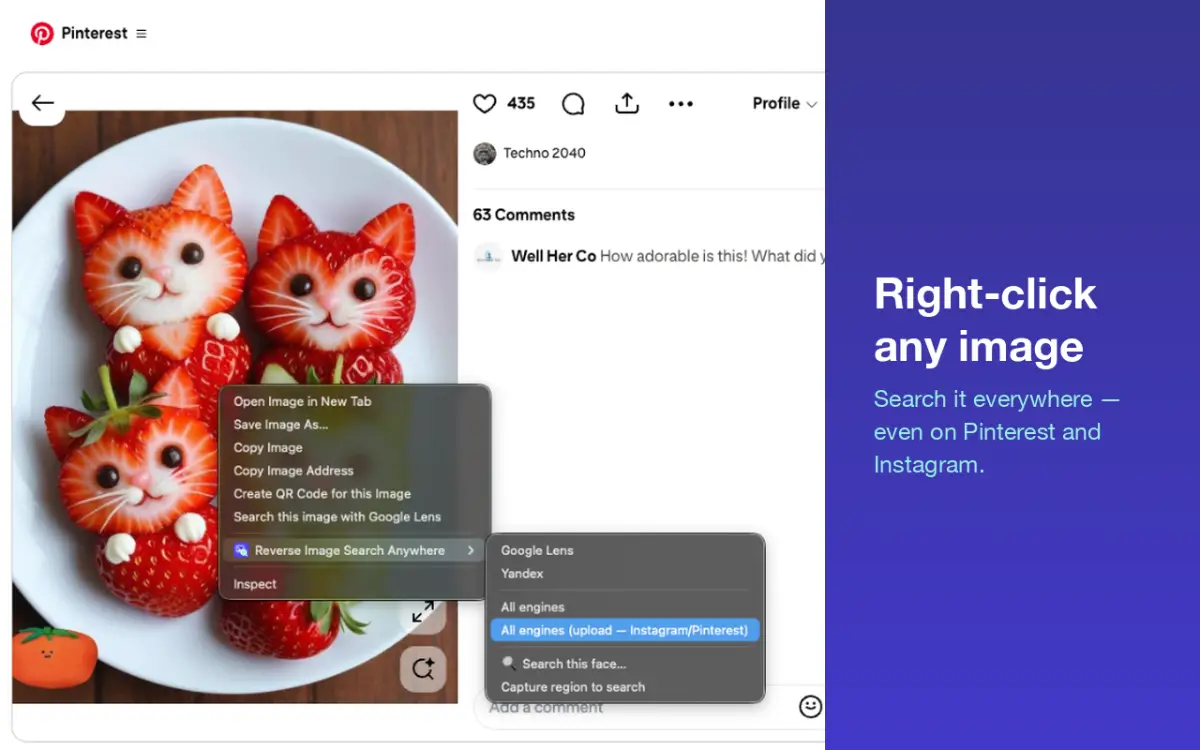
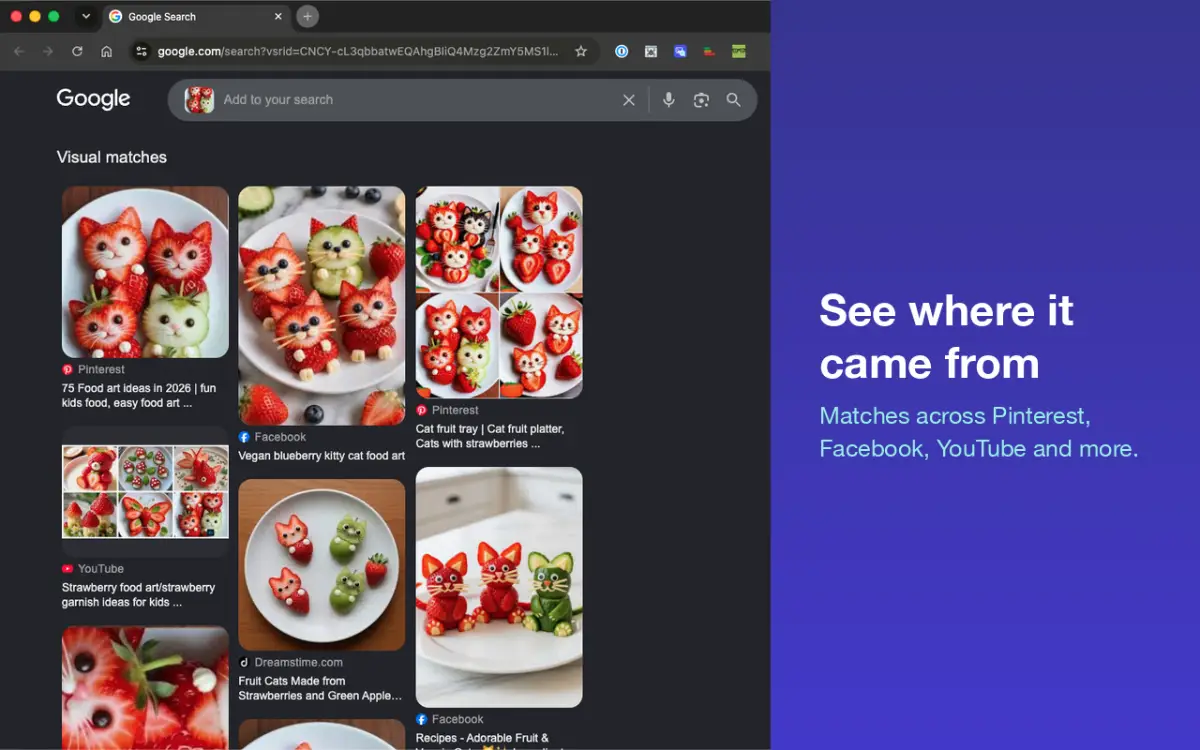
Reverse Image Search is a browser extension that simplifies finding the origin and use of images online. Right-click on any image to search Google Lens, Yandex, Bing Visual, and TinEye simultaneously. Useful for designers, photographers, and content creators who need to verify image sources, find high-resolution versions, or locate where images have been used across the web — including Instagram,……
Preview
Information
People also visit
Apps people often open alongside Reverse Image Search.
Reverse Image Search FAQ
What is Reverse Image Search?
Reverse Image Search is a browser extension that simplifies finding the origin and use of images online. Right-click on any image to search Google Lens, Yandex, Bing Visual, and TinEye simultaneously. Useful for designers, photographers, and content creators who need to verify image sources, find high-resolution versions, or locate where images have been used across the web — including Instagram,…
Is Reverse Image Search free?
Yes. Reverse Image Search is free to use.
Do I need to download Reverse Image Search?
No. Reverse Image Search runs in your browser at reverseimage.app, so there's nothing to install.
What are the best Reverse Image Search alternatives?
Popular alternatives to Reverse Image Search include Export to Figma, Picker Design and Penpot. See all Reverse Image Search alternatives