



















.jpg?auto=compress&fit=max&w=128)



Description
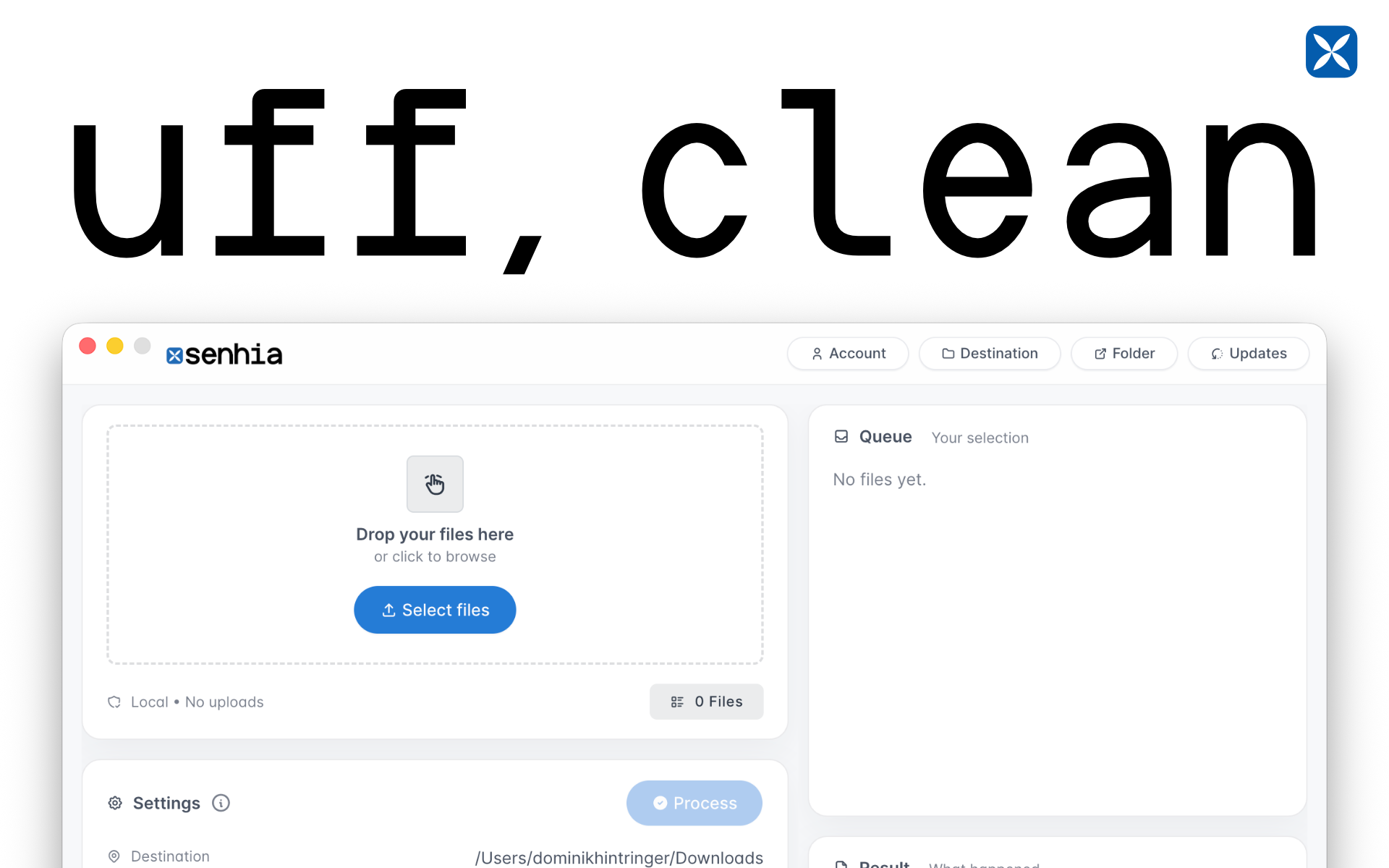
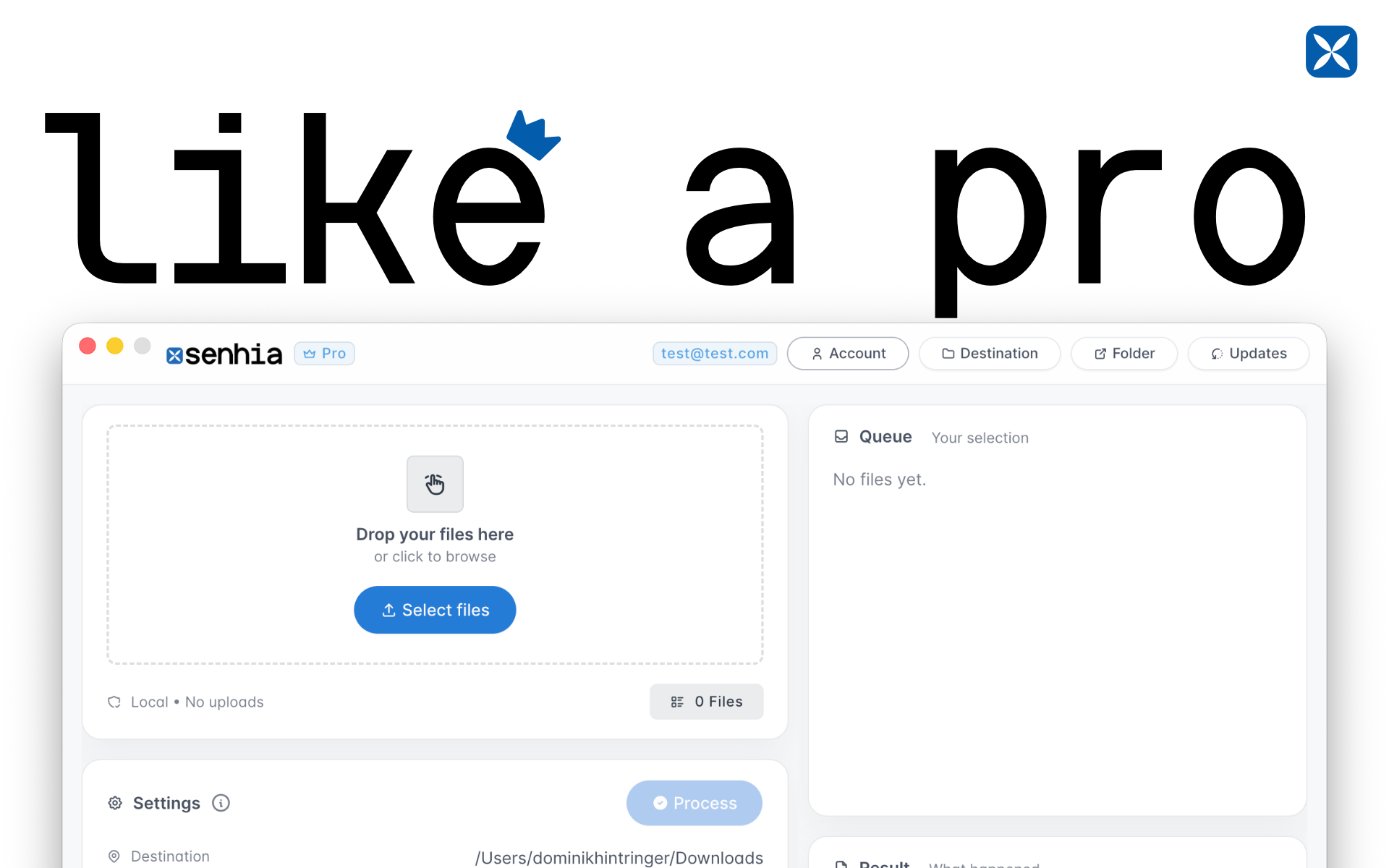
senhia turns file renaming from “ugh” into “done.”. Rename files in bulk, save smart presets, and keep your folders looking like you actually have your life together. Add optional prefixes (like dates or project codes), preview everything before you apply it, and reuse your favorite naming recipes anytime. Great for creators, developers, and anyone drowning in final_final_v3_REAL.png.…
Preview

Highlights
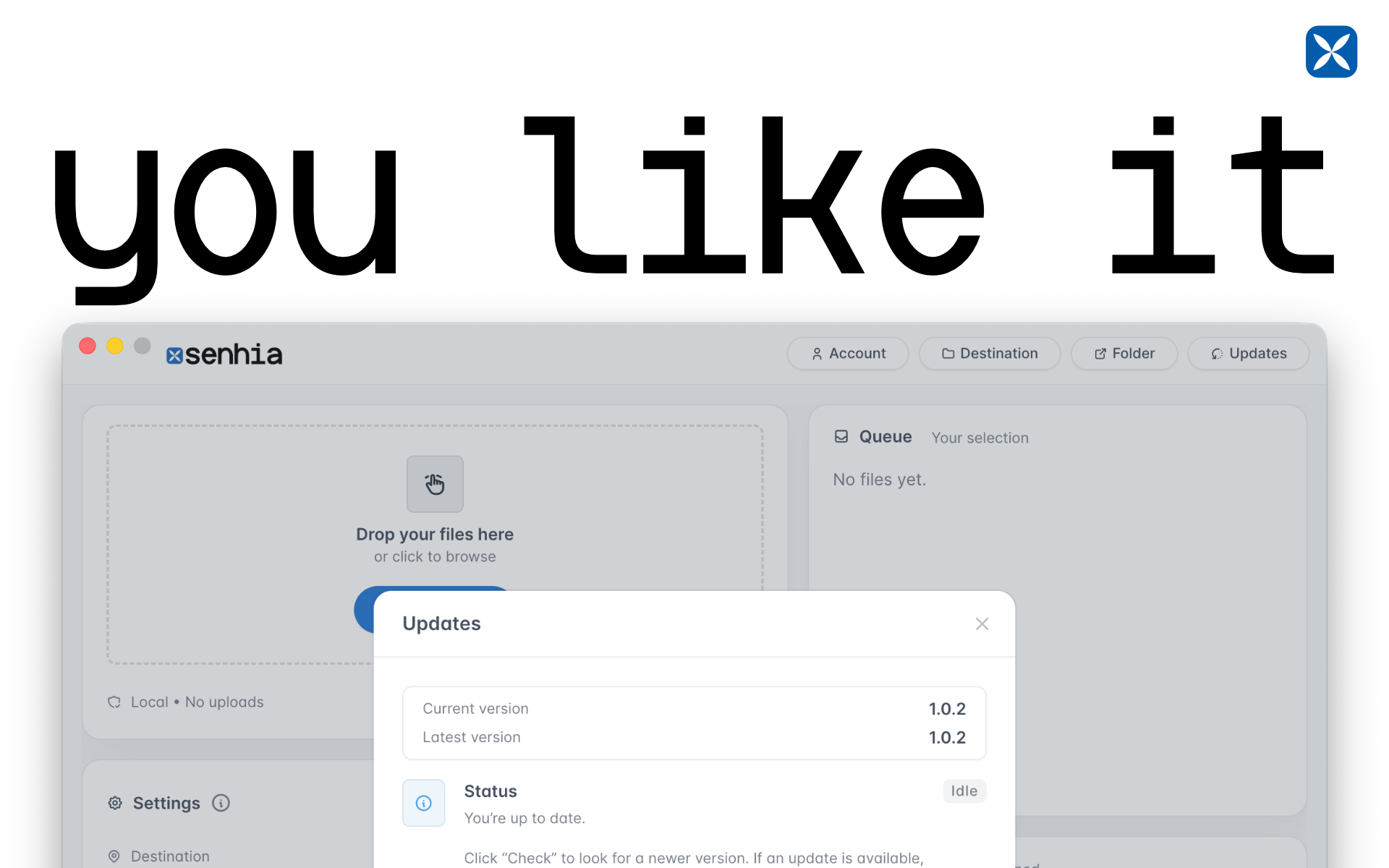
- Automatic updates
- Simple overview
- Prefix
- Add date
- Keep original name
- Move/Copy
People also visit
Apps people often open alongside senhia.
senhia FAQ
What is senhia?
senhia turns file renaming from “ugh” into “done.”. Rename files in bulk, save smart presets, and keep your folders looking like you actually have your life together. Add optional prefixes (like dates or project codes), preview everything before you apply it, and reuse your favorite naming recipes anytime. Great for creators, developers, and anyone drowning in final_final_v3_REAL.png.
Is senhia free?
Yes. senhia is free to use.
Do I need to download senhia?
No. senhia runs in your browser at senhia.com, so there's nothing to install.
What can you do with senhia?
Main features: Automatic updates, Simple overview, Prefix, Add date, Keep original name.
What are the best senhia alternatives?
Popular alternatives to senhia include BorderPrep, Hanmstertools and TabStack. See all senhia alternatives