

















Description
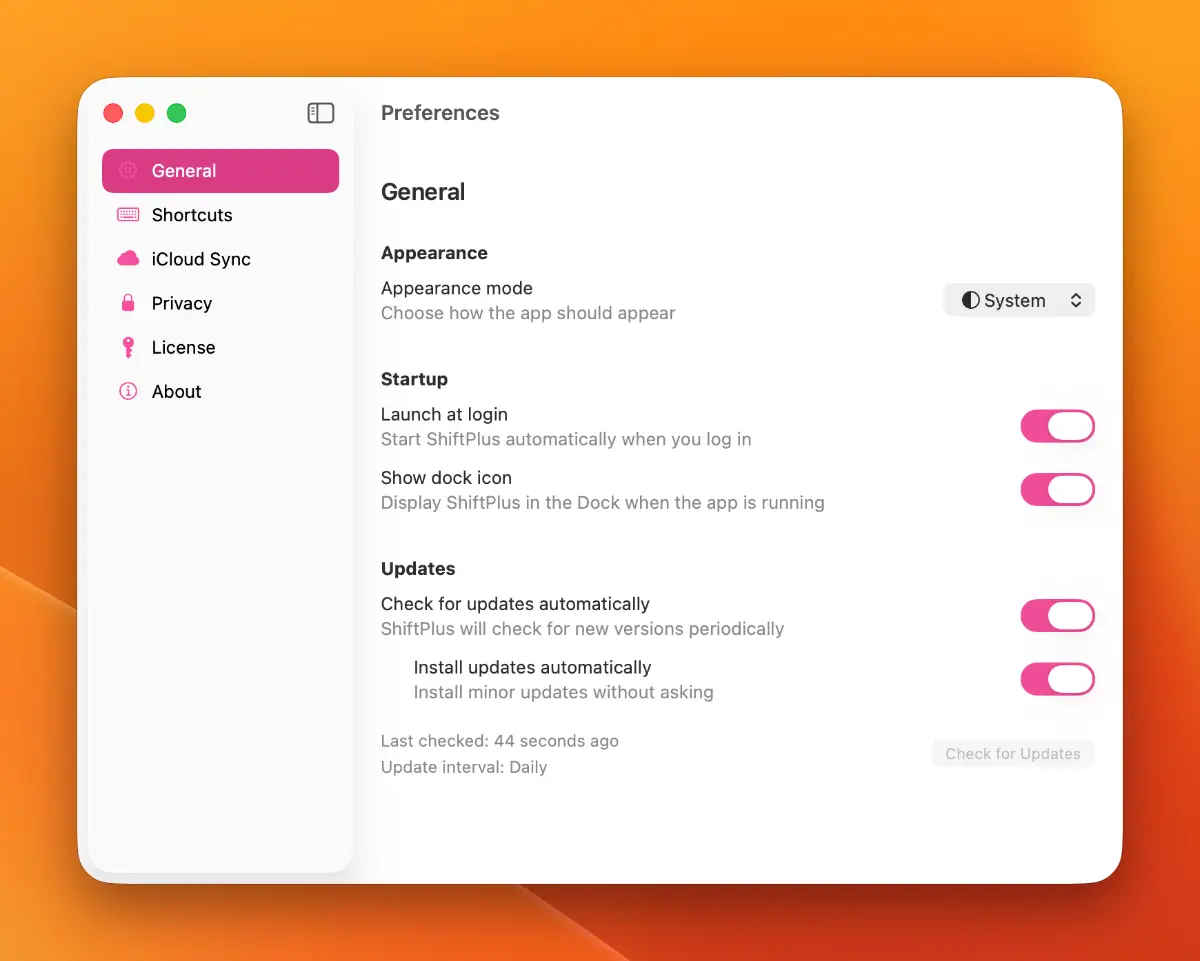
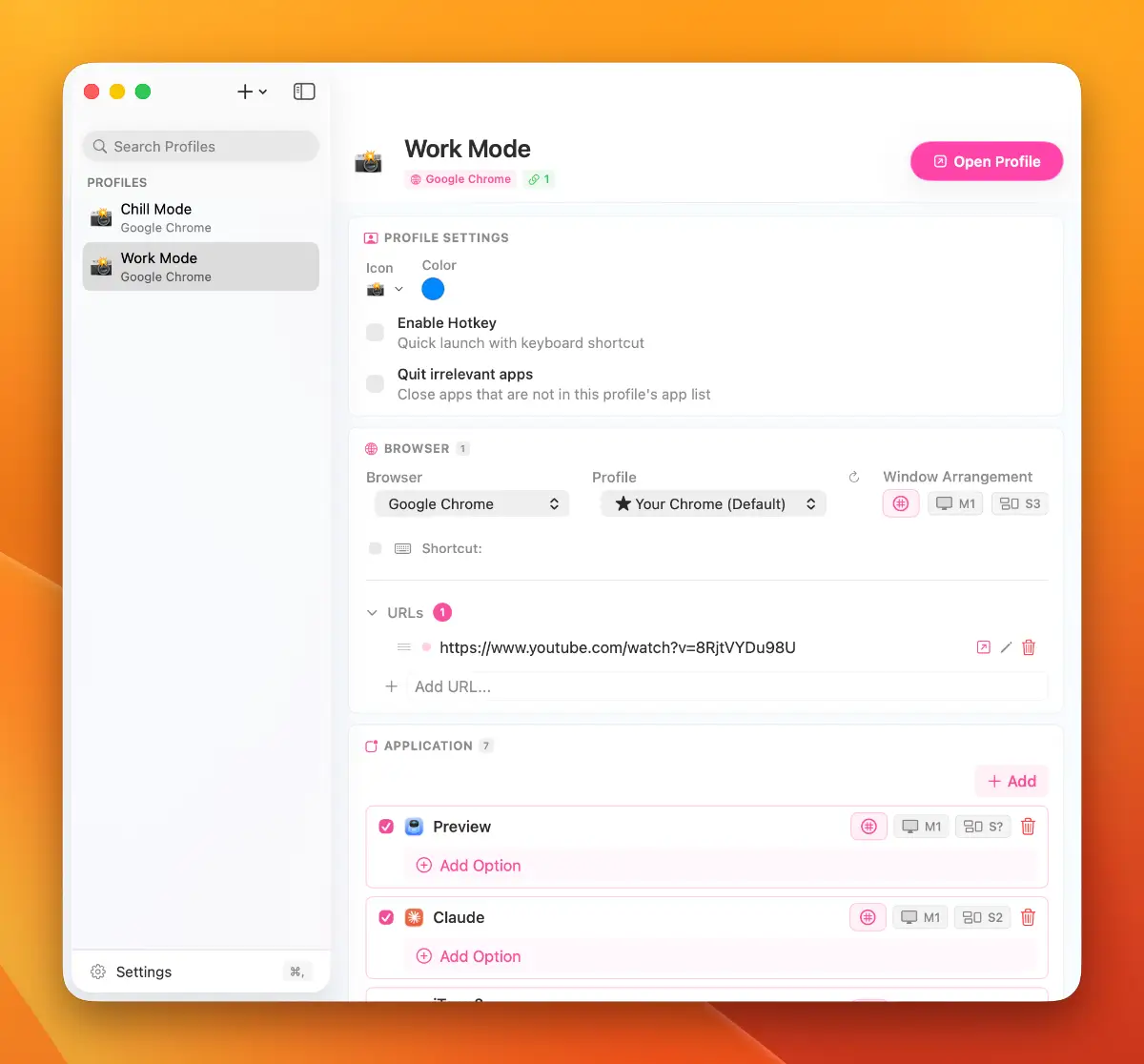
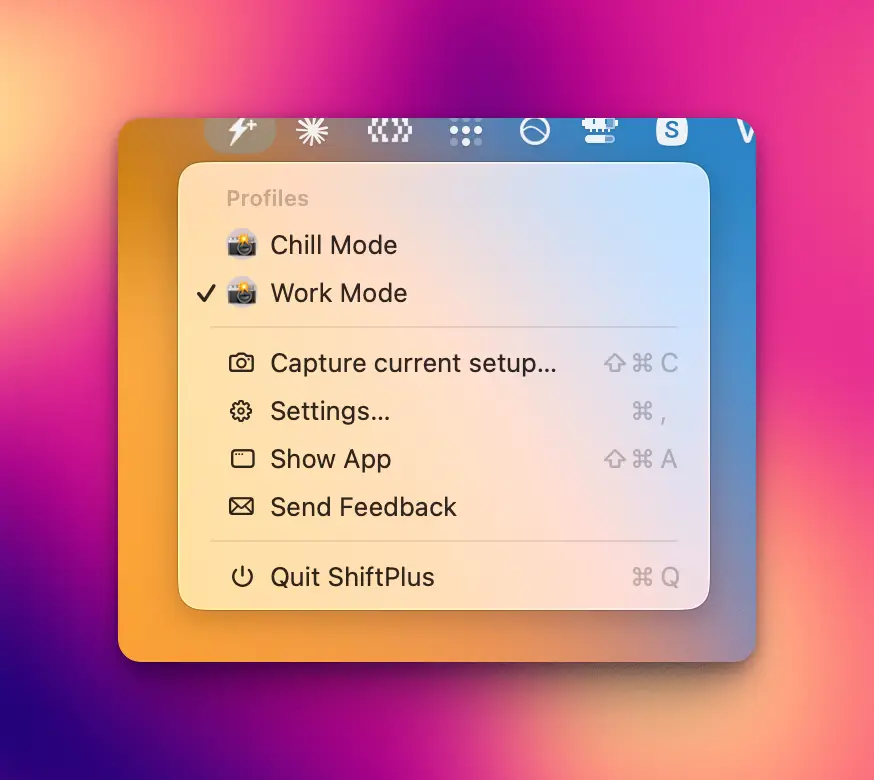
ShiftPlus is a native macOS menu-bar app that switches your entire workspace context — browser profile, apps, windows, virtual desktops, terminal env vars, quick links — with a single hotkey. Assign a hotkey to each workspace (say ⌘9 for "Client A", ⌘0 for "Side project") and press it.…
Preview
Information
People also visit
Apps people often open alongside ShiftPlus.
ShiftPlus FAQ
What is ShiftPlus?
ShiftPlus is a native macOS menu-bar app that switches your entire workspace context — browser profile, apps, windows, virtual desktops, terminal env vars, quick links — with a single hotkey. Assign a hotkey to each workspace (say ⌘9 for "Client A", ⌘0 for "Side project") and press it.
Is ShiftPlus free?
No. ShiftPlus is a paid app.
Do I need to download ShiftPlus?
No. ShiftPlus runs in your browser at shiftplus.app, so there's nothing to install.
What are the best ShiftPlus alternatives?
Popular alternatives to ShiftPlus include FileBridge, Shotomatic and FileNav. See all ShiftPlus alternatives