























Description
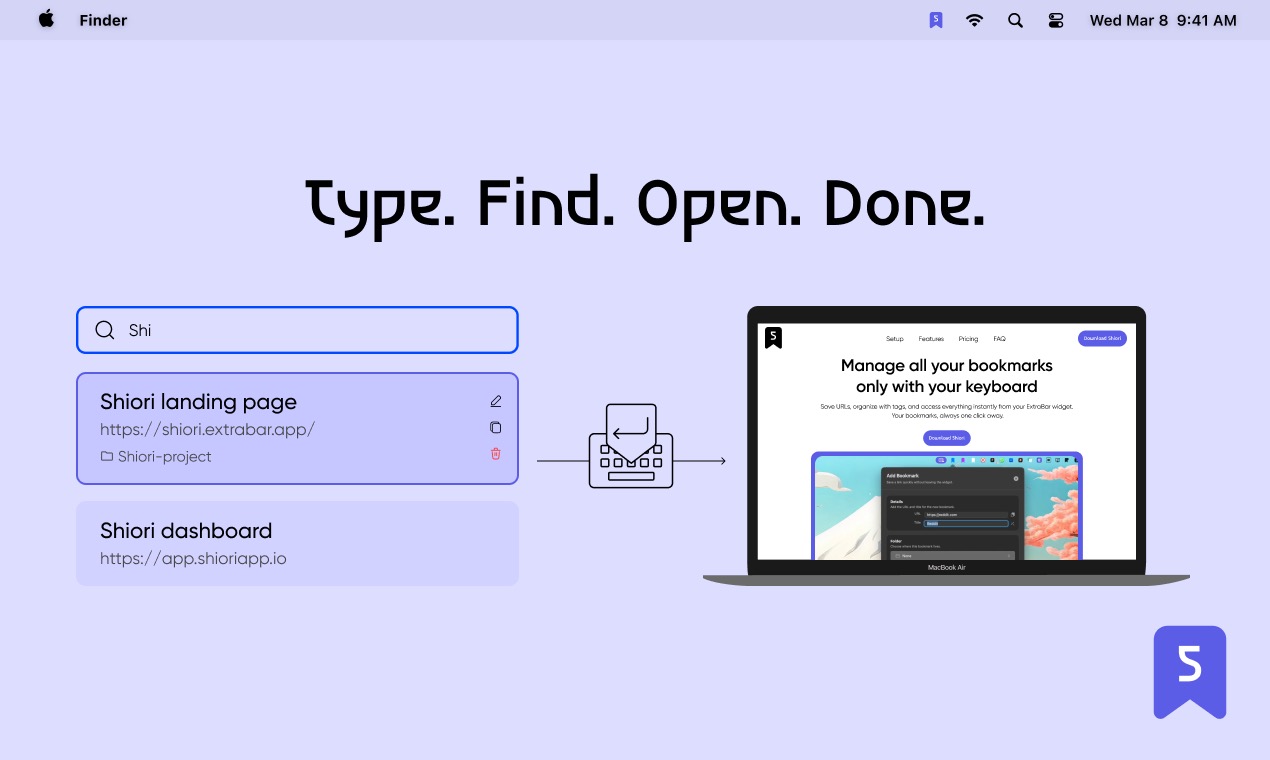
Shiori is a bookmark manager that lives in your macOS menu bar. Save, organize, and open your bookmarks without switching apps or opening a browser. You save links with tags, folders, and descriptions. Full-text search finds anything instantly — by title, URL, tag, or description.…
Preview



Highlights
- Save bookmarks directly from the macOS menu bar
- Organize with tags, folders, and custom colors
- Full-text search across titles, URLs, tags, and descriptions
- Saved Filters for custom bookmark views
- Import from any browser or bookmark manager (JSON, CSV, HTML)
- Instant sync across all your Macs
People also visit
Apps people often open alongside Shiori.
Shiori FAQ
What is Shiori?
Shiori is a bookmark manager that lives in your macOS menu bar. Save, organize, and open your bookmarks without switching apps or opening a browser. You save links with tags, folders, and descriptions. Full-text search finds anything instantly — by title, URL, tag, or description.
Is Shiori free?
No. Shiori is a paid app.
Do I need to download Shiori?
No. Shiori runs in your browser at shioriapp.io, so there's nothing to install.
What can you do with Shiori?
Main features: Save bookmarks directly from the macOS menu bar, Organize with tags, folders, and custom colors, Full-text search across titles, URLs, tags, and descriptions, Saved Filters for custom bookmark views, Import from any browser or bookmark manager (JSON, CSV, HTML).
What are the best Shiori alternatives?
Popular alternatives to Shiori include Cliptop, Diskbuddy and Radial. See all Shiori alternatives