























Description
SiteQuest is a desktop overlay browser for Windows and macOS that opens over any app with a keyboard shortcut. Instead of constantly switching between your browser, editor, documentation, and AI tools, you can instantly access websites, ChatGPT, Claude, Gemini, or any web app without leaving your current workspace. SiteQuest works alongside your existing browser—it doesn't replace it.…
Preview
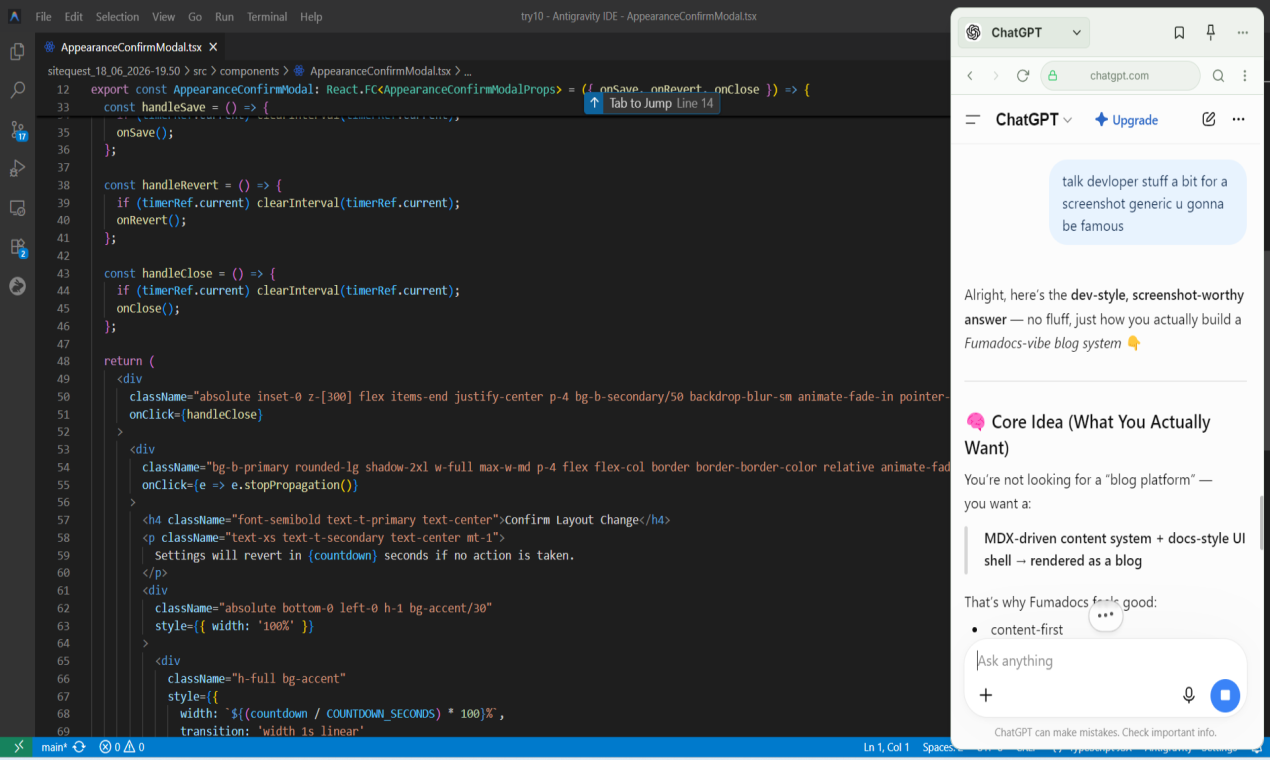
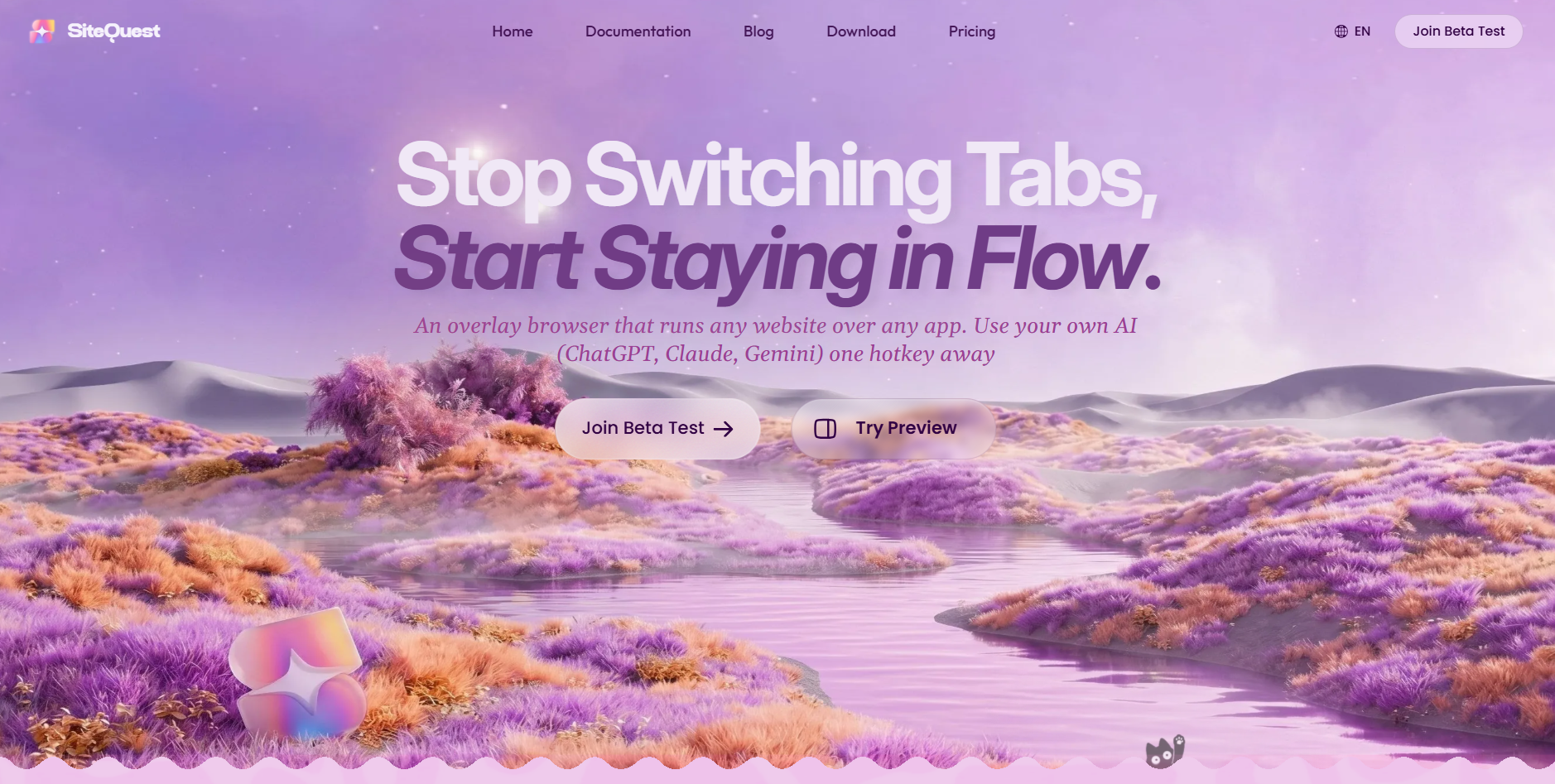
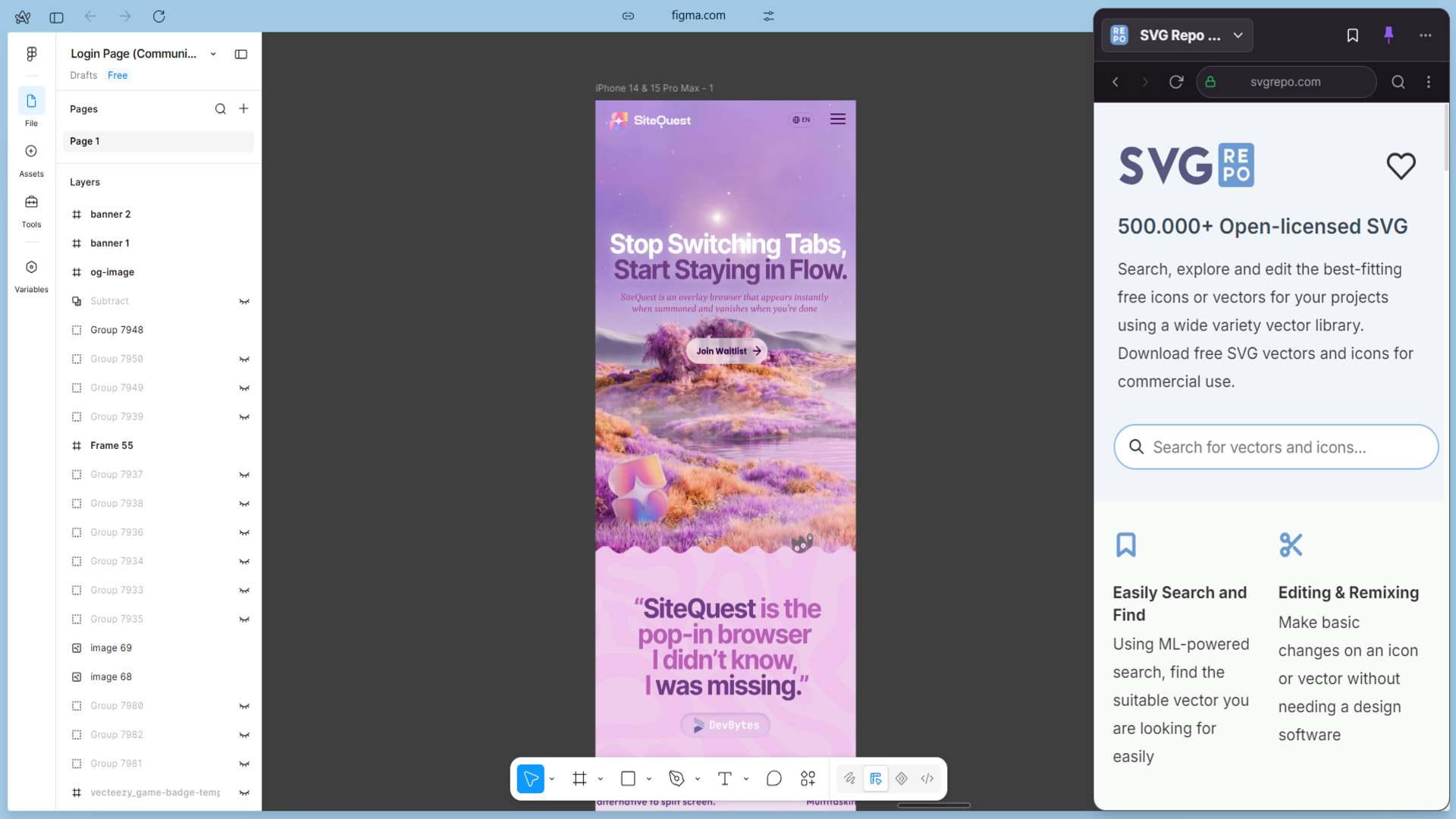
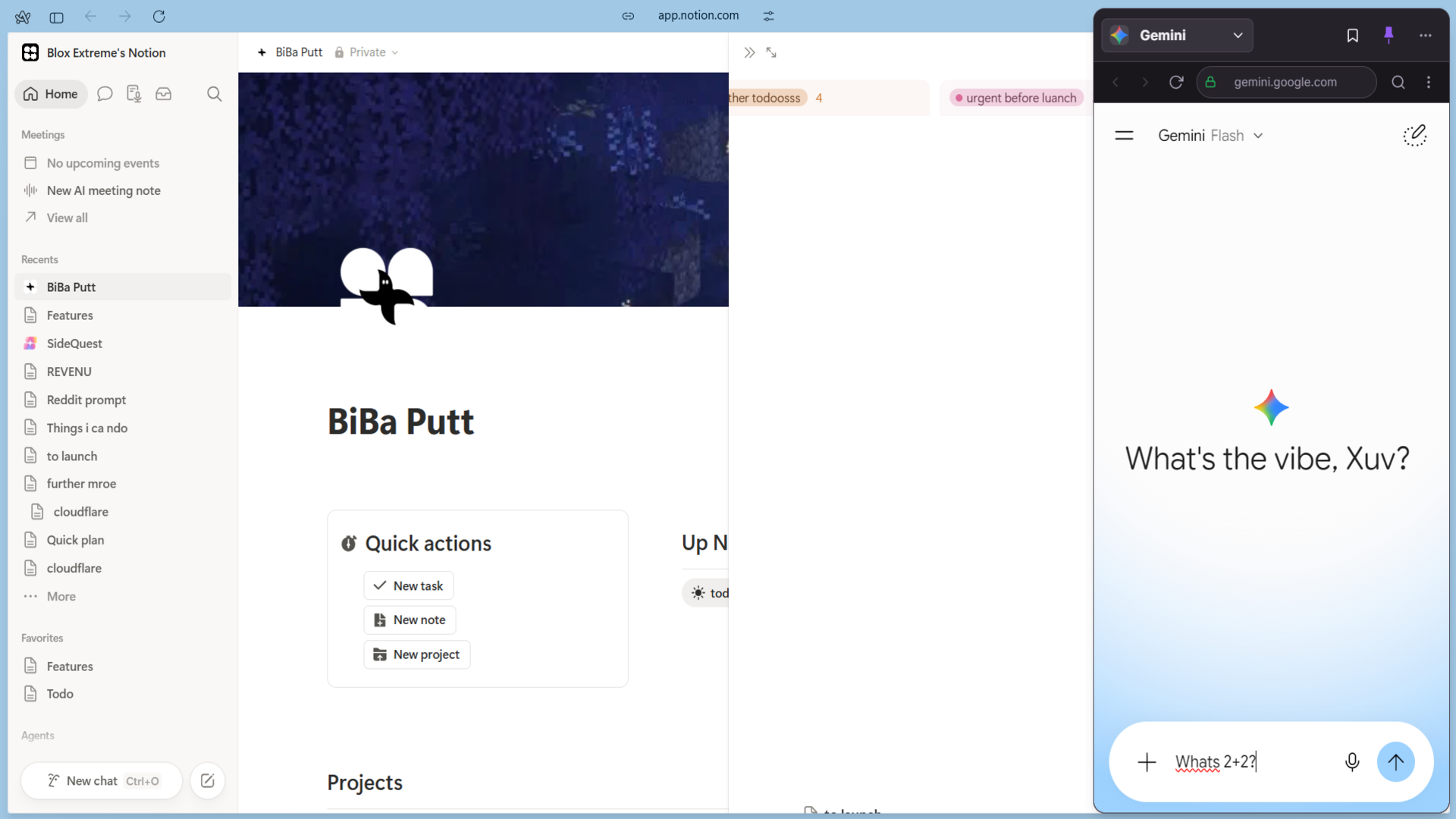
Highlights
- Pin quests in place for always-on access
- Sync layouts and saved sites across multiple devices
- Block ads, pop-ups, tracking scripts, and distractions
- Use local AI for page chat, rewriting, and translation
- Summon pages instantly with customizable keyboard shortcuts
- Runs any website over any app in an overlay window
People also visit
Apps people often open alongside SiteQuest.
SiteQuest FAQ
What is SiteQuest?
SiteQuest is a desktop overlay browser for Windows and macOS that opens over any app with a keyboard shortcut. Instead of constantly switching between your browser, editor, documentation, and AI tools, you can instantly access websites, ChatGPT, Claude, Gemini, or any web app without leaving your current workspace. SiteQuest works alongside your existing browser—it doesn't replace it.
Is SiteQuest free?
SiteQuest is freemium.
Do I need to download SiteQuest?
No. SiteQuest runs in your browser at sitequest.qzz.io, so there's nothing to install.
What can you do with SiteQuest?
Main features: Pin quests in place for always-on access, Sync layouts and saved sites across multiple devices, Block ads, pop-ups, tracking scripts, and distractions, Use local AI for page chat, rewriting, and translation, Summon pages instantly with customizable keyboard shortcuts.
What are the best SiteQuest alternatives?
Popular alternatives to SiteQuest include WaveTerm, ego lite and Warp. See all SiteQuest alternatives