


















Description
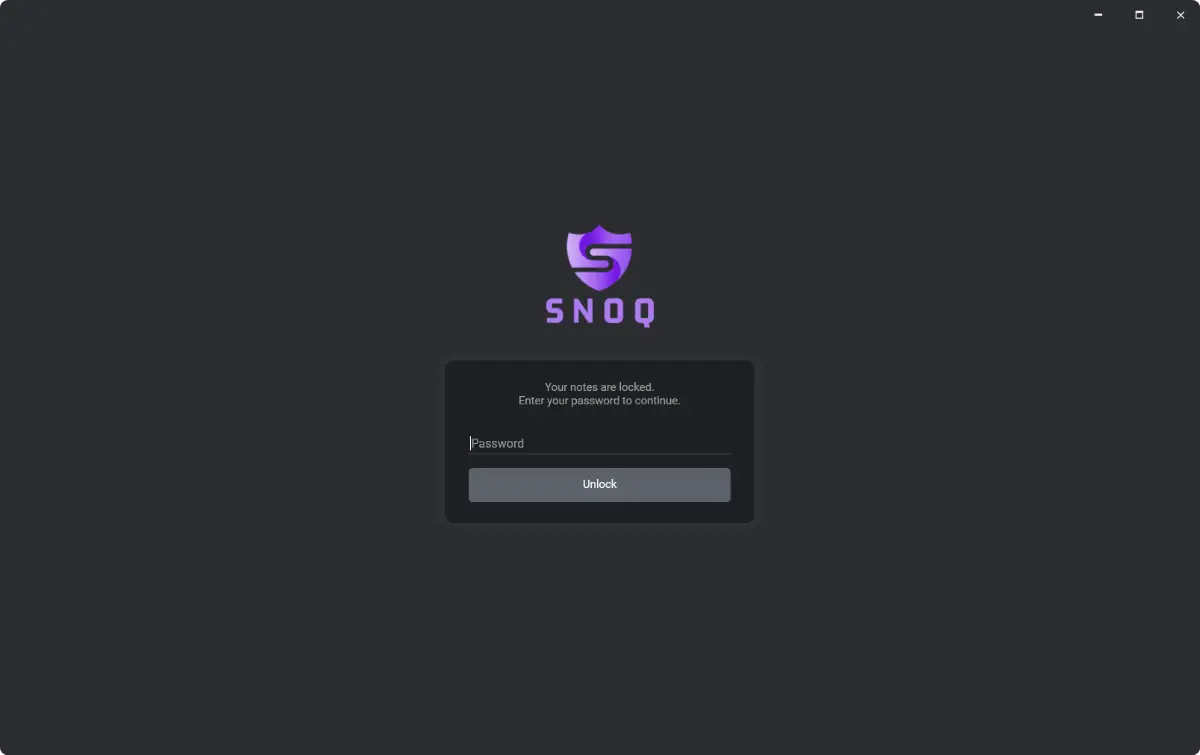
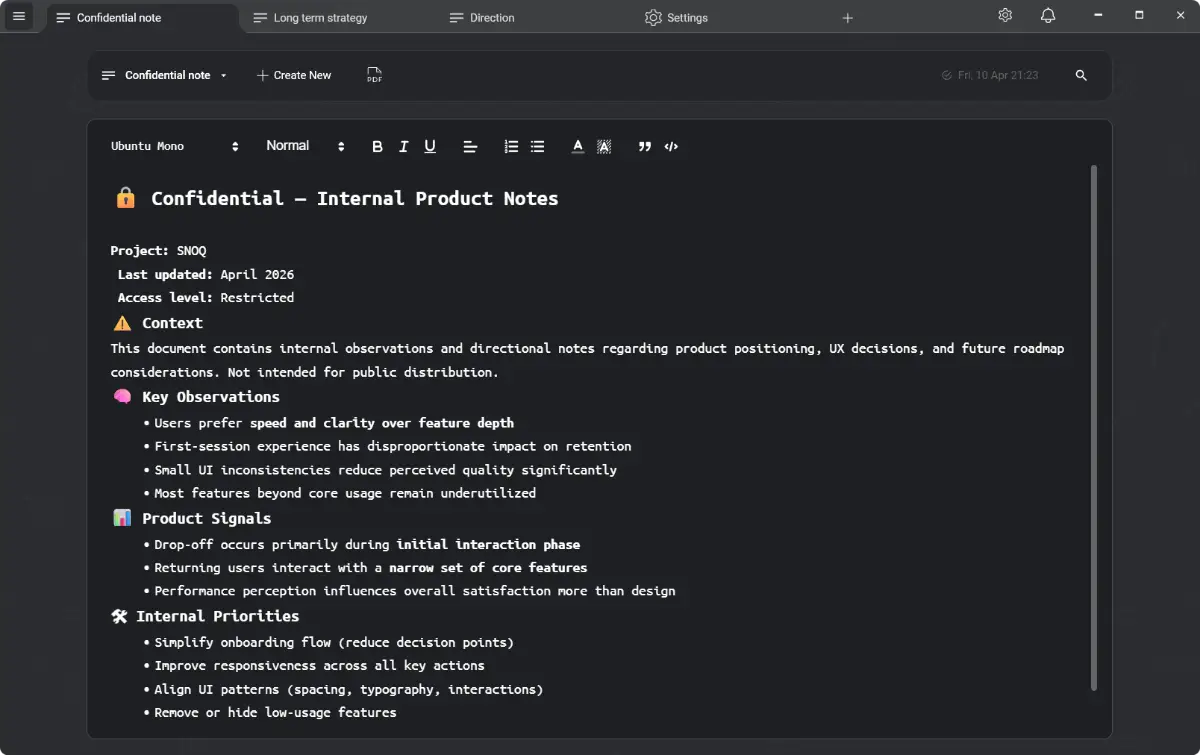
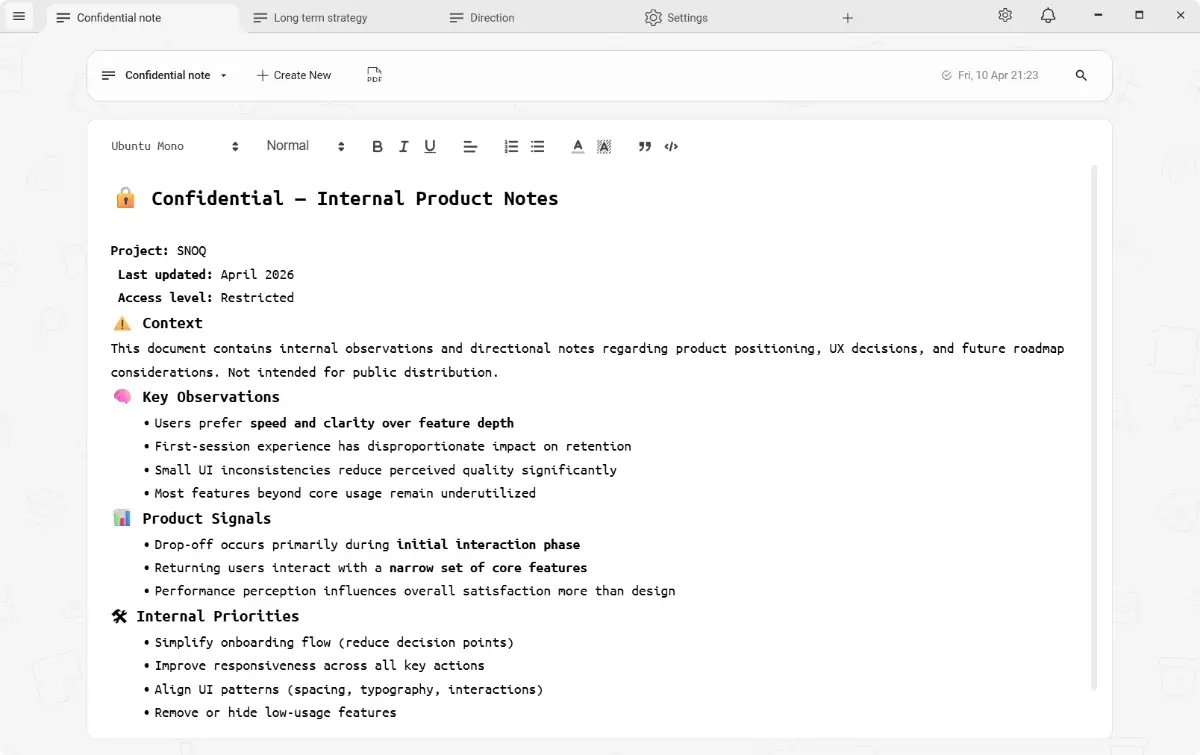
SNOQ is a secure notes app for Windows that keeps your writing completely private. Every note is encrypted with AES-256 before it touches your disk — and nothing ever leaves your machine. No cloud sync, no account signup, no telemetry. Just open the app and start writing. Built as a native WPF app (not Electron), so it's fast, lightweight, and feels right at home on Windows. ✨ What you get.…
Preview
Information
People also visit
Apps people often open alongside SNOQ.
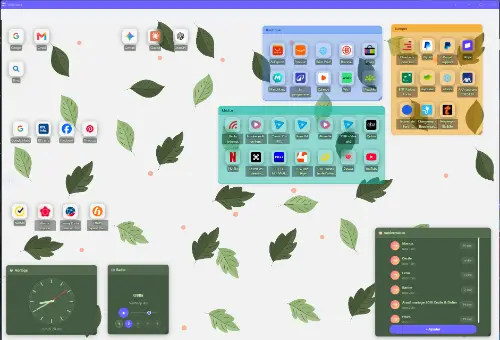
WebBoard
Turn your bookmarks into visual desktops you can share — no ads, free plan
SNOQ FAQ
What is SNOQ?
SNOQ is a secure notes app for Windows that keeps your writing completely private. Every note is encrypted with AES-256 before it touches your disk — and nothing ever leaves your machine. No cloud sync, no account signup, no telemetry. Just open the app and start writing. Built as a native WPF app (not Electron), so it's fast, lightweight, and feels right at home on Windows. ✨ What you get.
Is SNOQ free?
Yes. SNOQ is free to use.
Do I need to download SNOQ?
No. SNOQ runs in your browser at snoq.io, so there's nothing to install.
What are the best SNOQ alternatives?
Popular alternatives to SNOQ include Darkwrite, Zotero and inklet. See all SNOQ alternatives