













Description
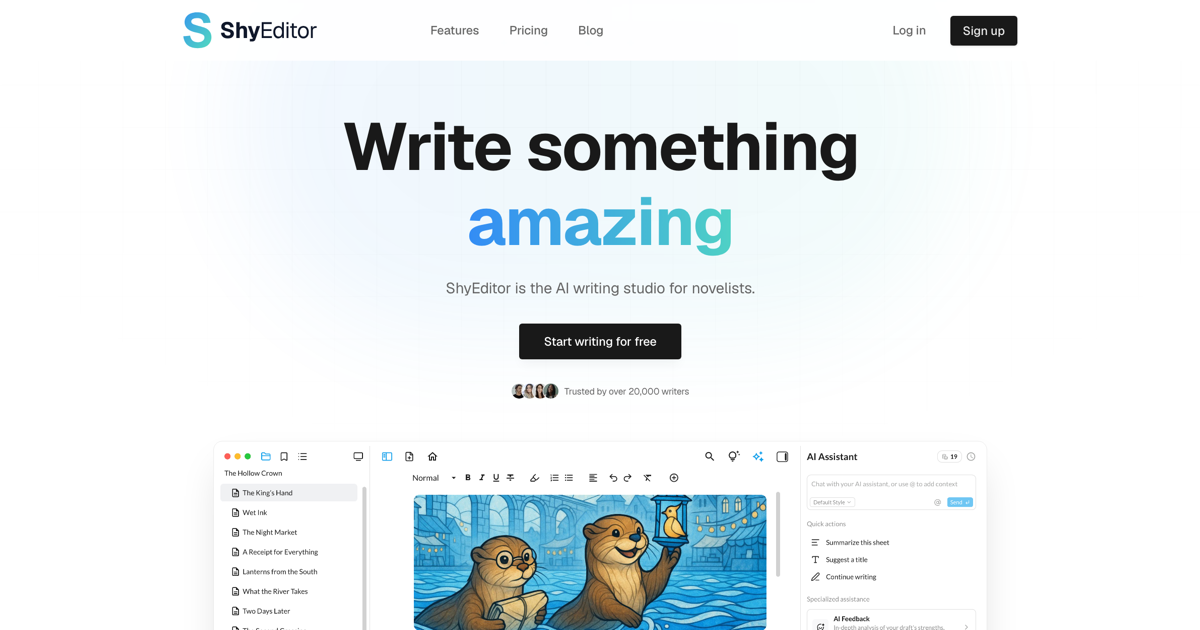
Storyline Creator is a writing tool for authors who plan and draft stories in the browser. You write scenes, add characters, locations and notes, and attach dates to scenes. The main view is a storyline chart with a band for each character, running through every scene that character appears in, so you can follow a plot at a glance. A timeline keeps track of when events happen and where, which helps with continuity. The site says you can use artificial intelligence to continue a scene or generate character descriptions and new plot ideas. You can try an interactive demo for free without a credit card, and the site has a tutorial, an FAQ and testimonials. Accounts are created with a Register or Login button, and the site also has sections on writing advice and tools.…
Highlights
- Scene writing with a storyline chart per character
- Locations, notes and a timeline
- AI to continue scenes and expand characters
- Dates and places attached to each scene
- Free demo without a credit card
Ratings & Reviews
No ratings yet
Be the first to rate Storyline Creator.
People also visit

storyboard-manager
Assist writers with story planning, character development, plot structuring
Storyline Creator FAQ
Who is Storyline Creator for?
Authors and writers who plan and draft stories and want to see characters and plot threads together.
Is there a free demo?
Yes. The site offers a demo you can try for free, and no credit card is required.
Can it write parts of my story?
It has artificial intelligence features that can continue your scenes or generate character descriptions. You decide what to keep.
How do I track time and places?
You can add dates and locations to each scene, and the timeline shows the order of events.
Where do I start?
The site has a tutorial and an FAQ, and you can register for an account to start writing.
What are the best Storyline Creator alternatives?
Popular alternatives to Storyline Creator include Plot Factory, AI Screenwriter and TaleForge. See all Storyline Creator alternatives