













Description
SuperMotion is a video editor for making promo videos from screenshots and screen recordings. You drop in a recording or an image and get a polished feature video for X, Product Hunt, a changelog or an app store preview. Auto-zoom follows your cursor, smart zooms work on screenshots, and you can add 3D tilt and zoom animations to point the viewer at a feature. Recordings and screenshots can be placed inside browser and device frames such as Safari, Chrome and iPhone. You can add text and captions, annotate the screen, and build multi-scene videos with scene transitions. The site has hand-made templates for X posts, Dribbble mockup shots, product demos and newsletters, and it says no design skills are needed. The product uses a one-time payment rather than a subscription, and the site says existing customers keep access to future features.…
Preview
Pricing
- One-time$79
Highlights
- Auto-zoom that follows the cursor
- 3D tilt and zoom animations
- Browser and device mockups
- Annotations, captions and multi-scene videos
- Templates for launches, changelogs and social posts
Ratings & Reviews
No ratings yet
Be the first to rate SuperMotion.
People also visit
SuperMotion FAQ
How is one-time pricing possible for a web app?
The creator says the operational costs are kept low, which allows a lower price for customers.
Do you offer subscriptions?
Not at the moment. The site says a subscription option may come later, and that existing customers will keep full access to the product and its future features.
What does the paid version include?
The site lists AI features, multi-scene support, scene transitions, annotation layers and shareable links.
How do I activate a purchased license?
The site has an activation link for people who have already bought the product, where you enter your license.
What are the best SuperMotion alternatives?
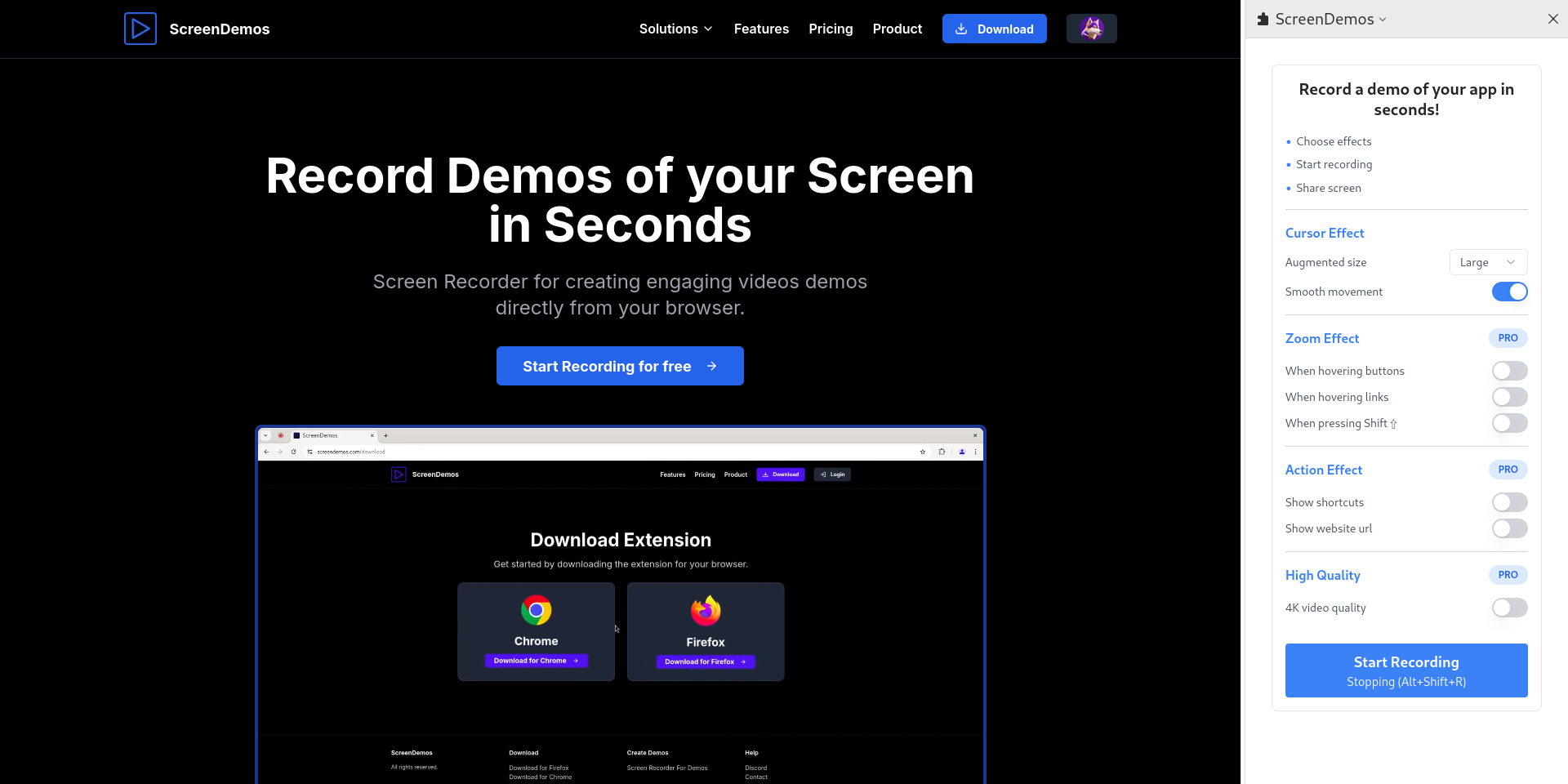
Popular alternatives to SuperMotion include Vibrantsnap, Mock Video and ScreenDemos. See all SuperMotion alternatives