
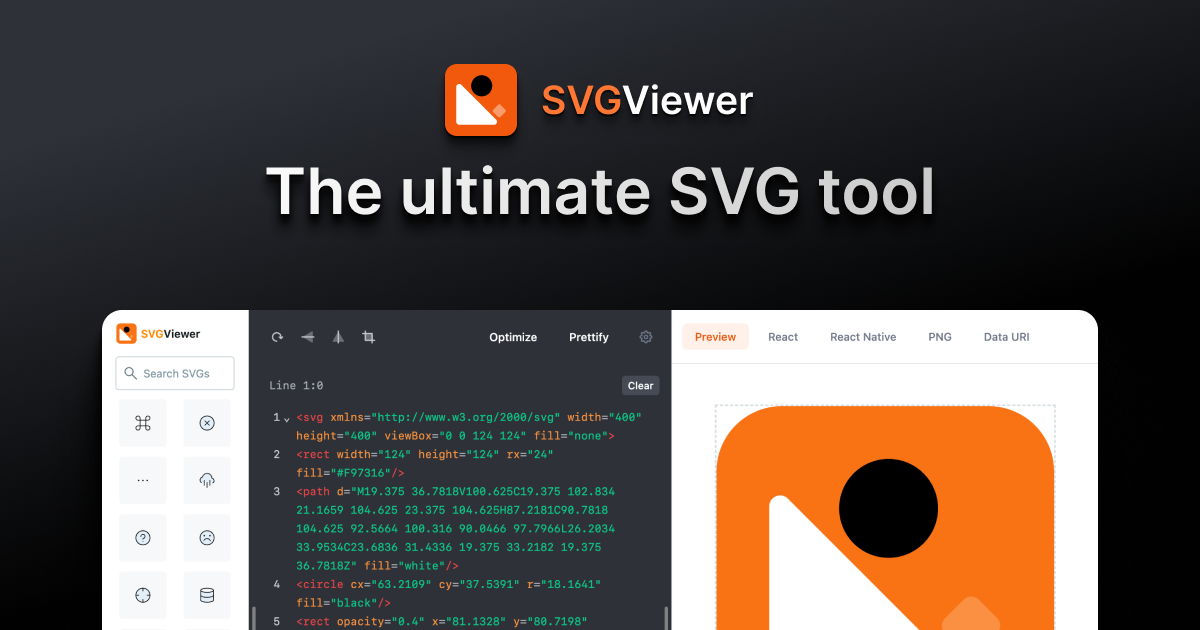













Description
SVG Studio is a browser tool for inspecting, editing and optimising SVG files. You can drop a file onto the page to create a new one from it. The editor shows the SVG code with line numbers, and it has find and replace with options for match case, regular expressions and whole-word matching, plus a replace all button. The sample on the site shows a file size of 1.78 kb. An XML panel checks the file for issues and reports the result, and the sample shows No issues found. The page includes a scroll to top control. The site describes the tool as a way to inspect, edit and optimise SVGs in the browser. The text does not show pricing, an account, or whether files are uploaded anywhere.…
Highlights
- Edit SVG code in the browser with line numbers
- Find and replace with regex and whole-word options
- Drop a file to create or open an SVG
- XML panel reports issues
- Shows file size
Ratings & Reviews
No ratings yet
Be the first to rate SVG Studio.
People also visit

Tiny SVG
Web application for optimizing SVG files and generating framework-specific code
SVG Studio FAQ
What is SVG Studio?
SVG Studio is a browser tool for inspecting, editing and optimising SVG files.
How do I open a file?
Drop an SVG file onto the page to create a new file from it. The sample on the site shows a file size of 1.78 kb.
What editing tools are there?
A code editor with line numbers, and find and replace with match case, regular expression and whole-word options, plus a replace all button.
Does it check for errors?
The site shows an XML panel that reports issues, and the sample file shows No issues found.
Is it free?
The text does not show pricing or sign-in.
What are the best SVG Studio alternatives?
Popular alternatives to SVG Studio include SVG Viewer, SVG-Edit and Tiny SVG. See all SVG Studio alternatives