



-(1).gif?auto=compress&fit=max&w=128)
.png?auto=compress&fit=max&w=128)

















Description
TrunkTransfer is a branded file transfer built for professionals who want to deliver large files to clients with their own branding. Instead of sharing a WeTransfer link or a Google Drive folder, you send clients a download page hosted on your own domain. files.yourbrand.com. Your logo. Your colors. Your brand name in the URL. The client clicks, sees your brand, and downloads their files.…
Preview
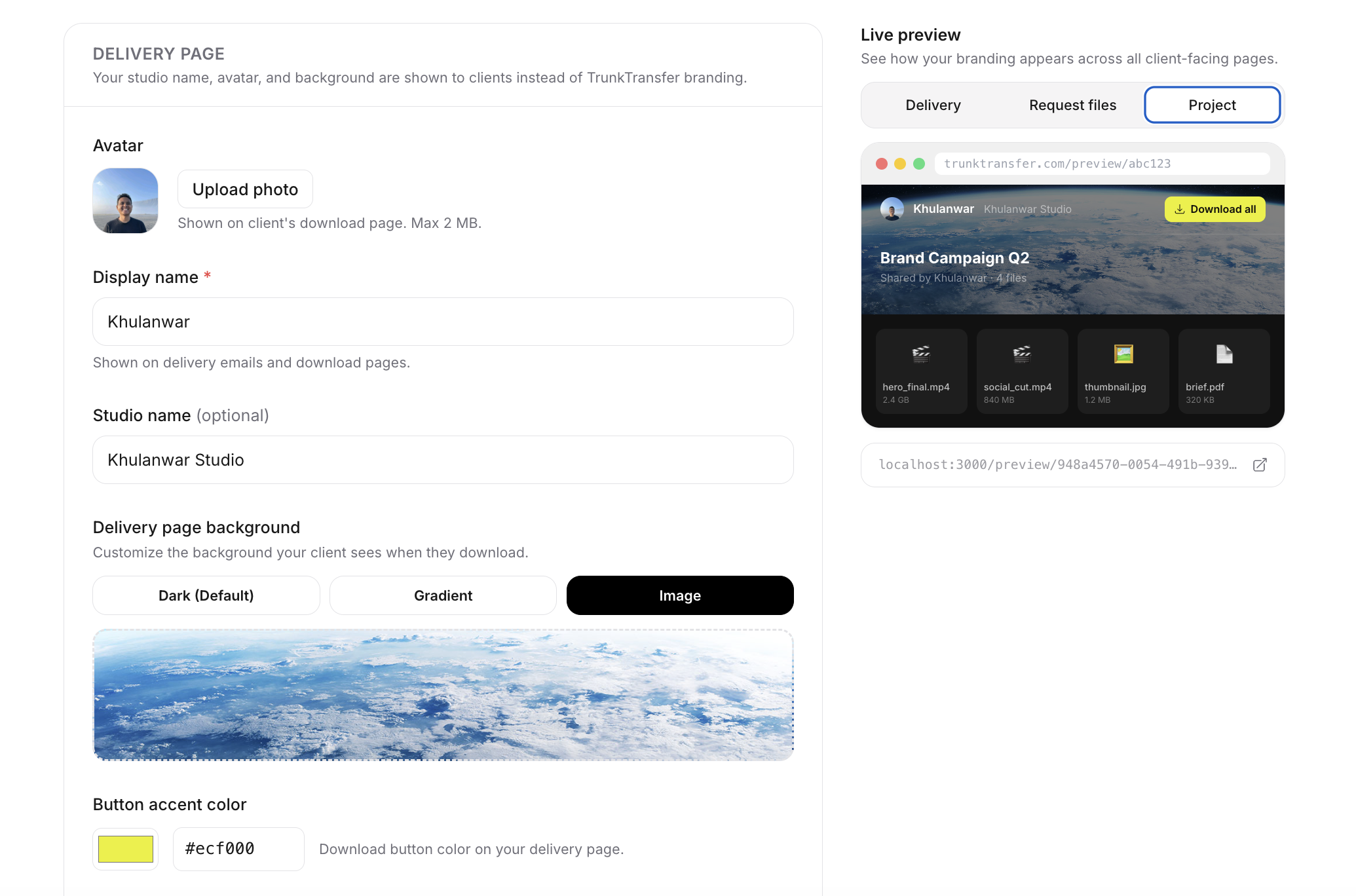
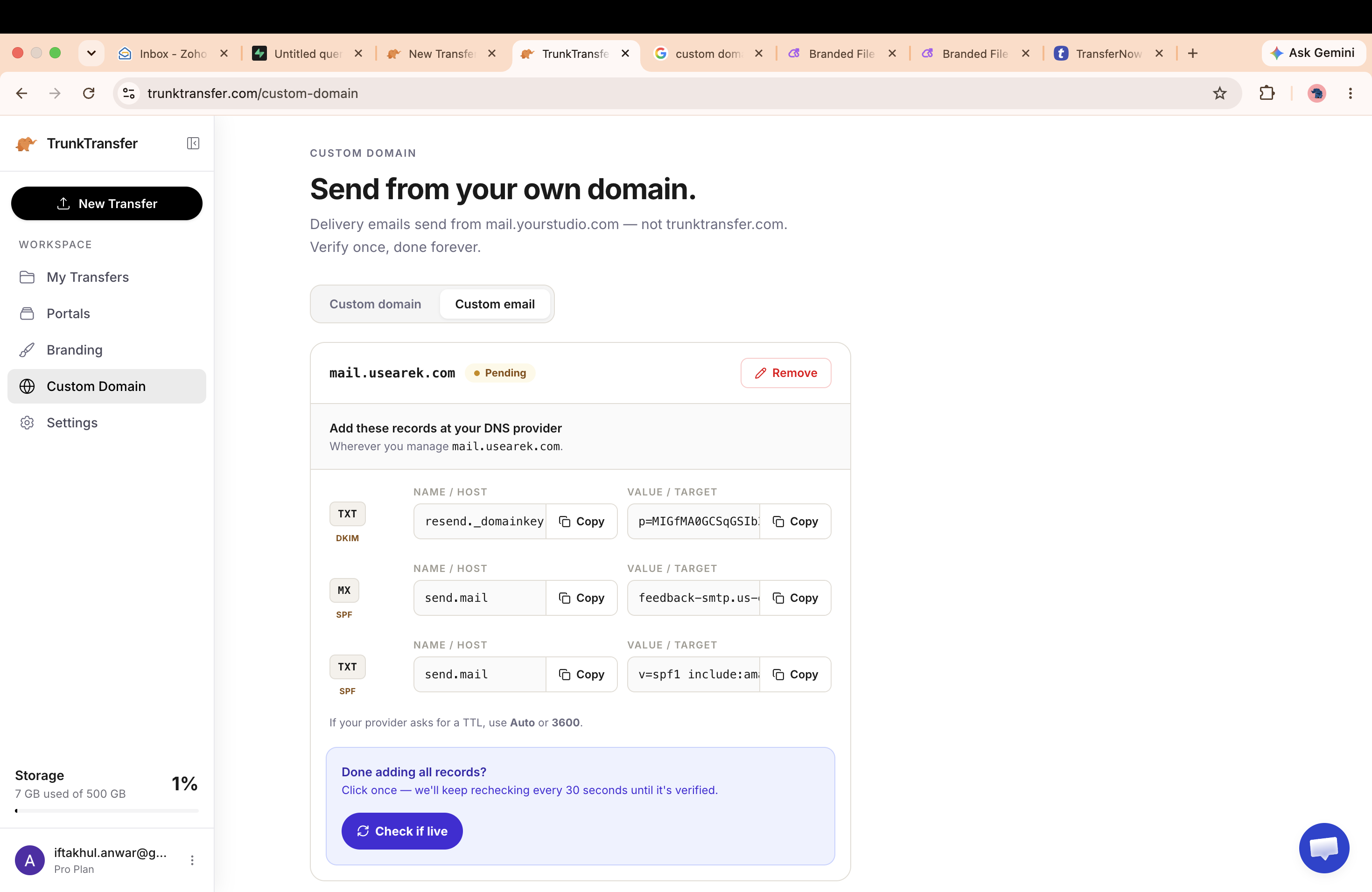
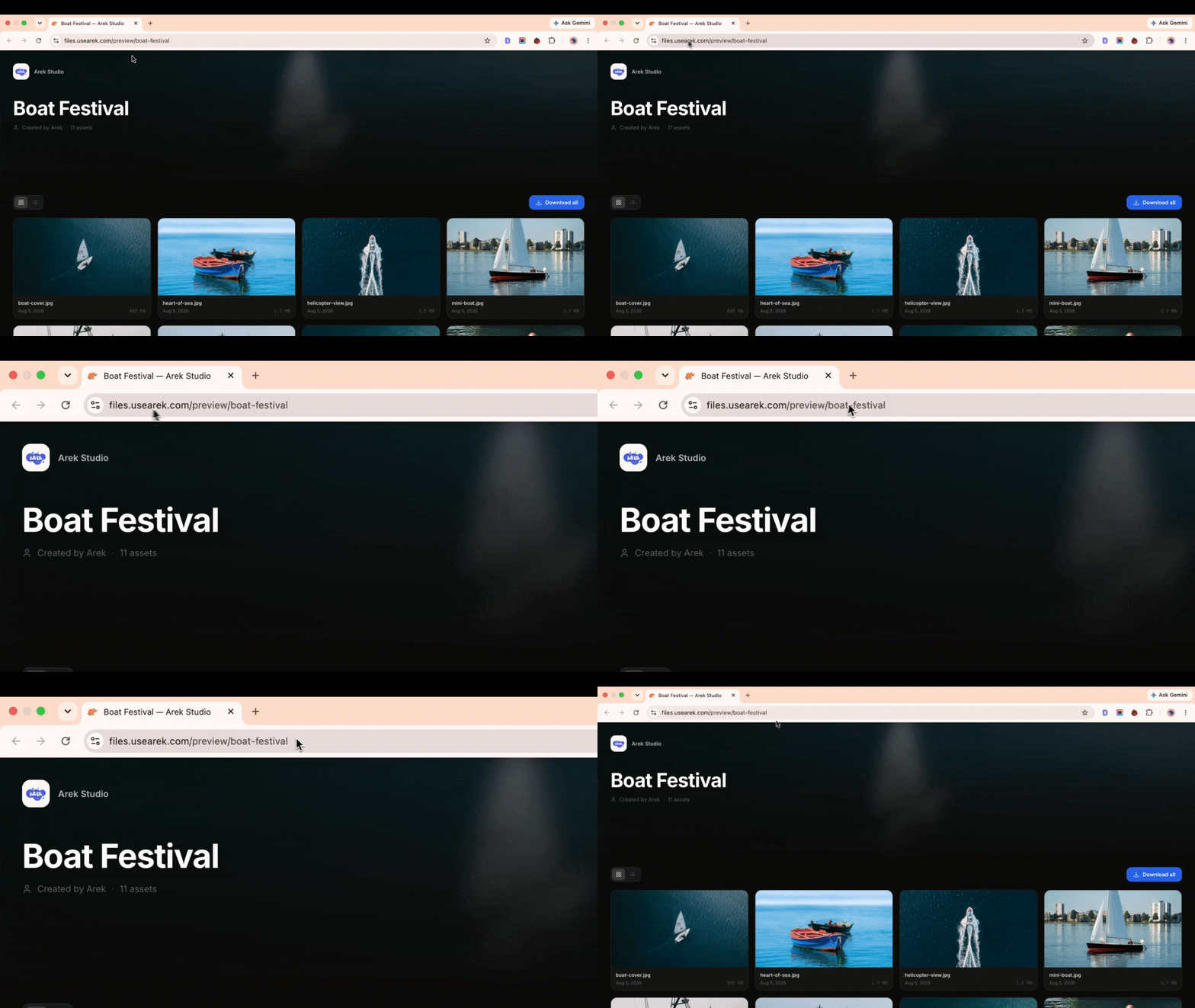

Highlights
- Branded file transfer
- Branded request file
- Branded Approval workflow
- Password protection
- Send / Request file with your own domain
- Send notification with your own email
People also visit
Apps people often open alongside TrunkTransfer.
TrunkTransfer FAQ
What is TrunkTransfer?
TrunkTransfer is a branded file transfer built for professionals who want to deliver large files to clients with their own branding. Instead of sharing a WeTransfer link or a Google Drive folder, you send clients a download page hosted on your own domain. files.yourbrand.com. Your logo. Your colors. Your brand name in the URL. The client clicks, sees your brand, and downloads their files.
Is TrunkTransfer free?
No. TrunkTransfer is a paid app.
Do I need to download TrunkTransfer?
No. TrunkTransfer runs in your browser at trunktransfer.com, so there's nothing to install.
What can you do with TrunkTransfer?
Main features: Branded file transfer, Branded request file, Branded Approval workflow, Password protection, Send / Request file with your own domain.
What are the best TrunkTransfer alternatives?
Popular alternatives to TrunkTransfer include AntForms, Mailik and Product Onboarding. See all TrunkTransfer alternatives