

















Domain Rating by Ahrefs18
Description
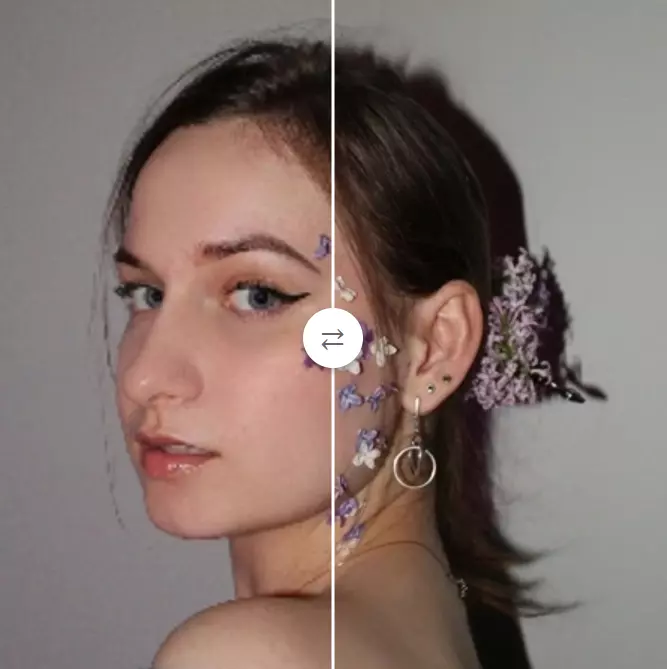
Unblur Video is a browser tool that uses AI to sharpen blurry video footage. You select MP4, MOV or WebM files, or PNG, JPG and WebP images, and the tool runs them one at a time in a queue in your browser. Each file produces a downloadable 2x result. The site describes handling several kinds of softness: motion blur from handheld or action footage, focus misses, compression artefacts from platform uploads, and low-light noise. The AI is described as analysing each frame and rebuilding missing detail rather than only raising edge contrast. The tool is free, needs no signup, and says its exports carry no watermark. It suits creators, sellers and course makers who have soft footage they want to reuse.…
Highlights
- Sharpens motion blur, focus and compression softness
- Batch queue for video and image files
- Downloadable 2x results
- No sign-up and no watermark on export
- Queue runs in your browser
Ratings & Reviews
No ratings yet
Be the first to rate Unblur Video.
People also visit
Video Upscaler
Use our video upscaler online to enhance blurry footage and upscale to 4K or HD
Unblur Video FAQ
How does it unblur a video?
The site says the AI analyses each frame, identifies the type of blur, such as motion, focus, compression or low light, and rebuilds the missing detail.
Is it free?
Yes. The site describes the public tool as free, with no charges, no credit card and no hidden fees.
Do I need an account?
No. You can upload a video and start right away, with no email address or password.
Which file types work?
MP4, MOV and WebM video, and PNG, JPG and WebP images for upscaling. Files are queued and processed one by one in the browser.
What are the best Unblur Video alternatives?
Popular alternatives to Unblur Video include Unblur Image, Video Upscaler and Video2X. See all Unblur Video alternatives