



















Description
Turn your videos into beautiful, well written documentation in minutes. Works even without audio narration! Our solution analyzes video content (unique frames) and then combines that information into one structured document.…
Preview
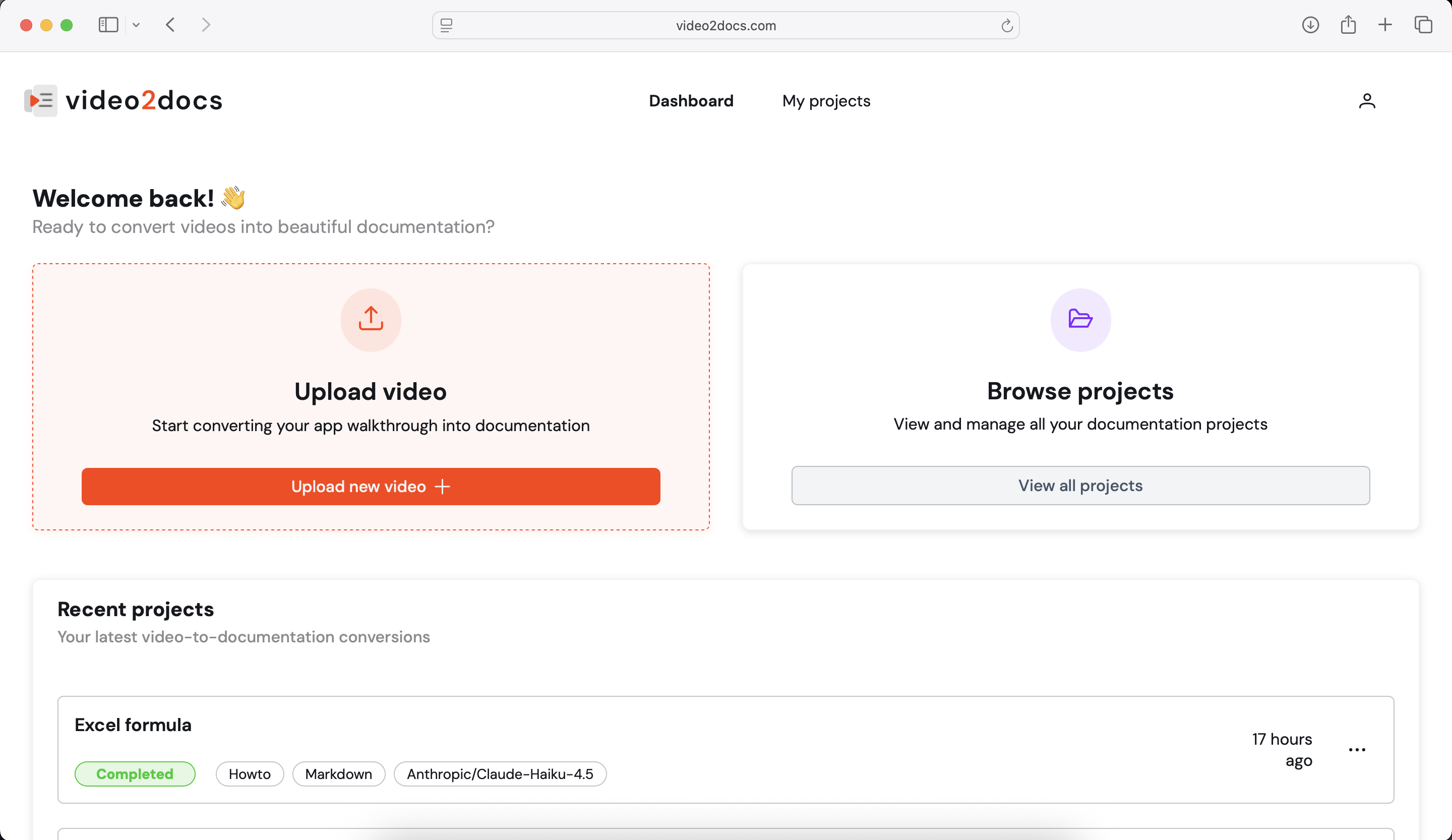
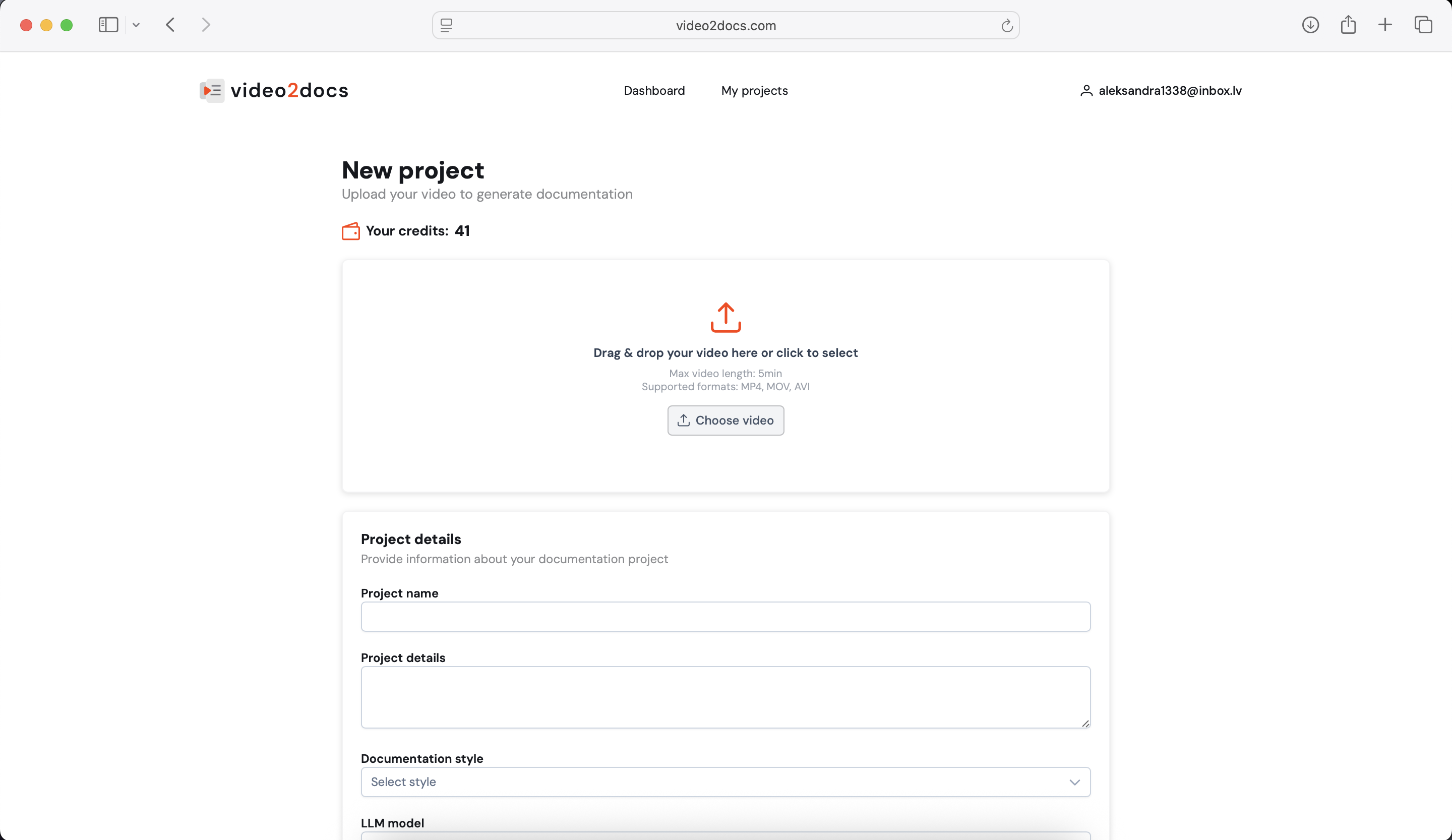
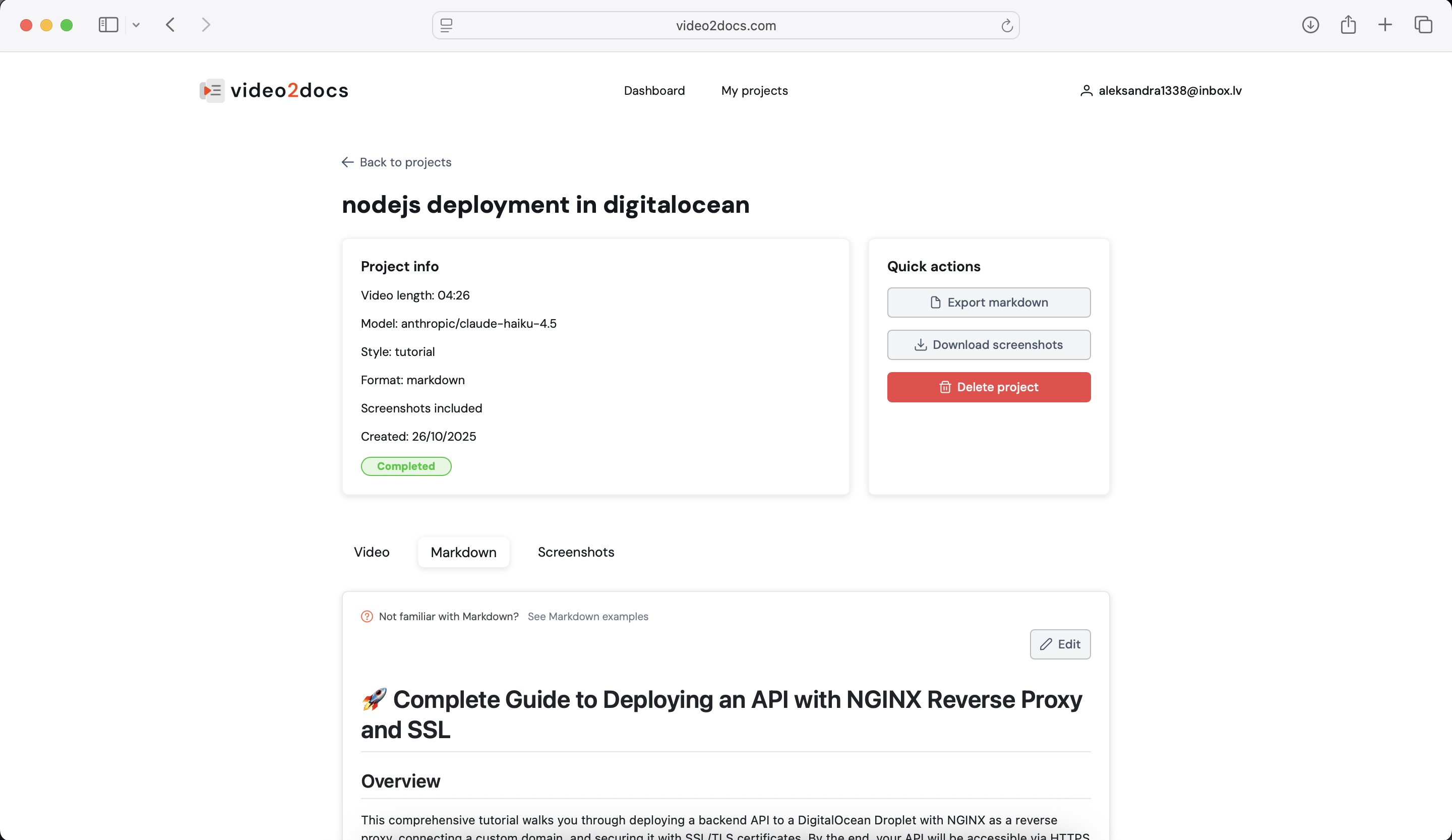
Highlights
- Choose from 10 different LLMs
- Choose documentation style (Tutorial, How-to, Quickstart...)
- Audio narration is not required
- Screenshots can be created for you and included in documentation
- Documentation is downloadable in markdown format
- All screenshots can be exported as a .zip
People also visit
Apps people often open alongside video2docs.
video2docs FAQ
What is video2docs?
Turn your videos into beautiful, well written documentation in minutes. Works even without audio narration! Our solution analyzes video content (unique frames) and then combines that information into one structured document.
Is video2docs free?
video2docs is freemium.
Do I need to download video2docs?
No. video2docs runs in your browser at video2docs.com, so there's nothing to install.
What can you do with video2docs?
Main features: Choose from 10 different LLMs, Choose documentation style (Tutorial, How-to, Quickstart...), Audio narration is not required, Screenshots can be created for you and included in documentation, Documentation is downloadable in markdown format.
What are the best video2docs alternatives?
Popular alternatives to video2docs include Hevzo, GetAnyTranscript and VioEvo. See all video2docs alternatives