




















Description
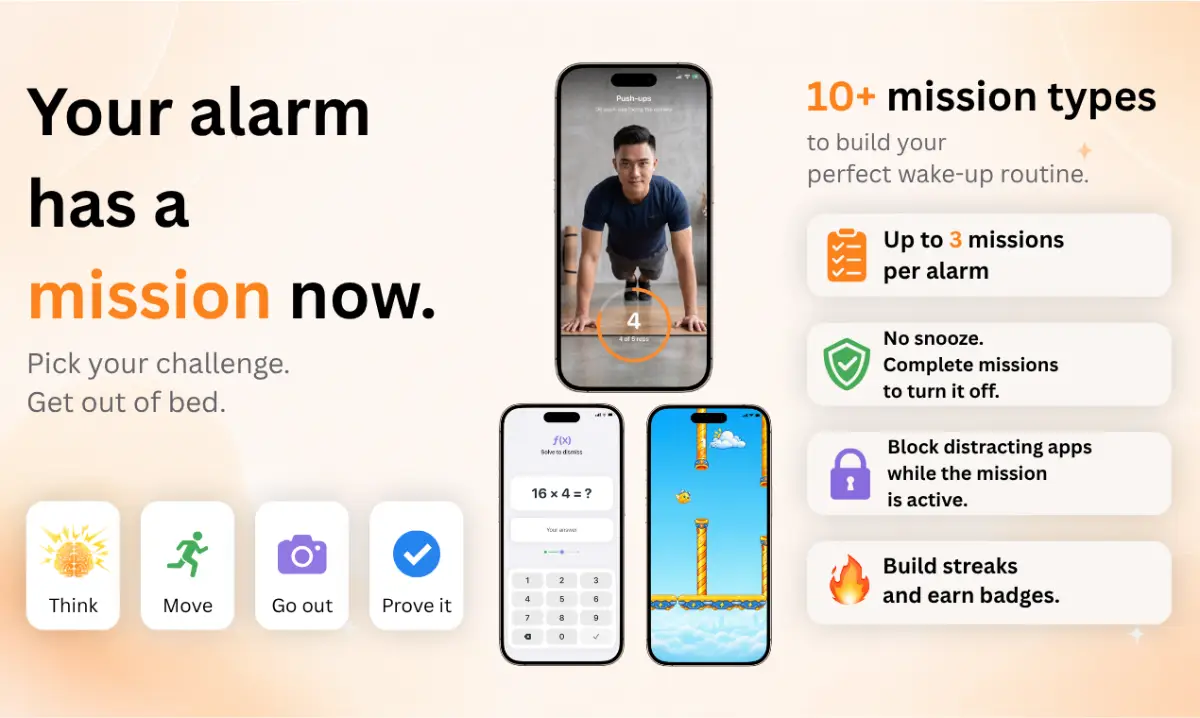
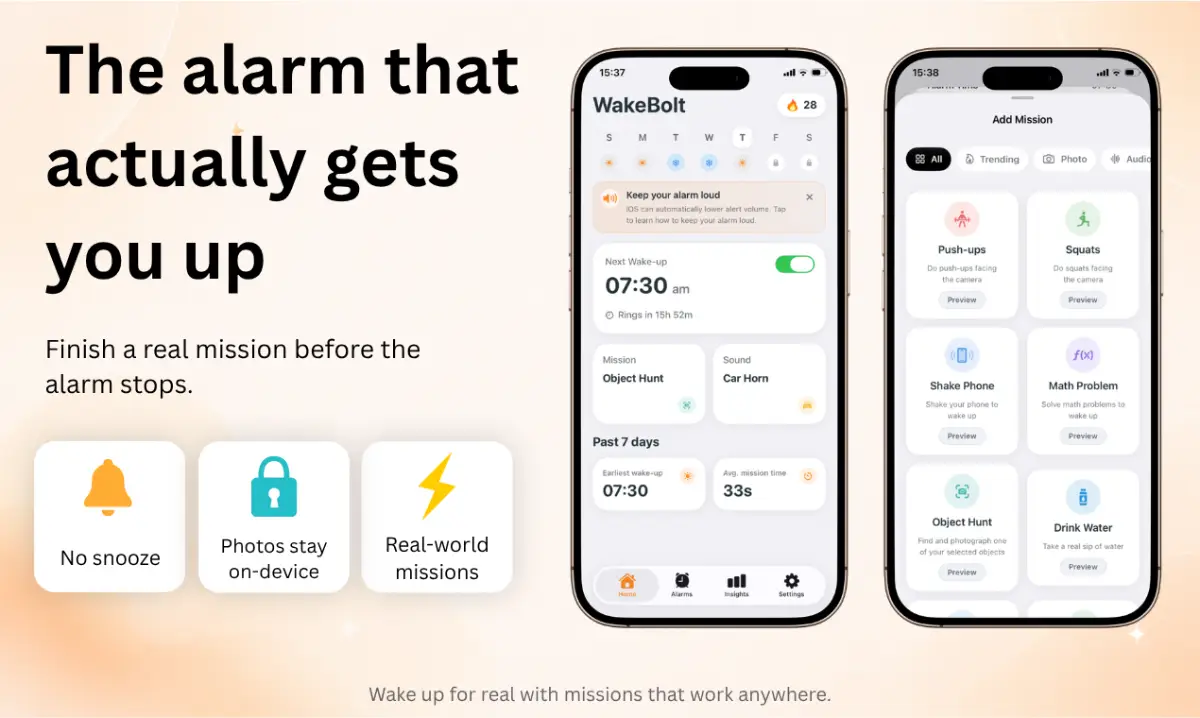
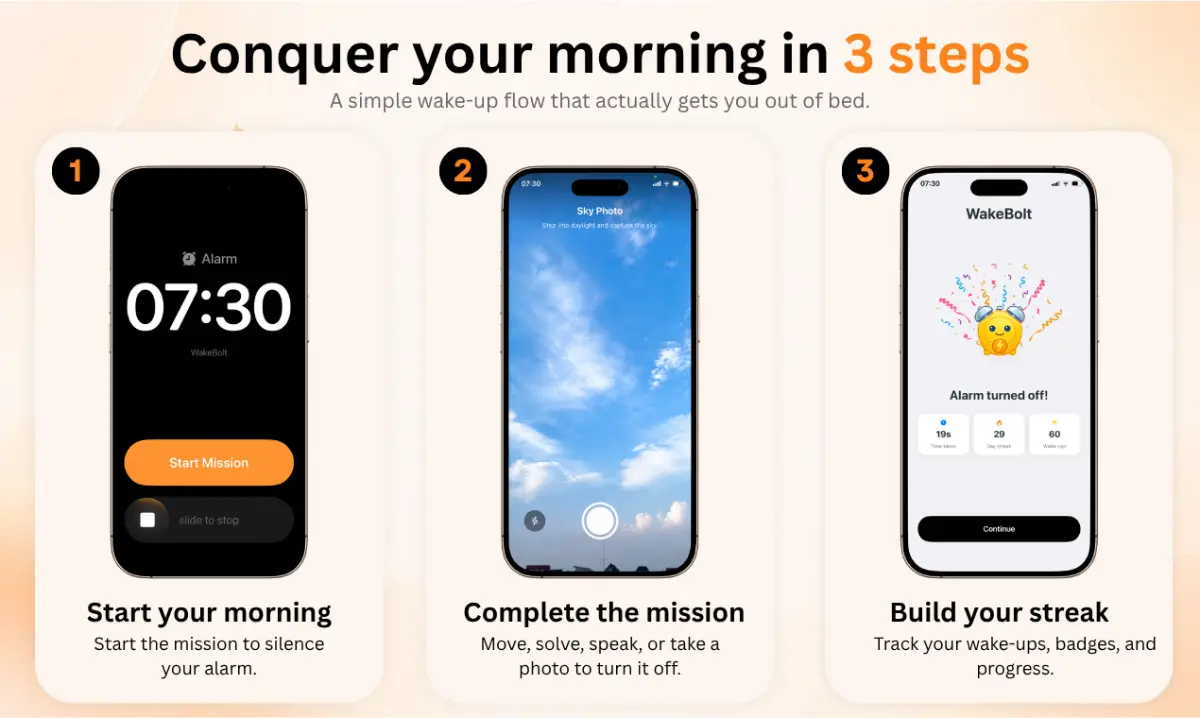
WakeBolt is an iPhone alarm for people who are way too good at hitting snooze. To turn off your alarm, you have to complete a mission first: 🧠 Solve math. 💪 Do push-ups or squats. 📳 Shake your phone. 🔎 Hunt for an object. 📸 Take a photo outside. 🎙️ Read aloud. 🎮 Finish a mini-game. 🔒 Camera missions are verified on your device. Your photos never leave your phone.…
Preview
Information
People also visit
Apps people often open alongside WakeBolt: Mission Alarm Clock.
WakeBolt: Mission Alarm Clock FAQ
What is WakeBolt: Mission Alarm Clock?
WakeBolt is an iPhone alarm for people who are way too good at hitting snooze. To turn off your alarm, you have to complete a mission first: 🧠 Solve math. 💪 Do push-ups or squats. 📳 Shake your phone. 🔎 Hunt for an object. 📸 Take a photo outside. 🎙️ Read aloud. 🎮 Finish a mini-game. 🔒 Camera missions are verified on your device. Your photos never leave your phone.
Is WakeBolt: Mission Alarm Clock free?
No. WakeBolt: Mission Alarm Clock is a paid app.
Do I need to download WakeBolt: Mission Alarm Clock?
No. WakeBolt: Mission Alarm Clock runs in your browser at wakebolt.com, so there's nothing to install.
What are the best WakeBolt: Mission Alarm Clock alternatives?
Popular alternatives to WakeBolt: Mission Alarm Clock include LastSend, Pockli and Compiss. See all WakeBolt: Mission Alarm Clock alternatives