













Description
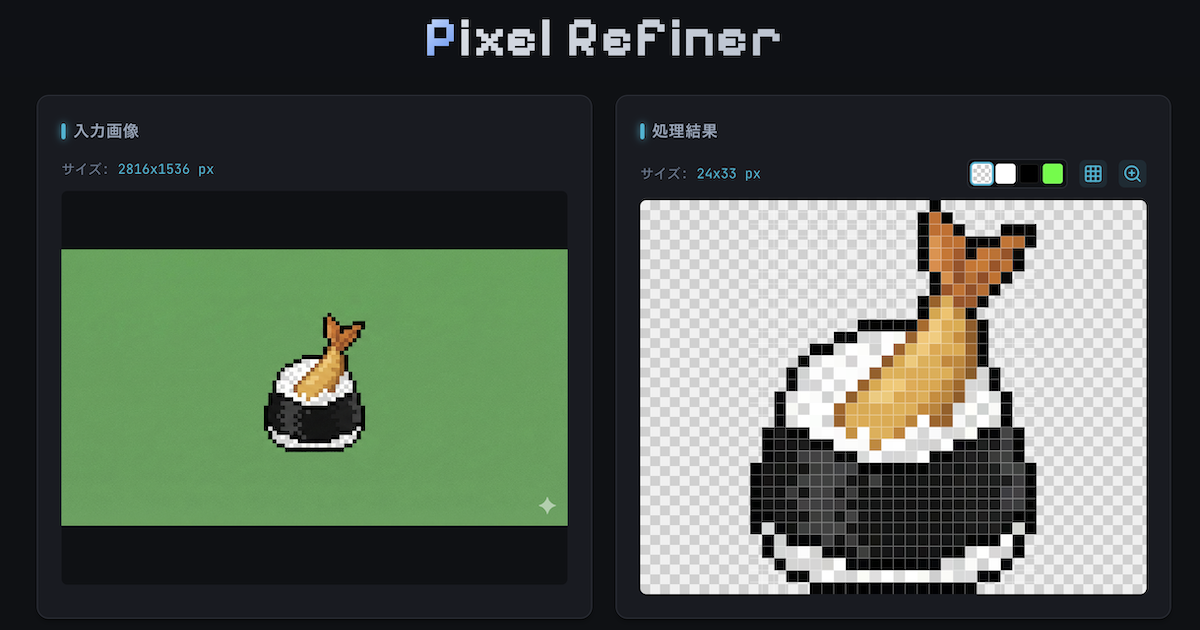
Xprite is a free, open-source pixel art editor that runs in your browser. You draw sprites, edit layers and animation frames, and open or save .ase and .aseprite projects, using a mouse, touch or a stylus. You can arrange your own workspace. Artwork is stored on your device, and the site says no account is required. Besides the editor, the site hosts smaller browser tools: an Aseprite viewer, a GIF to sprite sheet converter, an image to pixel art converter, a normal map generator, an Animal Crossing design converter, a fuse bead pattern maker and a tool for fixing AI pixel art. If the editor fails to start, it shows an error with a reload button and an option to export a diagnostic log. The pages are available in English, Simplified Chinese, Japanese, Korean, Russian, Portuguese, and Spanish.…
Highlights
- Draw pixel art and animate sprites in the browser
- Open and save .ase and .aseprite files
- Edit layers and animation frames
- Mouse, touch and stylus support
- Artwork stored on your device, no account needed
Ratings & Reviews
No ratings yet
Be the first to rate Xprite.
People also visit
Xprite FAQ
What is Xprite?
A free, open-source pixel art and sprite animation editor for the browser. You can create sprites, edit layers and frames, and save your work locally.
Do I need an account?
No. The site says no account is required, and your artwork is stored on your device.
Can I open Aseprite files?
Yes. You can open and save .ase and .aseprite projects in the editor.
Can I draw with a pen or touchscreen?
Yes. The editor supports touch and stylus input as well as a mouse.
What else is on the site?
Browser tools such as an Aseprite viewer, a GIF to sprite sheet converter, an image to pixel art converter and a normal map generator.
What are the best Xprite alternatives?
Popular alternatives to Xprite include LibreSprite, Pixel Art React and Voidsprite. See all Xprite alternatives