11 apps to start self-hosting with ease.
Explore self-hosted and managed platforms for deploying apps beyond Vercel, from simple workflows to full infrastructure control.
 S.T.11 apps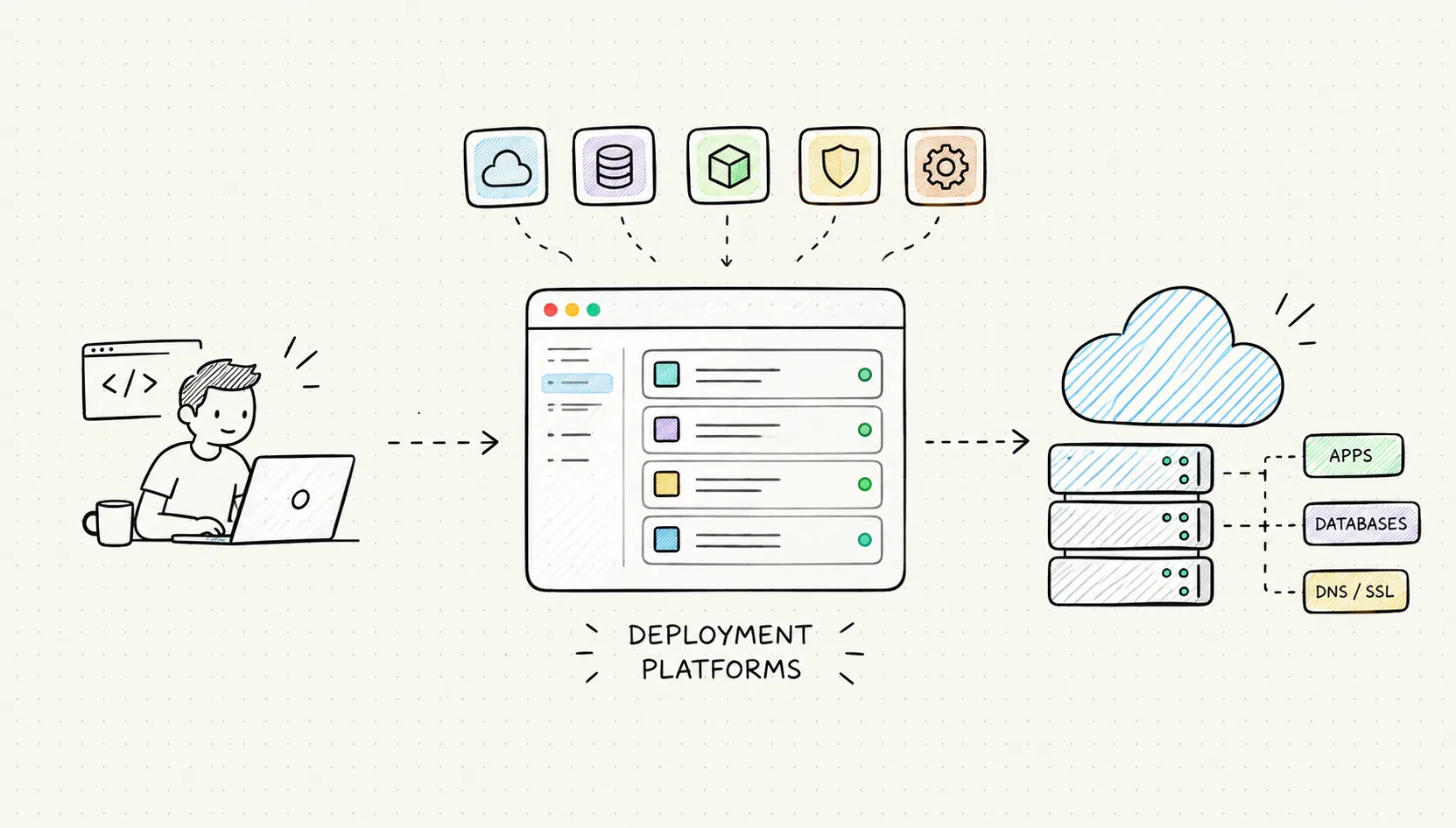
1. Self-host on your own infrastructure
Coolify · Dokploy · Dokku · OpenShip · Aeroplane
These open-source tools help you deploy and manage applications on your own servers. Coolify and Dokploy offer dashboard-driven workflows, making it easier to connect a Git repository, configure environment variables, and deploy an application without doing everything manually. Dokku takes a more CLI-oriented approach, using Git-based deployments and buildpacks to simplify the process.
Depending on the tool, you also get features like Docker-based deployments, automatic HTTPS, domain management, and support for databases and persistent storage. This gives you more control over how your applications are built, deployed, and run, but it also means you have to understand at least some of the infrastructure underneath.
Best for: Developers who want control over their deployment stack and are comfortable managing their own infrastructure.
(Keep in mind: Server maintenance, security updates, monitoring, and backups are still your responsibility. Self-hosting gives you more control, but it also gives you more things to take care of.)
A few newer tools to explore : Falak · Shed · /dev/push · Pxxl

.png?auto=compress&fit=max&w=128)



/dev/push
Open source deployment platform that deploys apps directly from GitHub

2. Managed deployment platforms
Koyeb · Sliplane · tryhost
Prefer shipping code without managing your own deployment server? These platforms offer managed deployment workflows, letting you focus more on your application rather than setting up and maintaining the infrastructure it runs on.
Depending on the provider, you can deploy directly from a Git repository, configure environment variables, manage application instances, and automate deployments whenever you push new changes. Some also offer features like automatic scaling, health checks, and managed networking, so you don't have to configure everything yourself.
The trade-off is that you have less control over the underlying infrastructure, and the experience can vary quite a bit between providers. Pricing, resource limits, supported runtimes, and deployment options are worth checking before committing to one.
Best for: Developers who want to ship applications quickly without spending too much time maintaining servers.
(Keep in mind: Managed doesn't mean unlimited. Check the pricing, resource limits, and supported workloads, especially if your application grows.)