




-(5).png?auto=compress&fit=max&w=128)













Description
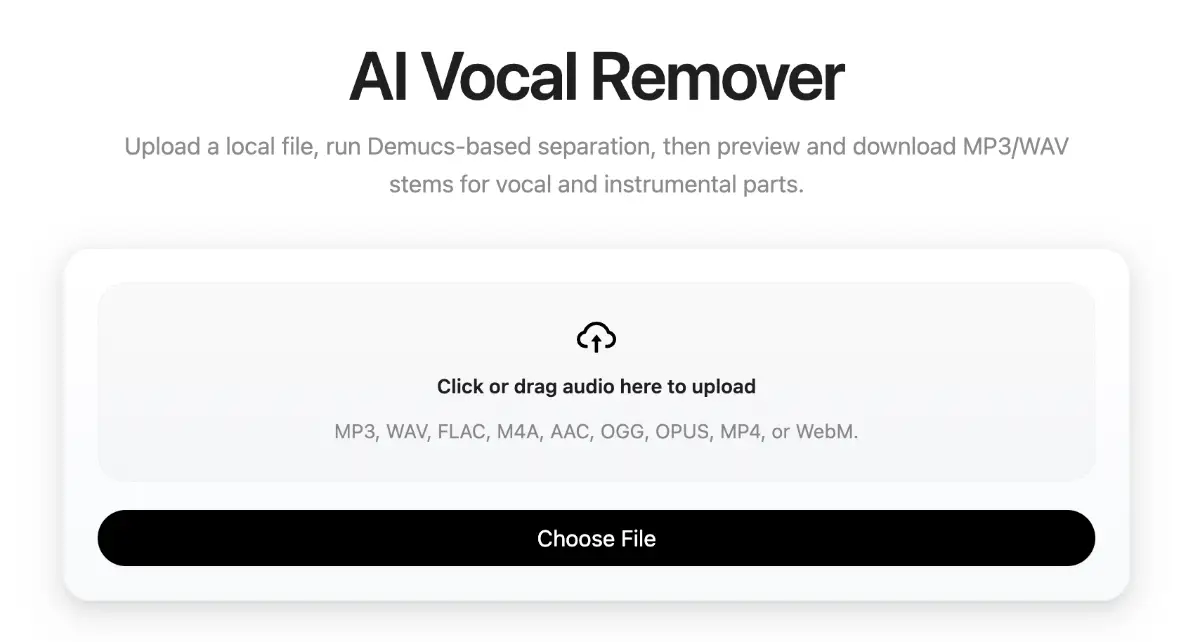
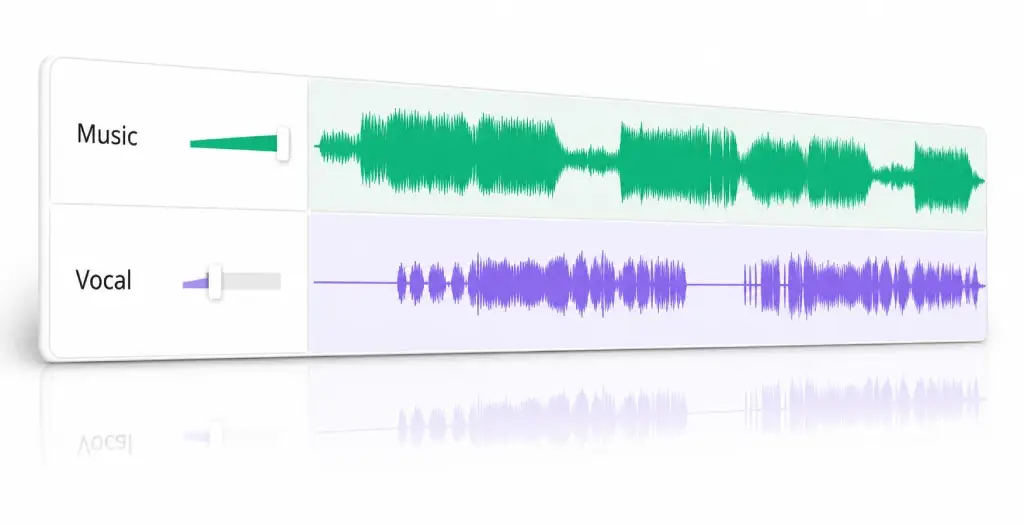
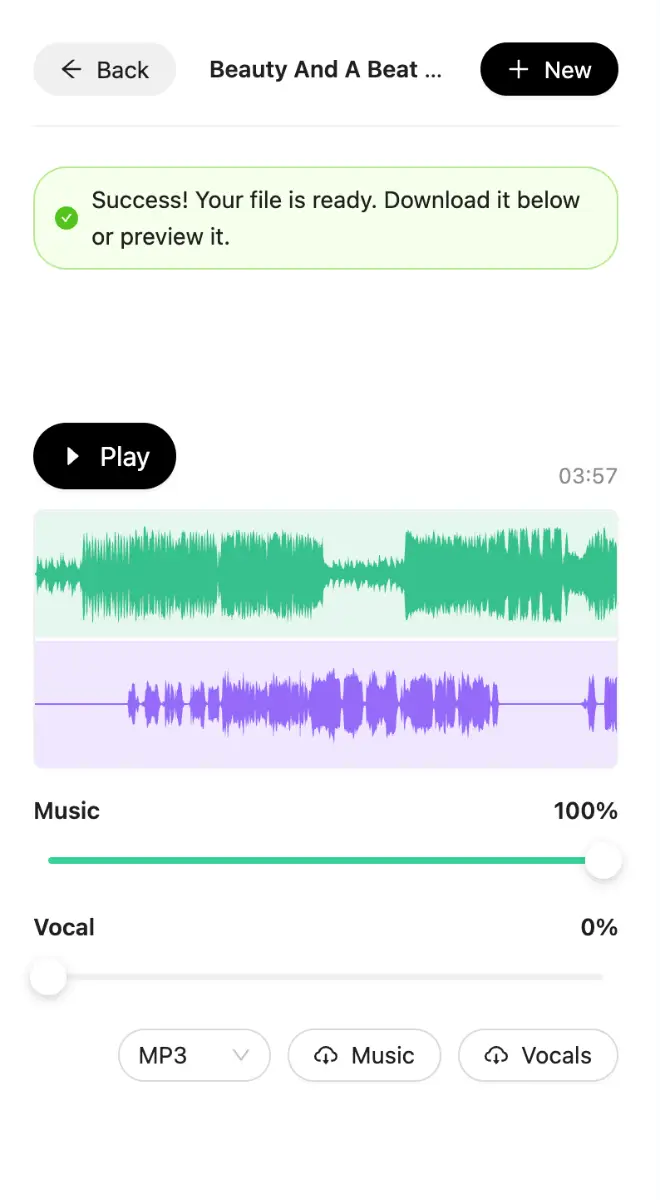
AI Vocal Remover is a focused browser workflow for people who need a quick vocal/instrumental split from a local audio file. It keeps the path short: upload one file, start AI separation, wait for processing, preview both stems in the browser, then keep the MP3 output that sounds useful. It is intentionally not positioned as a perfect-isolation promise or a full audio editing suite.…
Preview
Information
People also visit
Apps people often open alongside AI Vocal Remover.
AI Vocal Remover FAQ
What is AI Vocal Remover?
AI Vocal Remover is a focused browser workflow for people who need a quick vocal/instrumental split from a local audio file. It keeps the path short: upload one file, start AI separation, wait for processing, preview both stems in the browser, then keep the MP3 output that sounds useful. It is intentionally not positioned as a perfect-isolation promise or a full audio editing suite.
Is AI Vocal Remover free?
Yes. AI Vocal Remover is free to use.
Do I need to download AI Vocal Remover?
No. AI Vocal Remover runs in your browser at ai-vocal-remover.com, so there's nothing to install.
What are the best AI Vocal Remover alternatives?
Popular alternatives to AI Vocal Remover include Smallest.ai, EZAudio and Voice Cloner. See all AI Vocal Remover alternatives