Skip to content
BlurScreen.app

Free alternatives to BlurScreen.app

200 free apps like BlurScreen.app, closest match first.

Top picks

  1. S

    ScreenshotFaker

    Launch

    A privacy protection tool for screenshots with strong anti-detection capabilities.

    FreeOpen source

  2. R

    Recorder

    Launch

    Recorder is an open source web app that records your screen and camera right in the browser. Nothing needs to be installed. You start by sharing your screen, and the app lets you choose screen only, screen and camera, or camera only. The pr

    FreeOpen source

  3. S

    Super Recorder

    Launch

    Super Recorder is a screen recording app for Windows and Linux, built for making product demos, tutorials and walkthroughs. You can record a specific application window or the whole screen, and the site says recordings use native resolution

    Free

  4. B

    Blur Image Online

    Launch

    Blur Image Online is a browser image editor for blurring photos. You upload an image, adjust the blur, preview the result and download a copy, without signing up. It is meant for hiding faces, text in screenshots, backgrounds and other sens

    Free

  5. O

    openai/screenshot

    Get

    screenshot is an agent skill from OpenAI's curated skills collection that captures screenshots at the operating-system level on macOS, Linux and Windows. It supports the full screen, a specific app or window, a pixel region and multi-displa

    Free

  6. B

    Blurfaces

    Launch

    Blurfaces is a privacy-first tool that automatically detects and blurs faces in photos and videos. Perfect for content creators, businesses, and anyone who needs to protect privacy while sharing visual content.

    Free

More like BlurScreen.app

7
B

browser-video-recording

Create polished 60 fps 4:3 4K browser screen-recording style videos

Get
8
S

screenshot

Capture desktop, app windows, or pixel regions across OS platforms

Get
9
E

Electroncapture

Playback video in a frameless electron app for screen-sharing and window capture

Launch
10
B

BetterShot

Screen recorder featuring cursor zoom and captions

Launch
11
C

Calculator-Hide-Files

Open-source Android vault app to hide photos, videos, audio

Launch
12
P

PrivacyProtect

Securely share and store passwords and sensitive files

Launch
13
P

PasswordPusher

Securely share sensitive information

Launch
14
F

fakemaker

Create Realistic Chat Screenshots In Seconds

Launch
15
P

Privacy.sexy

Open-source tool to enforce privacy & security best-practices on Windows

Launch
16
T

toolblur

Free browser-based tools for files, text, code and more

Launch
17
B

Blear

iOS app that transforms your photos into stunning blurry wallpapers

Launch
18
M

Marzban

Unified GUI Censorship Resistant Solution Powered by Xray

Launch
19
A

AutoScreenshot

Automatic screenshot maker for Windows and Linux

Launch
20
N

Nanomite

Fast, private browser tools for everyday tasks

Launch
21
T

Tokokino

In-browser editor for device framing and mockups

Launch
22
C

Cloakbot

A privacy-first AI agent that sanitizes your prompts locally

Launch
23
S

ScreenDemos

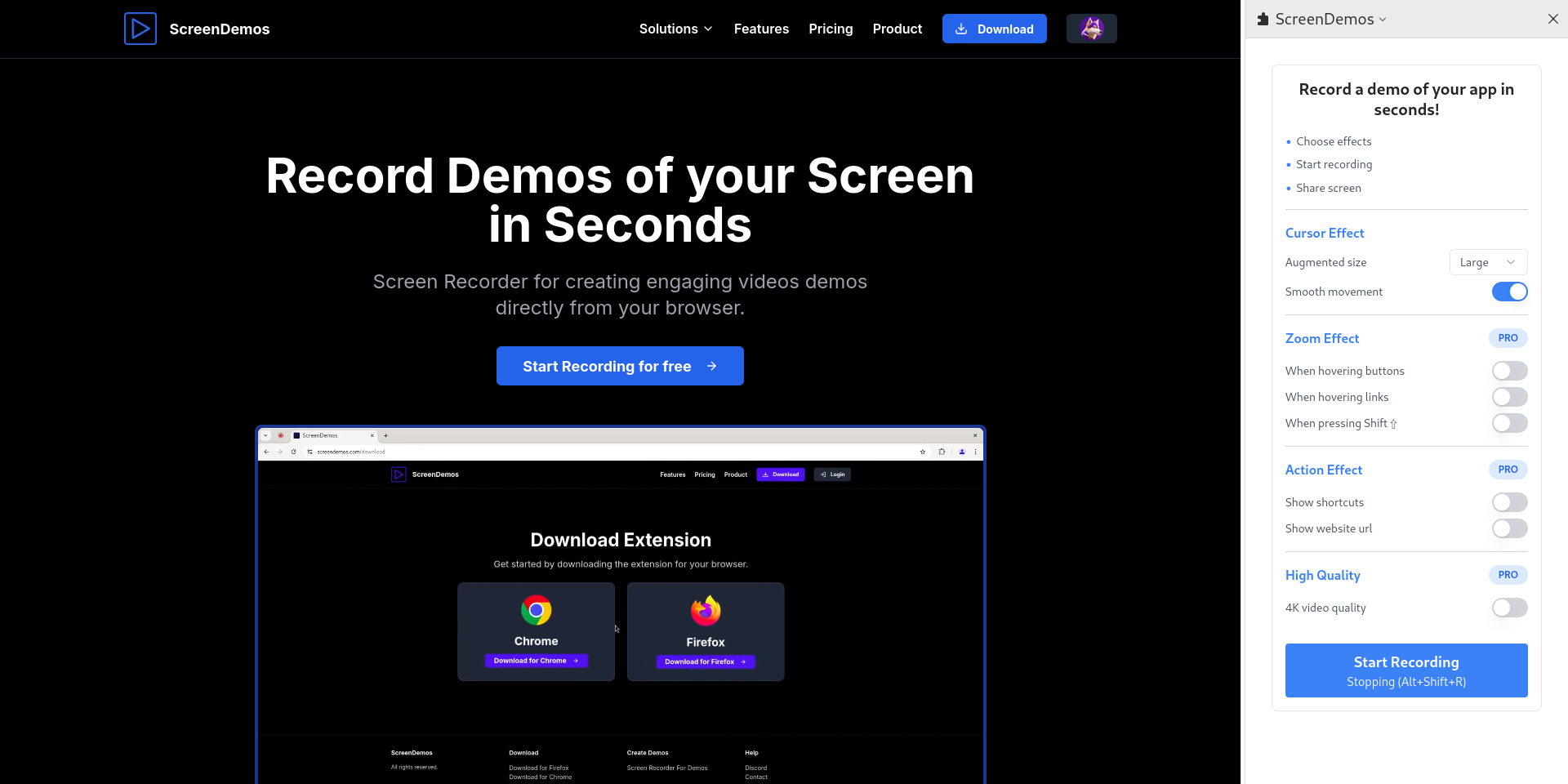
Record demo videos with professional effects for your product

Launch
24
T

Text Behind Image

Hide text in images for creative designs!

Launch
25
S

SCRNIFY.com

Powerful screenshot API: From URLs to pixels, made simple

Launch
26
S

screenshots-marketing

Generate marketing screenshots with Playwright

Get
27
B

BlankScreen

Free fullscreen timers, color screens & white noise

Launch
28
P

Promptmask

Never give AI companies your secrets

Launch
29
P

P2p.kiwi

p2p.kiwi , Cross-Platform screen sharing made simple

Launch
30
P

PicPick

All-in-one design tool for everyone

Launch
31
F

Flameshot

Powerful yet simple to use screenshot software

Launch
32
S

screenci

Create, show, and guide with ScreenCI videos in an already-initialized project

Get
33
A

axiom-media

Working with camera, photos, audio, haptics, ShazamKit

Get
34
O

OpenAI Privacy Filter

OpenAI Privacy Filter ZeroGPU demo

Launch
35
S

Screenbolt

Record. Edit. Ship

Launch
36
T

ToffeeShare

Send files of any size directly from your device

Launch
37
P

playwright-recording

Record browser interactions as video using Playwright

Get
38
P

Paranoia File & Text Encryption

Encrypt files, folders, and text with strong algorithms

Launch
39
W

WebUtils

Free Privacy-Focused Online Tools

Launch
40
F

Focus Lens

Screenshot spotlight editor

Launch
41
S

ScreenMind

AI-powered screen memory — captures, analyzes, and lets you search/chat your…

Launch
42
S

ShowNotes

Share your knowledge one note at a time and build organic audience

Launch
43
S

secure-secret-drop

Someone needs dead-simple secret sharing with an AI agent

Get
44
B

Bluehood

Monitor your local neighbourhood's bluetooth activity

Launch
45
L

Local Content Share

Store and share text snippets and files within your local network

Launch
46
F

FixGuard

Free ad blocker with experimental video ad skipping

Launch
47
R

Recordscript

Cross-platform screen recorder, transcript, subtitle

Launch
48
A

automate-this

Analyze a screen recording of a manual process and produce targeted

Get
49
S

ScreenPolish

Free in-browser screenshot editor with gradients, rounded corners & shadows

Launch
50
C

computer-use

Drives the GUI of a visible local app window through `orca computer`

Get

About BlurScreen.app

B

BlurScreen.app

blurscreen helps you hide anything on screen

BlurScreen hides sensitive information on your screen while you record, stream or share it. You press a shortcut, draw a rectangle over anything private, and the blur appears at once, so the private detail never reaches the recording and no video editing is needed afterwards. The app runs on macOS and Windows and works with meeting apps, so blurred areas stay hidden in recordings and screen shares. Keyboard shortcuts and controls let you blur quickly during a call. The site compares this with blurring in a video editor, which it says can take around 45 minutes per recording and is hard to do on a live call. Customers on review sites rate the app 4.9 out of 5. Plans are split into Basic, Professional and Team tiers, and the site has a setup guide, documentation and a blog.

Price
Paid
Category
Developer Tools
Website
blurscreen.app