













Description
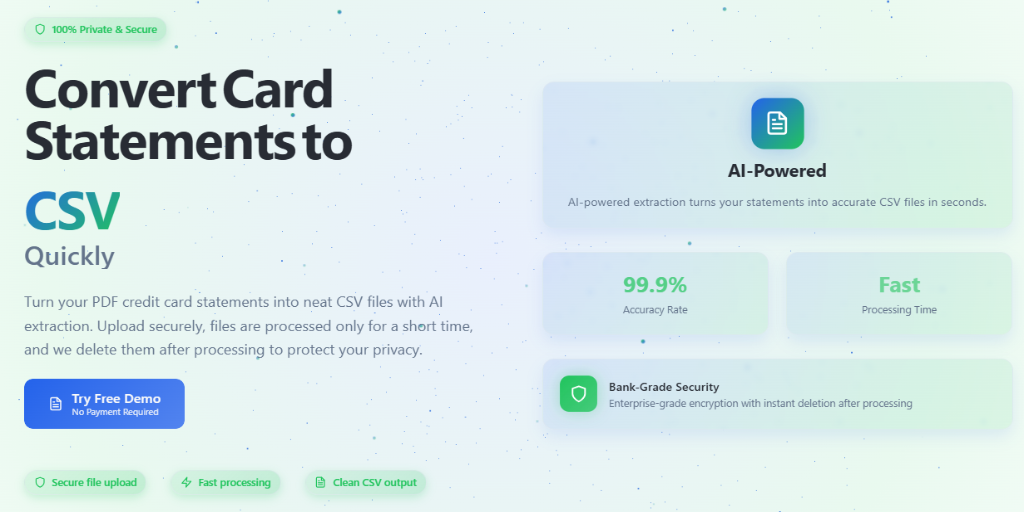
Card Statement CSV converts PDF credit card statements into CSV files. You upload a statement, AI extraction reads the transactions and formats them as a clean spreadsheet, and you download the CSV. The site says a conversion takes about 30 to 60 seconds and that a free demo is available with no payment needed. Pricing is per conversion and depends on the number of pages and the document's complexity, starting from $1 according to the site's cost estimator. The site mentions enterprise-grade encryption and says uploaded files are deleted within 24 hours after processing. Statements are sent to the company's servers for processing, so this is an upload-based service rather than an offline tool. The page names accountants as one of the main users.…
Highlights
- Converts PDF credit card statements to CSV
- Free demo with no payment required
- Pay per conversion, starting from $1
- Uploaded files deleted within 24 hours
- Clean CSV output for spreadsheets
Ratings & Reviews
No ratings yet
Be the first to rate Card Statement CSV.
People also visit
BankStatement-Wizard Bank Statement Converter AI
Convert PDF and statement images into structured Excel or CSV
Card Statement CSV FAQ
What does it convert?
PDF credit card statements. You upload the PDF, AI extraction reads the transactions, and you download a clean CSV file.
How much does it cost?
It is priced per conversion and depends on the number of pages and the document's complexity. The cost estimator on the site starts from $1.
Do I need an account?
No. The site says no sign-up is required, and a free demo is available with no payment.
What happens to my statement after conversion?
The site says files are automatically deleted within 24 hours after processing.
What are the best Card Statement CSV alternatives?
Popular alternatives to Card Statement CSV include Bank Statements CSV, kontocsv.de and AI Bank Statement. See all Card Statement CSV alternatives