













Description
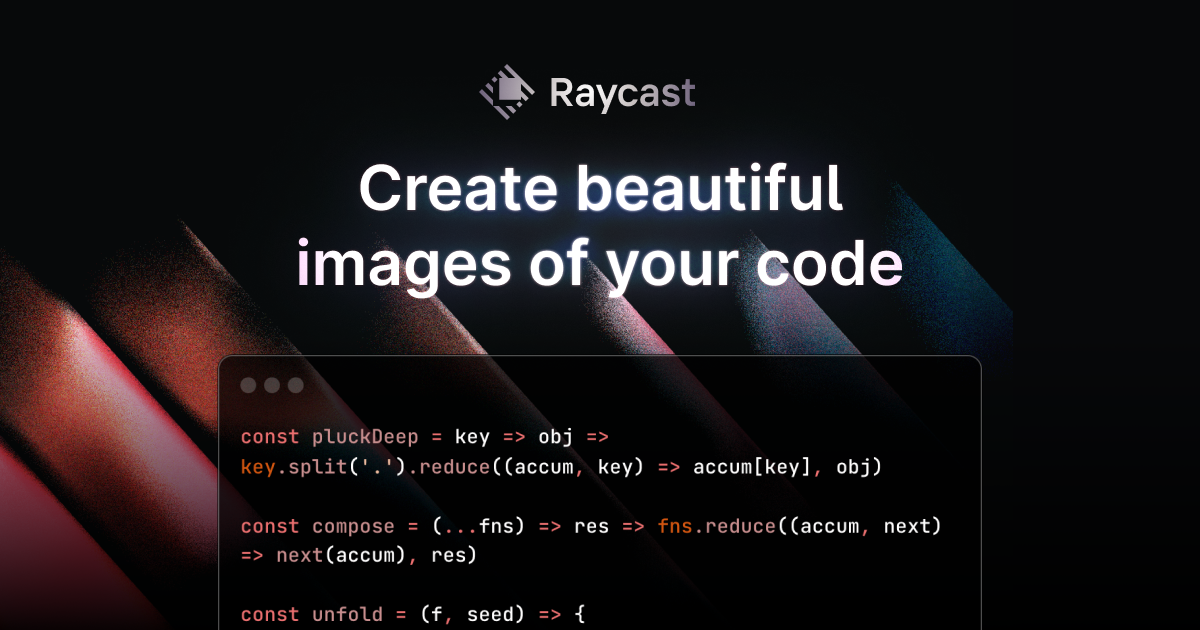
chalk.ist is a free web tool for turning source code into a styled image for presentations, documentation and social media. You paste or type code into the editor, which shows line numbers, and then customise the look with blocks, line decorations and an icon for the window. The tool has an export option for saving the picture once it looks right, and a presets section where you can save your current settings to reuse later. Code is shown with colours that make it easy to read, and the layout lets you tidy the frame around it. chalk.ist is aimed at developers who want clean code screenshots without taking them by hand. The project is listed on GitHub, with a Bluesky account for updates.…
Preview
Highlights
- Turn code into a styled image
- Line numbers and line decorations
- Window icon and blocks
- Saved presets
- Export the picture
Ratings & Reviews
No ratings yet
Be the first to rate Chalk.ist.
People also visit

Snippet Editor
Create beautiful code screenshots in seconds. Customize fonts, themes, and more
Chalk.ist FAQ
What does chalk.ist do?
It turns a block of source code into a styled image you can export and share.
Can I save my settings?
Yes. The site has a presets section where you can save your current settings to reuse them.
Does it show line numbers?
Yes. The editor shows numbered lines, and there are line decoration options.
Where is the code?
The project is on GitHub under the Idered/chalk.ist repository.
What are the best Chalk.ist alternatives?
Popular alternatives to Chalk.ist include ray.so, Codeshot and Figpeek. See all Chalk.ist alternatives